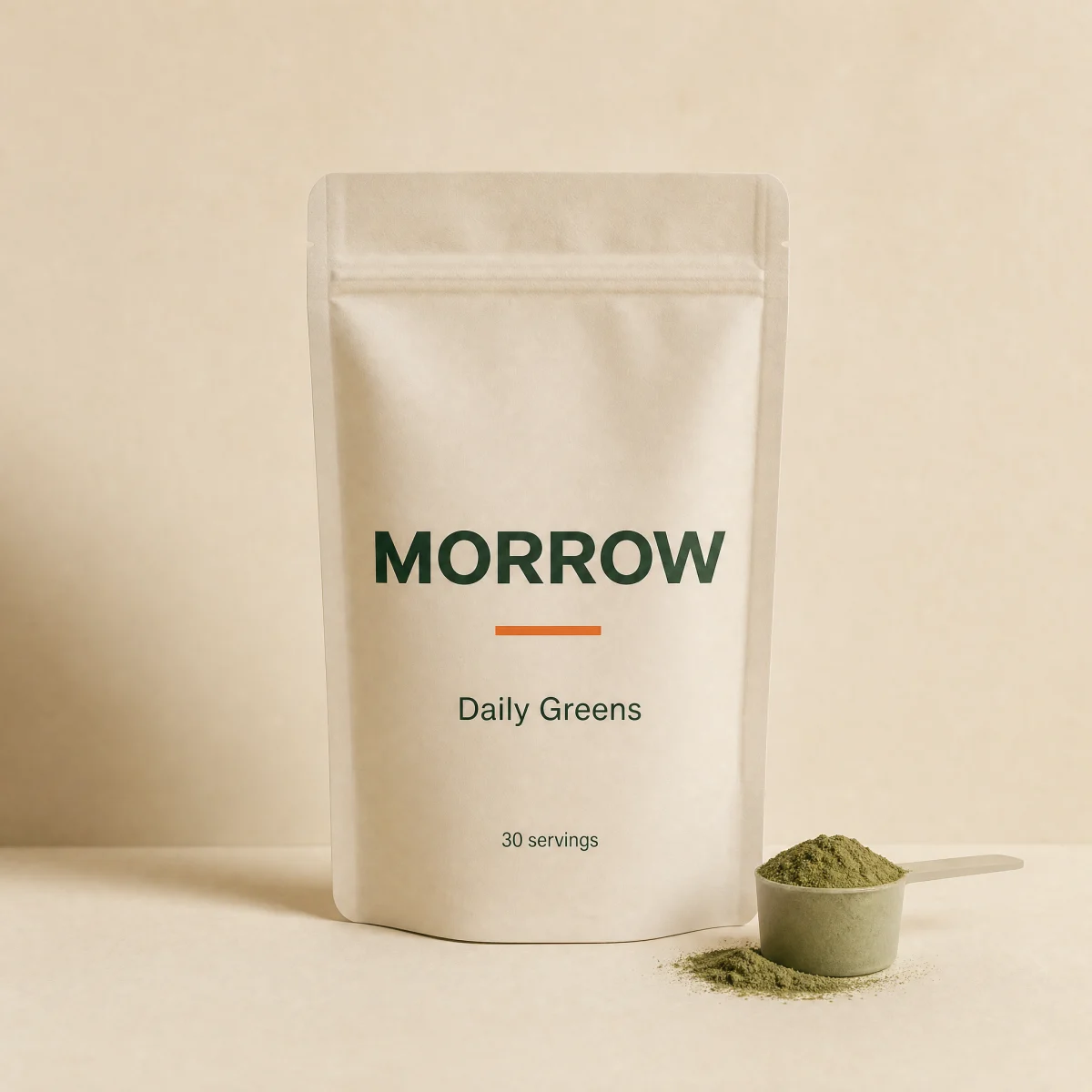
Editorial product card
Portrait tile that swaps to a second image on hover, display title, price and a benefit line. The whole card is one link.
componenteditorialanylink
$
npx shadcn@latest add @storekit/product-card-editorialproduct-card-editorial
Live and interactive. Switch the brand in the frame header to see the same source under another token file.
Installation
$
npx shadcn@latest add @storekit/product-card-editorial$
pnpm dlx shadcn@latest add @storekit/product-card-editorial$
yarn dlx shadcn@latest add @storekit/product-card-editorial$
bunx --bun shadcn@latest add @storekit/product-card-editorialSource
components/storekit/product-card/product-card-editorial.tsx
51 lines
import { cn } from "@/components/storekit/lib/cn"
import { Price } from "@/components/storekit/ui/price"
import { ProductImage } from "@/components/storekit/ui/product-image"

/* Editorial tile. Portrait image that swaps to a second shot on hover, a
   display-face title, the price under it and one benefit line. No button: the whole card
   is a single link and every part of it shares the hover. */

export function ProductCardEditorial({
  title = "Daily Greens",
  benefit = "28 greens and probiotics in one scoop.",
  price = 4900,
  compareAt,
  image = "/placeholder.webp",
  hoverImage,
  href = "#",
  className,
}: {
  title?: string
  benefit?: string
  price?: number
  compareAt?: number
  image?: string
  hoverImage?: string
  href?: string
  className?: string
}) {
  return (
    <a
      href={href}
      data-sk-section="product-card"
      data-sk-variant="product-card-editorial"
      className={cn(
        "group/img flex flex-col gap-4 rounded-sk-card outline-none focus-visible:ring-2 focus-visible:ring-sk-accent focus-visible:ring-offset-4 focus-visible:ring-offset-sk-paper",
        className
      )}
    >
      <ProductImage src={image} hoverSrc={hoverImage} alt="" aspect="portrait" fit="cover" className="rounded-sk-card" />
      <div className="flex flex-col gap-1.5">
        <div className="flex flex-col gap-1">
          <h3 className="text-balance break-words font-sk-display text-lg font-semibold leading-[1.1] tracking-[-0.02em] text-sk-ink underline-offset-4 sm:text-xl decoration-sk-ink/30 group-hover/img:underline">
            {title}
          </h3>
          <Price amount={price} compareAt={compareAt} size="sm" />
        </div>
        <p className="text-sm leading-[1.5] text-sk-muted">{benefit}</p>
      </div>
    </a>
  )
}
Usage
Import from "@/components/storekit/product-card/product-card-editorial" and pass your product data. The demo above exercises the full prop surface with sample values.