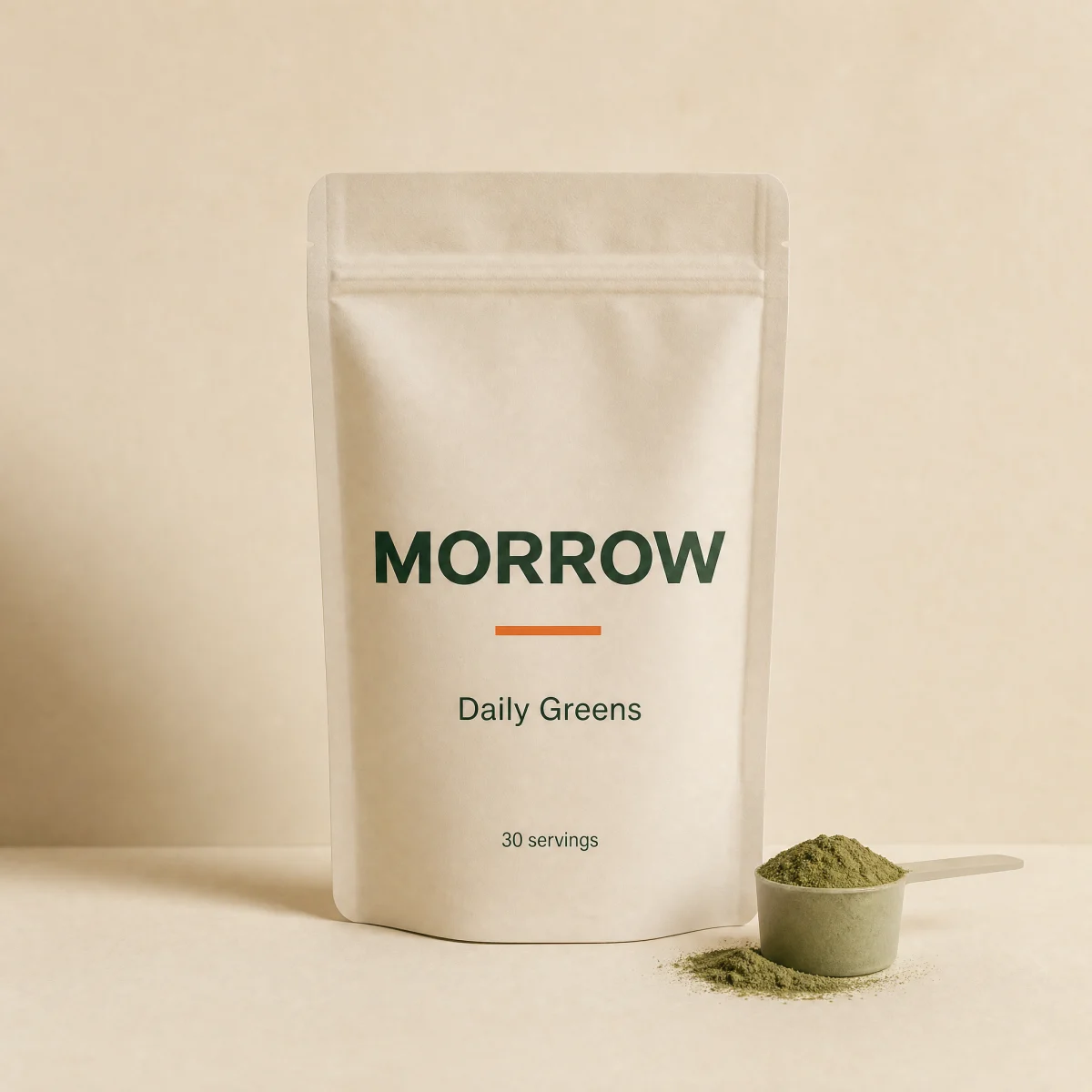
Variant select product card
In-card option select that swaps price and crossfades the image, a spring-pop wishlist heart and a rating row.
componentvariantanyatcvariantswishlist
$
npx shadcn@latest add @storekit/product-card-variantproduct-card-variant
Live and interactive. Switch the brand in the frame header to see the same source under another token file.
Installation
$
npx shadcn@latest add @storekit/product-card-variant$
pnpm dlx shadcn@latest add @storekit/product-card-variant$
yarn dlx shadcn@latest add @storekit/product-card-variant$
bunx --bun shadcn@latest add @storekit/product-card-variantSource
components/storekit/product-card/product-card-variant.tsx
144 lines
"use client"

import { useId, useState } from "react"
import { AnimatePresence, motion, useAnimate, useReducedMotion } from "motion/react"
import { Check, ChevronDown, Heart } from "lucide-react"
import { cn } from "@/components/storekit/lib/cn"
import { Button } from "@/components/storekit/ui/button"
import { Price } from "@/components/storekit/ui/price"
import { Stars } from "@/components/storekit/ui/stars"
import { useAddState } from "@/components/storekit/product-card/product-card-minimal"
import { useSkBlock } from "@/components/storekit/lib/sk-analytics"

/* Variant tile. A native select (full keyboard and screen reader support for
   free) swaps both price and image; images crossfade. The wishlist heart pops
   1 to 1.3 to 1 when saved. Rating sits under the title. */

const EASE = [0.23, 1, 0.32, 1] as const

type Variant = { label: string; price: number; compareAt?: number; image: string }

export function ProductCardVariant({
  title = "Electrolytes",
  href = "#",
  variants = [
    { label: "Citrus, 30 sticks", price: 3200, image: "/placeholder.webp" },
    { label: "Berry, 30 sticks", price: 3200, image: "/placeholder.webp" },
  ],
  rating = 4.8,
  reviewCount = 214,
  defaultSaved = false,
  onSave,
  onAdd,
  className,
}: {
  title?: string
  href?: string
  variants?: Variant[]
  rating?: number
  reviewCount?: number
  defaultSaved?: boolean
  onSave?: (saved: boolean) => void
  onAdd?: (line: { title: string; variant: string; price: number }) => void | Promise<void>
  className?: string
}) {
  const reduce = useReducedMotion()
  const selectId = useId()
  const [index, setIndex] = useState(0)
  const [saved, setSaved] = useState(defaultSaved)
  const [heart, animateHeart] = useAnimate()
  const v = variants[index]
  const sk = useSkBlock("product-card", "product-card-variant")
  const { state, add } = useAddState(() => {
    sk.emit("convert", "add_to_cart", v.price)
    return onAdd?.({ title, variant: v.label, price: v.price })
  })

  return (
    <article ref={sk.ref} {...sk.attrs} className={cn("group/img relative flex flex-col gap-3", className)}>
      <div className="relative aspect-square overflow-hidden rounded-sk-card bg-sk-surface">
        <AnimatePresence initial={false}>
          <motion.img
            key={v.image}
            src={v.image}
            alt=""
            initial={{ opacity: 0 }}
            animate={{ opacity: 1 }}
            exit={{ opacity: 0 }}
            transition={{ duration: reduce ? 0 : 0.35, ease: EASE }}
            className="absolute inset-0 h-full w-full object-cover transition-transform duration-700 ease-sk-out group-hover/img:scale-[1.04] motion-reduce:group-hover/img:scale-100"
          />
        </AnimatePresence>
        <button
          type="button"
          aria-pressed={saved}
          aria-label={saved ? `Remove ${title} from wishlist` : `Save ${title} to wishlist`}
          onClick={() => {
            const next = !saved
            setSaved(next)
            if (next && !reduce) animateHeart(heart.current, { scale: [1, 1.3, 1] }, { duration: 0.35, ease: EASE, times: [0, 0.4, 1] })
            onSave?.(next)
          }}
          className="absolute right-3 top-3 z-10 grid h-11 w-11 place-items-center rounded-full border border-sk-line bg-sk-card text-sk-ink outline-none transition-transform duration-200 ease-sk-out focus-visible:ring-2 focus-visible:ring-sk-accent focus-visible:ring-offset-2 focus-visible:ring-offset-sk-paper active:scale-[0.97]"
        >
          <span ref={heart} className="grid place-items-center">
            <Heart size={18} aria-hidden className={cn("transition-colors duration-200", saved ? "fill-sk-sale text-sk-sale" : "fill-transparent")} />
          </span>
        </button>
      </div>

      <div className="flex flex-col gap-1.5">
        <div className="flex items-baseline justify-between gap-3">
          <h3 className="min-w-0 truncate text-[15px] font-medium text-sk-ink">
            <a
              href={href}
              className="outline-none after:absolute after:inset-0 after:rounded-sk-card after:content-[''] focus-visible:after:ring-2 focus-visible:after:ring-sk-accent focus-visible:after:ring-offset-2 focus-visible:after:ring-offset-sk-paper"
            >
              {title}
            </a>
          </h3>
          <span className="relative inline-grid overflow-hidden" aria-live="polite">
            <AnimatePresence mode="popLayout" initial={false}>
              <motion.span
                key={v.label}
                initial={{ opacity: 0, y: reduce ? 0 : 6 }}
                animate={{ opacity: 1, y: 0 }}
                exit={{ opacity: 0, y: reduce ? 0 : -6 }}
                transition={{ duration: 0.25, ease: EASE }}
                className="col-start-1 row-start-1 justify-self-end"
              >
                <Price amount={v.price} compareAt={v.compareAt} size="sm" />
              </motion.span>
            </AnimatePresence>
          </span>
        </div>
        <Stars value={rating} count={reviewCount} size={12} />
      </div>

      <div className="relative z-10 flex flex-col gap-2">
        <label htmlFor={selectId} className="sr-only">
          Option
        </label>
        <div className="relative">
          <select
            id={selectId}
            value={index}
            onChange={(e) => setIndex(Number(e.target.value))}
            className="h-11 w-full appearance-none rounded-sk-btn border border-sk-line bg-sk-card pl-3.5 pr-10 text-base text-sk-ink outline-none sm:text-sm transition-[border-color] duration-200 hover:border-sk-ink/30 focus-visible:border-sk-accent focus-visible:ring-[3px] focus-visible:ring-sk-accent/15"
          >
            {variants.map((opt, i) => (
              <option key={opt.label} value={i}>
                {opt.label}
              </option>
            ))}
          </select>
          <ChevronDown size={16} aria-hidden className="pointer-events-none absolute right-3.5 top-1/2 -translate-y-1/2 text-sk-muted" />
        </div>
        <Button className="w-full active:scale-[0.97]" loading={state === "loading"} onClick={add} aria-label={`Add ${title}, ${v.label}, to cart`}>
          {state === "added" ? (<><Check size={16} aria-hidden />Added</>) : "Add to cart"}
        </Button>
      </div>
    </article>
  )
}
Usage
Import from "@/components/storekit/product-card/product-card-variant" and pass your product data. The demo above exercises the full prop surface with sample values.