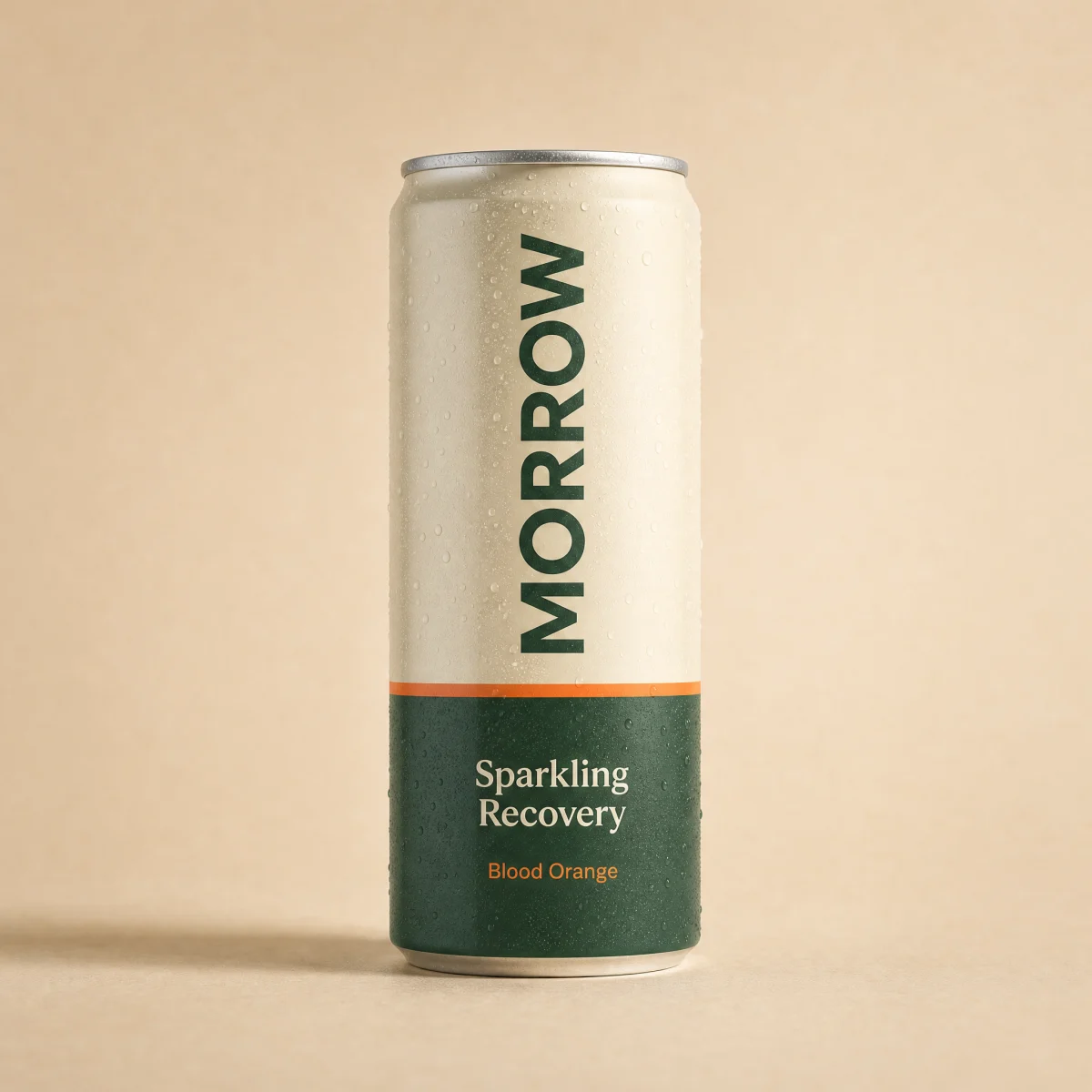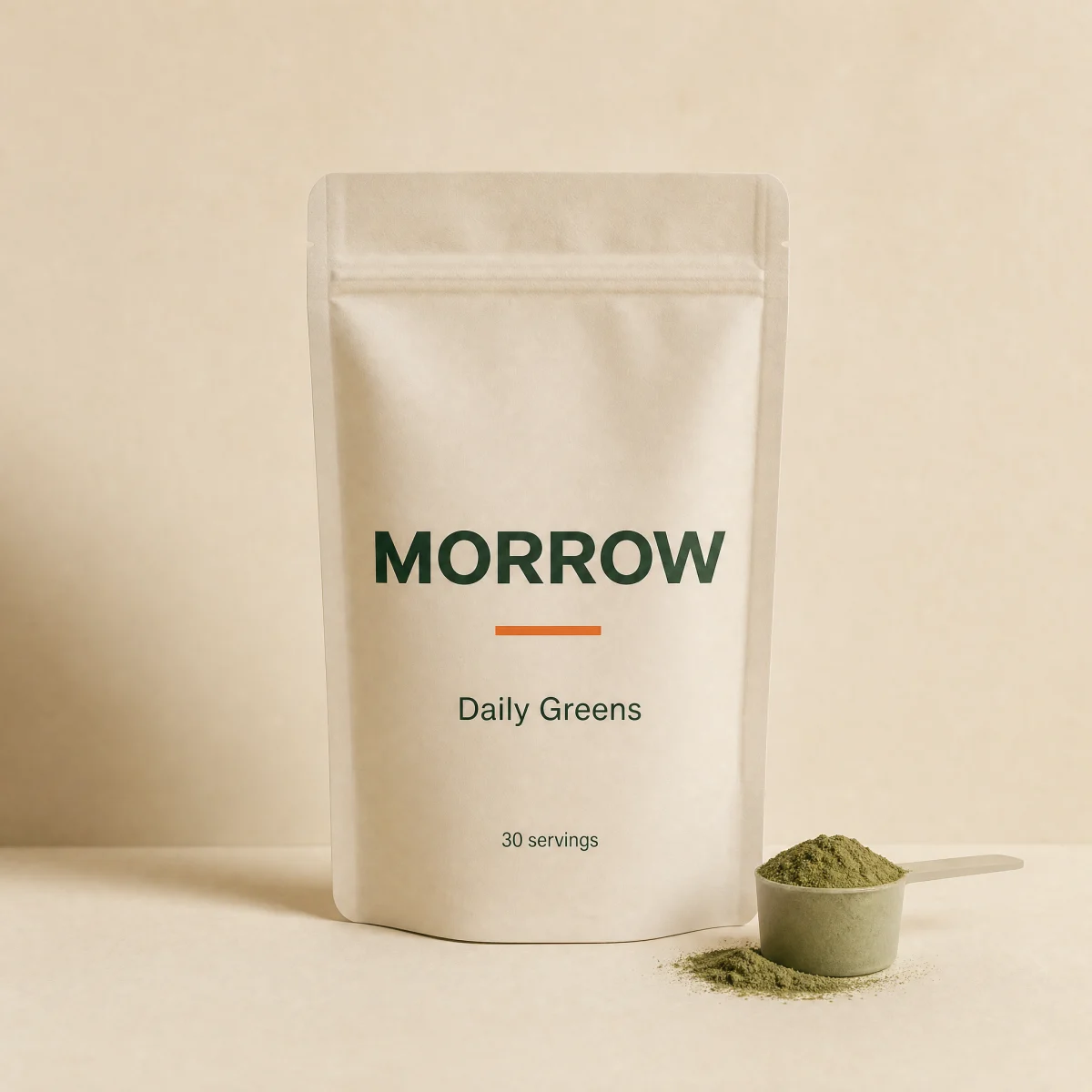
Sale
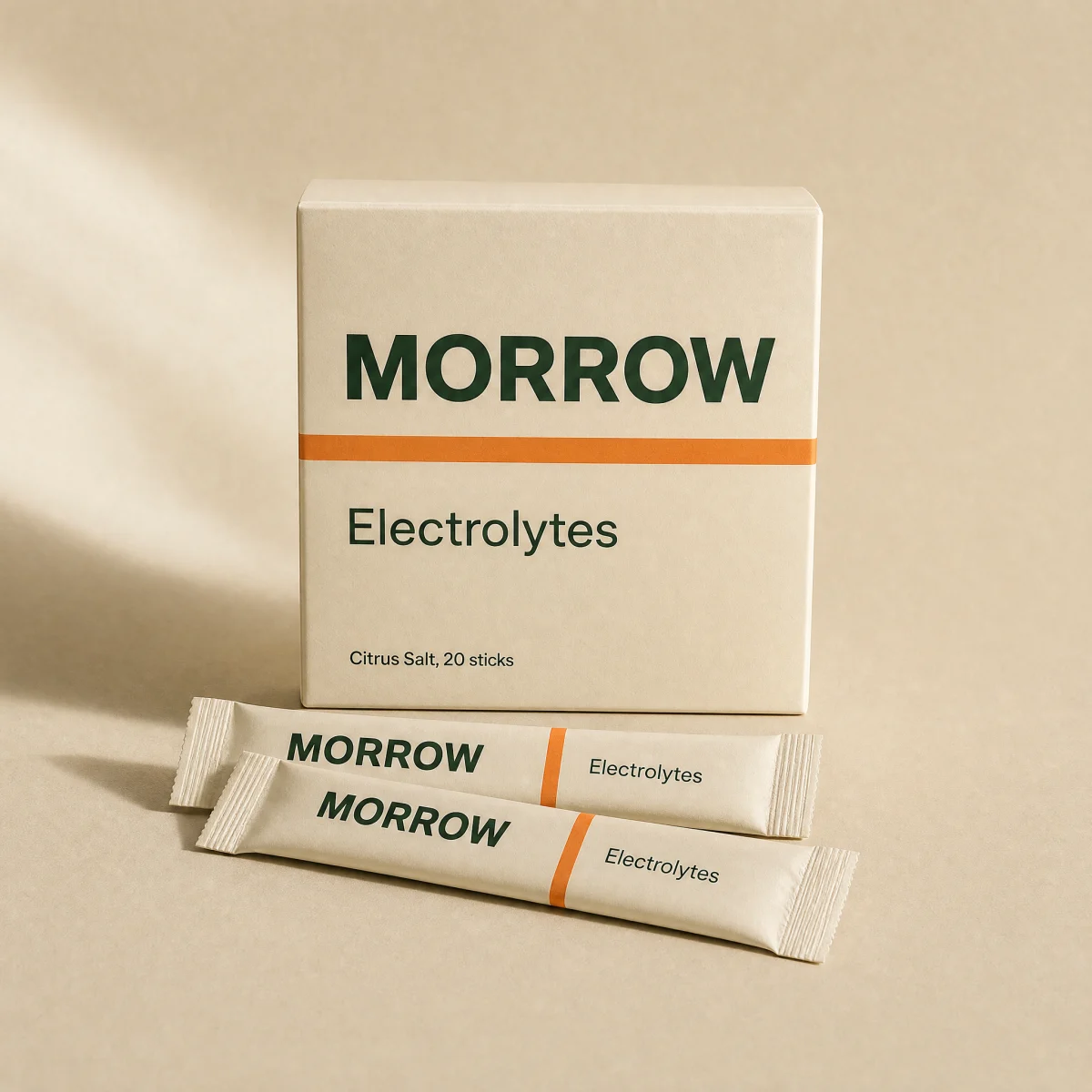
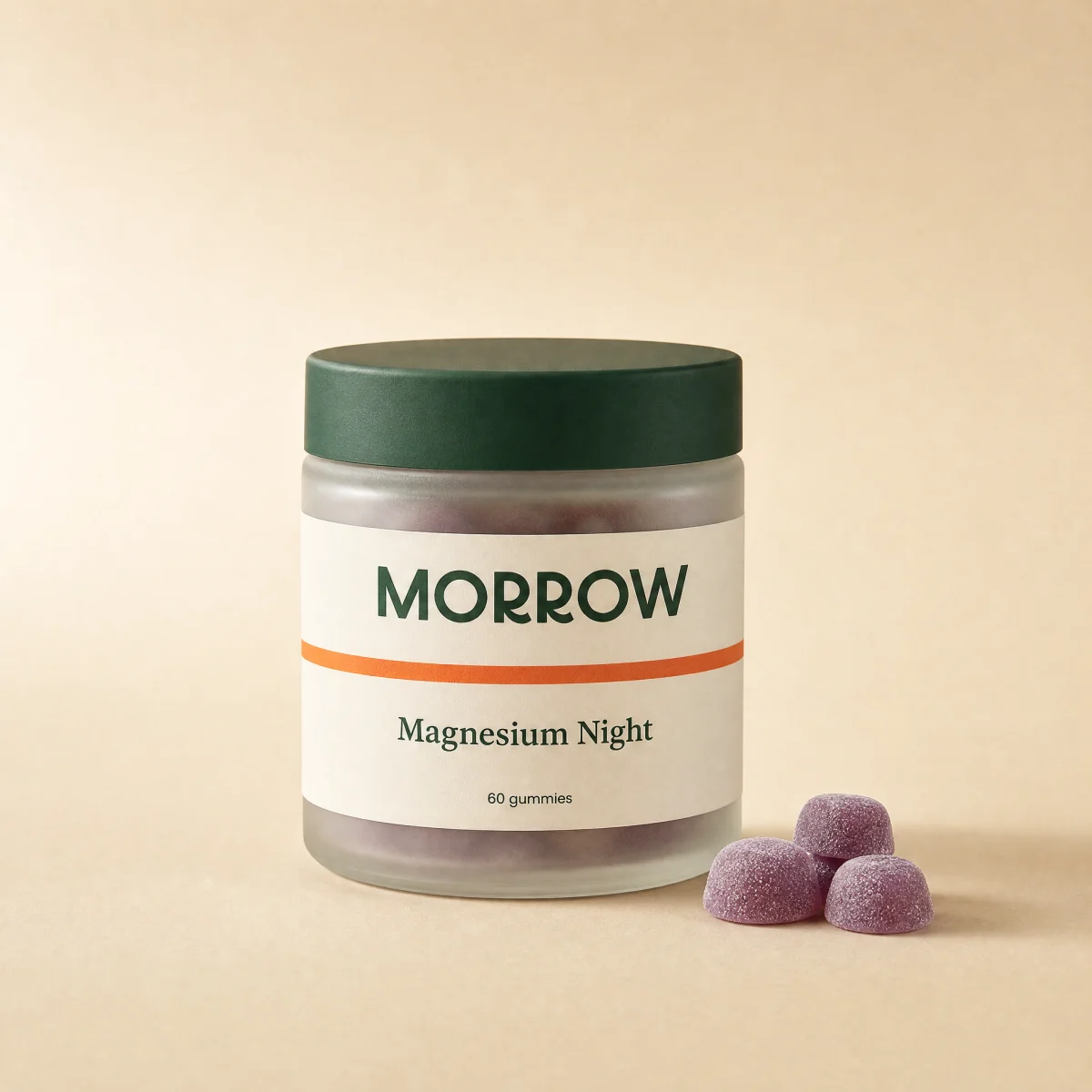
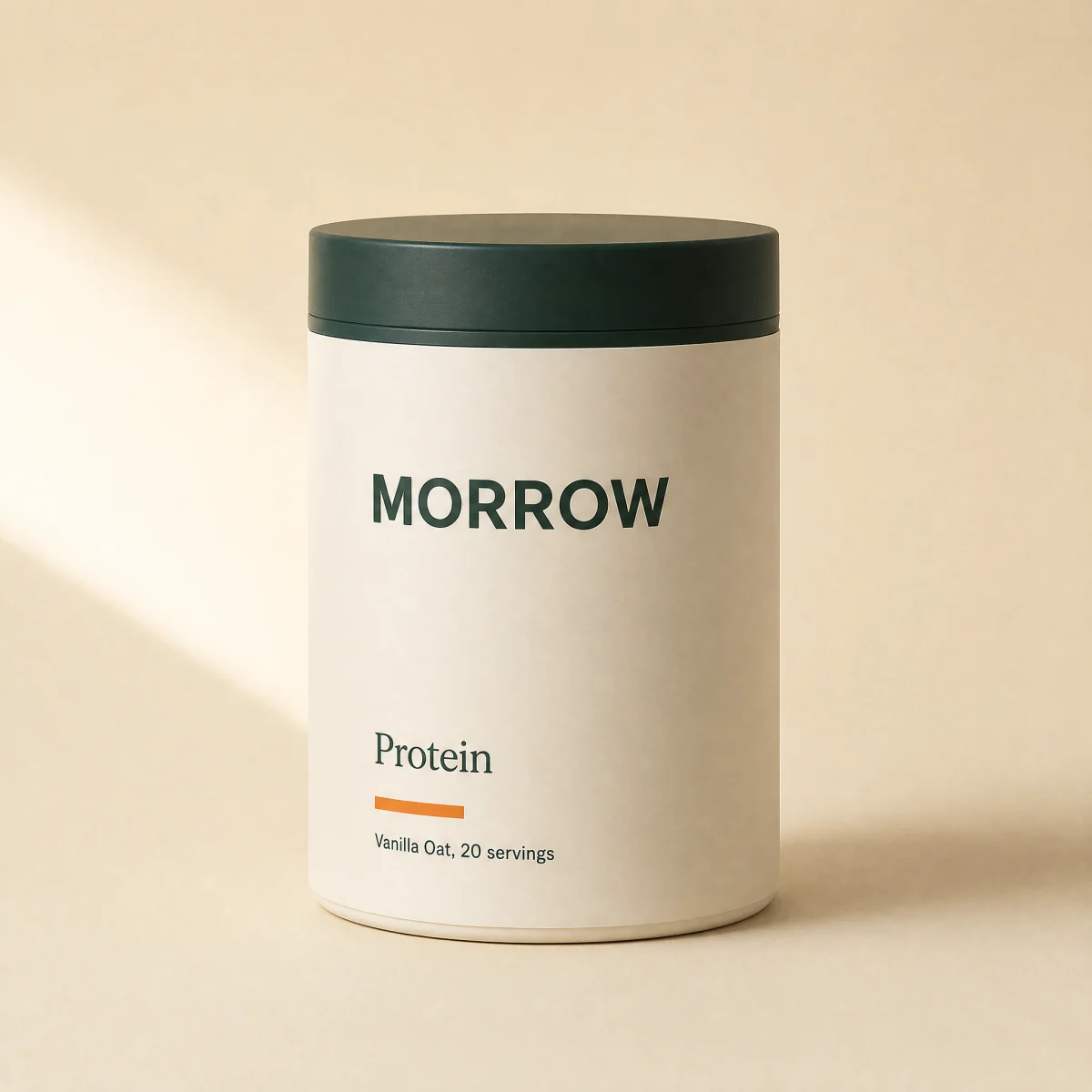
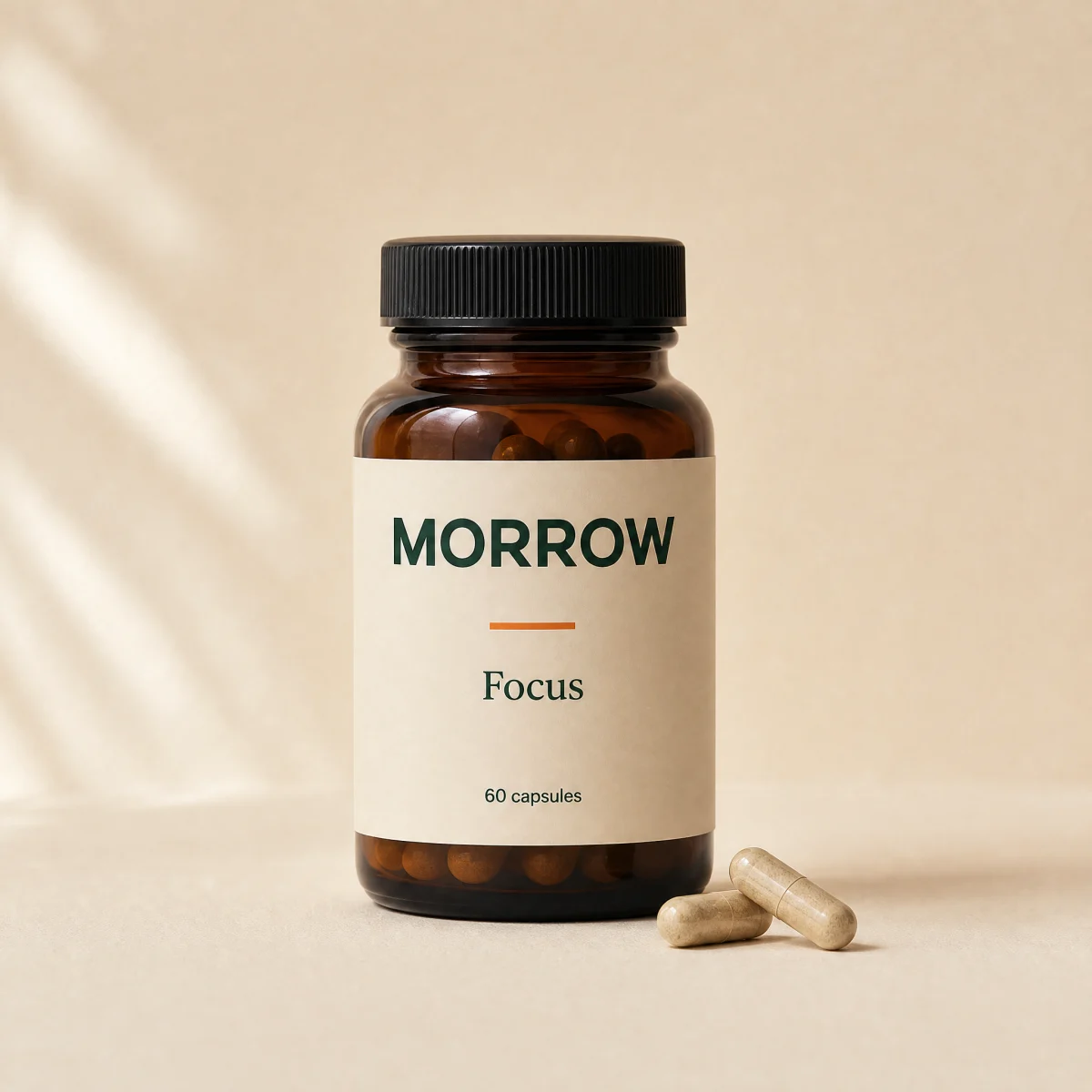
Responsive product grid with result count, sort select and form filter chips; tiles reflow with a layout animation.
npx shadcn@latest add @storekit/collection-gridLive and interactive. Switch the brand in the frame header to see the same source under another token file.
npx shadcn@latest add @storekit/collection-gridpnpm dlx shadcn@latest add @storekit/collection-gridyarn dlx shadcn@latest add @storekit/collection-gridbunx --bun shadcn@latest add @storekit/collection-grid"use client"
import { useId, useMemo, useState, type RefObject } from "react"
import { AnimatePresence, motion, useReducedMotion } from "motion/react"
import { ChevronDown } from "lucide-react"
import { cn } from "@/components/storekit/lib/cn"
import { ProductCardMinimal, type MinimalProduct } from "@/components/storekit/product-card/product-card-minimal"
import { useSkBlock } from "@/components/storekit/lib/sk-analytics"
/* Collection grid with a toolbar: live result count, sort select and filter
chips that filter by category (or by form, if a filter sets one). Tiles reflow with a layout animation
when the filter or sort changes. 2, 3 then 4 columns. */
const EASE = [0.23, 1, 0.32, 1] as const
export type GridProduct = MinimalProduct & { id: string; form?: string }
type Filter = { label: string; category?: string; form?: string }
type Sort = "featured" | "price-asc" | "price-desc"
const SORTS: { value: Sort; label: string }[] = [
{ value: "featured", label: "Featured" },
{ value: "price-asc", label: "Price, low to high" },
{ value: "price-desc", label: "Price, high to low" },
]
export function CollectionGrid({
products = [],
filters = [
{ label: "All" },
{ label: "Powders", category: "Powders" },
{ label: "Capsules & gummies", category: "Capsules & gummies" },
{ label: "Drinks", category: "Drinks" },
],
onAdd,
className,
}: {
products?: GridProduct[]
filters?: Filter[]
onAdd?: (product: MinimalProduct) => void | Promise<void>
className?: string
}) {
const reduce = useReducedMotion()
const sortId = useId()
const sk = useSkBlock("collection", "collection-grid")
const [active, setActive] = useState(0)
const [sort, setSort] = useState<Sort>("featured")
const visible = useMemo(() => {
const f = filters[active]
const list = products.filter((p) => (!f?.category || p.category === f.category) && (!f?.form || p.form === f.form))
if (sort === "price-asc") list.sort((a, b) => a.price - b.price)
if (sort === "price-desc") list.sort((a, b) => b.price - a.price)
return list
}, [products, filters, active, sort])
return (
<div ref={sk.ref as RefObject<HTMLDivElement>} {...sk.attrs} className={cn("flex flex-col gap-6", className)}>
<div className="flex flex-col gap-4 border-b border-sk-line pb-4 sm:flex-row sm:items-center sm:justify-between">
<div className="-mx-1 flex gap-2 overflow-x-auto px-1 [scrollbar-width:none]" role="group" aria-label="Filter by type">
{filters.map((f, i) => (
<button
key={f.label}
type="button"
aria-pressed={i === active}
onClick={() => {
if (i !== active) sk.emit("interact", `filter:${f.label}`)
setActive(i)
}}
className={cn(
"h-11 shrink-0 rounded-sk-chip border px-4 text-[13px] font-medium outline-none transition-[transform,background-color,color,border-color] duration-200 ease-sk-out active:scale-[0.97] sm:h-9",
"focus-visible:ring-2 focus-visible:ring-sk-accent focus-visible:ring-offset-2 focus-visible:ring-offset-sk-paper",
i === active ? "border-sk-ink bg-sk-ink text-sk-paper" : "border-sk-line text-sk-ink hover:border-sk-ink/40"
)}
>
{f.label}
</button>
))}
</div>
<div className="flex items-center justify-between gap-4 sm:justify-end">
<p className="shrink-0 whitespace-nowrap font-sk-mono text-[11px] uppercase tracking-[0.14em] text-sk-muted tabular-nums" aria-live="polite">
{visible.length} {visible.length === 1 ? "product" : "products"}
</p>
<label htmlFor={sortId} className="sr-only">
Sort by
</label>
<div className="relative min-w-0">
<select
id={sortId}
value={sort}
onChange={(e) => {
sk.emit("interact", `sort:${e.target.value}`)
setSort(e.target.value as Sort)
}}
className="h-11 w-full max-w-full truncate appearance-none rounded-sk-btn border border-sk-line bg-sk-card pl-3.5 pr-10 text-base text-sk-ink outline-none sm:text-[13px] transition-[border-color] duration-200 hover:border-sk-ink/30 focus-visible:border-sk-accent focus-visible:ring-[3px] focus-visible:ring-sk-accent/15 sm:h-9"
>
{SORTS.map((s) => (
<option key={s.value} value={s.value}>
{s.label}
</option>
))}
</select>
<ChevronDown size={14} aria-hidden className="pointer-events-none absolute right-3 top-1/2 -translate-y-1/2 text-sk-muted" />
</div>
</div>
</div>
<motion.ul layout={!reduce} className="grid grid-cols-2 gap-x-4 gap-y-8 sm:grid-cols-3 lg:grid-cols-4">
<AnimatePresence mode="popLayout" initial={false}>
{visible.map((p) => (
<motion.li
key={p.id}
layout={!reduce}
initial={{ opacity: 0, scale: reduce ? 1 : 0.95 }}
animate={{ opacity: 1, scale: 1 }}
exit={{ opacity: 0, scale: reduce ? 1 : 0.95 }}
transition={{ duration: 0.35, ease: EASE }}
>
<ProductCardMinimal product={p} onAdd={onAdd} />
</motion.li>
))}
</AnimatePresence>
</motion.ul>
{visible.length === 0 ? <p className="py-12 text-center text-sm text-sk-muted">Nothing in this filter yet.</p> : null}
</div>
)
}
Import from "@/components/storekit/collection/collection-grid" and pass your product data. The demo above exercises the full prop surface with sample values.
6 products