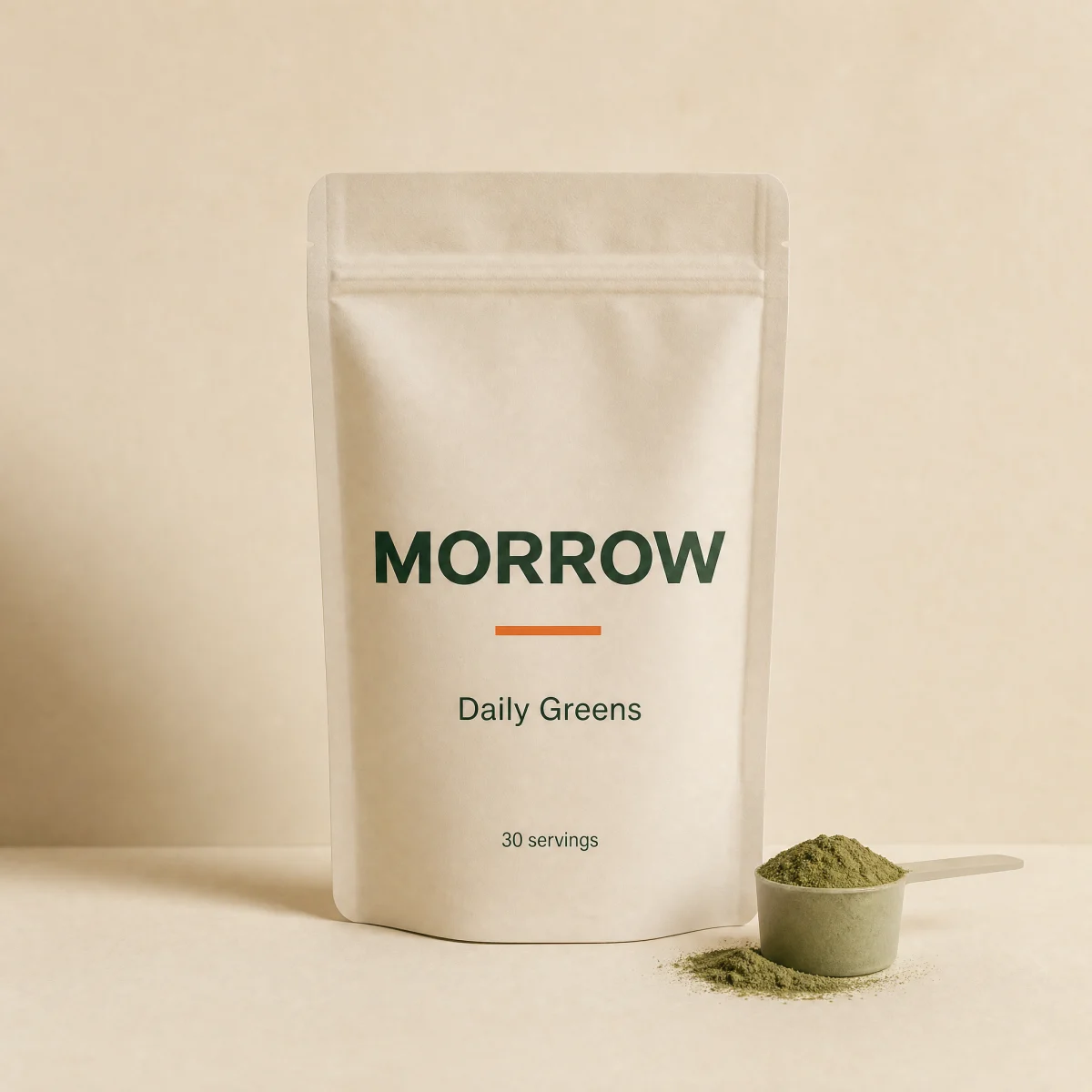
In stock
Daily Greens30 servings
$49.001
Size chips over the image swap the price with a crossfade; stepper and Add in the footer; stock badge.
npx shadcn@latest add @storekit/product-card-quickaddLive and interactive. Switch the brand in the frame header to see the same source under another token file.
npx shadcn@latest add @storekit/product-card-quickaddpnpm dlx shadcn@latest add @storekit/product-card-quickaddyarn dlx shadcn@latest add @storekit/product-card-quickaddbunx --bun shadcn@latest add @storekit/product-card-quickadd"use client"
import { useState } from "react"
import { AnimatePresence, motion, useReducedMotion } from "motion/react"
import { Check } from "lucide-react"
import { cn } from "@/components/storekit/lib/cn"
import { Badge } from "@/components/storekit/ui/badge"
import { Button } from "@/components/storekit/ui/button"
import { Price } from "@/components/storekit/ui/price"
import { ProductImage } from "@/components/storekit/ui/product-image"
import { Stepper } from "@/components/storekit/ui/stepper"
import { useAddState } from "@/components/storekit/product-card/product-card-minimal"
import { useSkBlock } from "@/components/storekit/lib/sk-analytics"
/* Quick-add tile. Size chips rise over the image on hover (always shown on
touch widths); picking a size swaps the price with a short crossfade. The
footer holds a quantity stepper and Add. One stock badge, top-left. */
const EASE = [0.23, 1, 0.32, 1] as const
type Dose = { label: string; price: number; compareAt?: number }
export function ProductCardQuickadd({
title = "Daily Greens",
image = "/placeholder.webp",
href = "#",
doses = [
{ label: "15 servings", price: 2900 },
{ label: "30 servings", price: 4900 },
{ label: "60 servings", price: 8900 },
],
defaultDose = 1,
stock = "in",
onAdd,
className,
}: {
title?: string
image?: string
href?: string
doses?: Dose[]
defaultDose?: number
stock?: "in" | "low" | "out"
onAdd?: (line: { title: string; dose: string; quantity: number; price: number }) => void | Promise<void>
className?: string
}) {
const reduce = useReducedMotion()
const [doseIndex, setDoseIndex] = useState(Math.min(defaultDose, doses.length - 1))
const [qty, setQty] = useState(1)
const dose = doses[doseIndex]
const sk = useSkBlock("product-card", "product-card-quickadd")
const { state, add } = useAddState(() => {
sk.emit("convert", "add_to_cart", dose.price * qty)
return onAdd?.({ title, dose: dose.label, quantity: qty, price: dose.price })
})
const soldOut = stock === "out"
return (
<article ref={sk.ref} {...sk.attrs} className={cn("group/img relative flex flex-col gap-3", className)}>
<div className="relative">
<ProductImage src={image} alt="" fit="cover" className="rounded-sk-card" />
<div className="absolute left-3 top-3 overflow-hidden rounded-sk-chip bg-sk-card">
{stock === "in" ? (
<Badge tone="success" dot>In stock</Badge>
) : stock === "low" ? (
<Badge tone="sale">Low stock</Badge>
) : (
<Badge tone="outline">Sold out</Badge>
)}
</div>
<div
role="radiogroup"
aria-label="Dose"
className={cn(
"absolute inset-x-3 bottom-3 z-10 flex gap-1.5",
"transition-[opacity,transform] duration-200 ease-sk-out",
"lg:translate-y-1 lg:opacity-0 lg:group-hover/img:translate-y-0 lg:group-hover/img:opacity-100 lg:group-focus-within/img:translate-y-0 lg:group-focus-within/img:opacity-100",
"motion-reduce:translate-y-0"
)}
>
{doses.map((d, i) => {
const active = i === doseIndex
return (
<button
key={d.label}
type="button"
role="radio"
aria-checked={active}
onClick={() => setDoseIndex(i)}
className={cn(
"h-11 flex-1 rounded-sk-chip border font-sk-mono text-[11px] uppercase tracking-[0.08em] outline-none transition-[transform,background-color,color] duration-200 ease-sk-out active:scale-[0.97] lg:h-9",
"focus-visible:ring-2 focus-visible:ring-sk-accent focus-visible:ring-offset-2 focus-visible:ring-offset-sk-paper",
active ? "border-sk-ink bg-sk-ink text-sk-paper" : "border-sk-line bg-sk-card text-sk-ink hover:border-sk-ink/40"
)}
>
{d.label}
</button>
)
})}
</div>
</div>
<div className="flex items-baseline justify-between gap-3">
<h3 className="min-w-0 truncate text-[15px] font-medium text-sk-ink">
<a
href={href}
className="outline-none after:absolute after:inset-0 after:rounded-sk-card after:content-[''] focus-visible:after:ring-2 focus-visible:after:ring-sk-accent focus-visible:after:ring-offset-2 focus-visible:after:ring-offset-sk-paper"
>
{title}
</a>
<span className="ml-2 font-sk-mono text-[11px] uppercase tracking-[0.08em] text-sk-muted">{dose.label}</span>
</h3>
<span className="relative inline-grid overflow-hidden" aria-live="polite">
<AnimatePresence mode="popLayout" initial={false}>
<motion.span
key={dose.label}
initial={{ opacity: 0, y: reduce ? 0 : 6 }}
animate={{ opacity: 1, y: 0 }}
exit={{ opacity: 0, y: reduce ? 0 : -6 }}
transition={{ duration: 0.25, ease: EASE }}
className="col-start-1 row-start-1 justify-self-end"
>
<Price amount={dose.price} compareAt={dose.compareAt} size="sm" />
</motion.span>
</AnimatePresence>
</span>
</div>
<div className="relative z-10 flex items-center gap-2">
<Stepper value={qty} onChange={setQty} size="sm" className="h-11 lg:h-9" max={soldOut ? 1 : 20} />
<Button
size="sm"
className="h-11 flex-1 active:scale-[0.97] lg:h-9"
disabled={soldOut}
loading={state === "loading"}
onClick={add}
aria-label={`Add ${qty} ${title} ${dose.label} to cart`}
>
{soldOut ? "Sold out" : state === "added" ? (<><Check size={14} aria-hidden />Added</>) : "Add"}
</Button>
</div>
</article>
)
}
Import from "@/components/storekit/product-card/product-card-quickadd" and pass your product data. The demo above exercises the full prop surface with sample values.