Sale
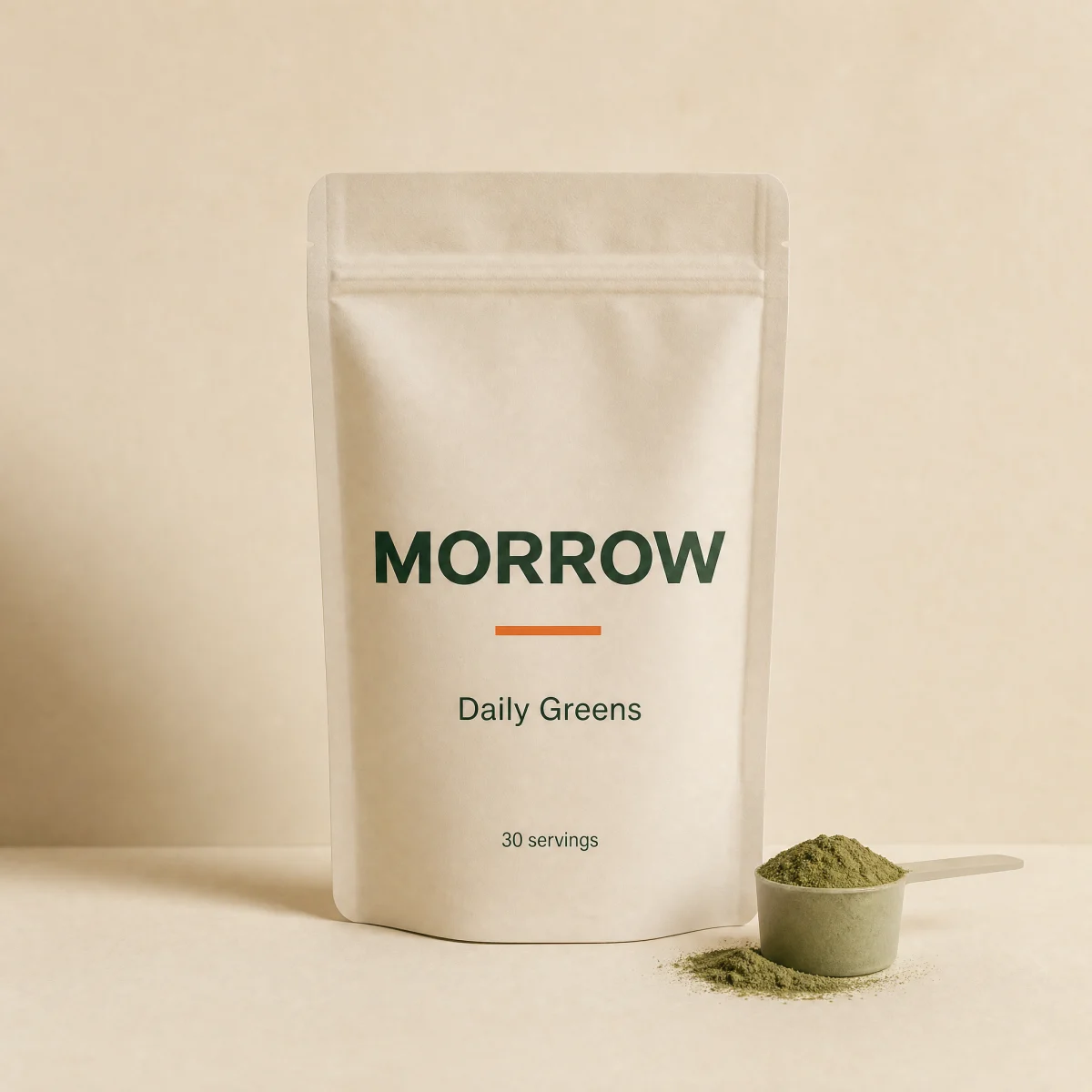
One-link tile with synchronized hover zoom, category eyebrow, a two-line title, price and an always-visible Add on the image with loading and Added states.
npx shadcn@latest add @storekit/product-card-minimalLive and interactive. Switch the brand in the frame header to see the same source under another token file.
npx shadcn@latest add @storekit/product-card-minimalpnpm dlx shadcn@latest add @storekit/product-card-minimalyarn dlx shadcn@latest add @storekit/product-card-minimalbunx --bun shadcn@latest add @storekit/product-card-minimal"use client"
import { useEffect, useRef, useState } from "react"
import { Check, Plus } from "lucide-react"
import { cn } from "@/components/storekit/lib/cn"
import { Badge } from "@/components/storekit/ui/badge"
import { Button } from "@/components/storekit/ui/button"
import { Price } from "@/components/storekit/ui/price"
import { ProductImage } from "@/components/storekit/ui/product-image"
import { useSkBlock } from "@/components/storekit/lib/sk-analytics"
/* Minimal product tile. The whole card is one link (stretched title link)
and hover is synchronized across it: the image zooms whenever the card is
hovered. The render fills the tile edge to edge, and an Add button sits on
the image corner at every width, so a static card always shows price and
an add affordance. The title gets the full width and clamps to two lines.
At most one badge: stock, then sale, then new. */
export type MinimalProduct = {
title: string
price: number
compareAt?: number
image: string
href?: string
category?: string
stock?: "in" | "low" | "out"
isNew?: boolean
}
export function useAddState(onAdd?: () => void | Promise<void>) {
const [state, setState] = useState<"idle" | "loading" | "added">("idle")
const timer = useRef<ReturnType<typeof setTimeout>>(undefined)
useEffect(() => () => clearTimeout(timer.current), [])
const add = async () => {
if (state !== "idle") return
setState("loading")
await Promise.all([onAdd?.(), new Promise((r) => setTimeout(r, 450))])
setState("added")
timer.current = setTimeout(() => setState("idle"), 1200)
}
return { state, add }
}
function tileBadge(p: MinimalProduct) {
if (p.stock === "out") return <Badge tone="outline">Sold out</Badge>
if (p.stock === "low") return <Badge tone="sale">Low stock</Badge>
if (typeof p.compareAt === "number" && p.compareAt > p.price) return <Badge tone="sale">Sale</Badge>
if (p.isNew) return <Badge tone="accent">New</Badge>
return null
}
export function ProductCardMinimal({
product = { title: "Daily Greens", price: 4900, image: "/placeholder.webp", category: "Powders" },
onAdd,
className,
}: {
product?: MinimalProduct
onAdd?: (product: MinimalProduct) => void | Promise<void>
className?: string
}) {
const sk = useSkBlock("product-card", "product-card-minimal")
const { state, add } = useAddState(() => {
sk.emit("convert", "add_to_cart", product.price)
return onAdd?.(product)
})
const soldOut = product.stock === "out"
const badge = tileBadge(product)
return (
<article ref={sk.ref} {...sk.attrs} className={cn("group/img relative flex flex-col gap-3", className)}>
<div className="relative">
<ProductImage src={product.image} alt="" fit="cover" className="rounded-sk-card" />
{badge ? <div className="absolute left-3 top-3 overflow-hidden rounded-sk-chip bg-sk-card">{badge}</div> : null}
<Button
variant="outline"
size="sm"
loading={state === "loading"}
disabled={soldOut}
onClick={add}
aria-label={state === "added" ? `${product.title} added to cart` : `Add ${product.title} to cart`}
className={cn(
"absolute bottom-3 right-3 z-10 h-11 w-11 border-sk-line bg-sk-card p-0 hover:bg-sk-card text-sk-ink active:scale-[0.97] lg:h-9 lg:w-auto lg:px-3",
"transition-[background-color,color,border-color,transform] duration-200 ease-sk-out hover:border-sk-ink lg:group-hover/img:border-sk-ink",
state === "added" && "border-sk-accent bg-sk-accent text-sk-accent-ink"
)}
>
{state === "added" ? <Check size={16} aria-hidden /> : <Plus size={16} aria-hidden />}
<span className="hidden lg:inline">{state === "added" ? "Added" : "Add"}</span>
</Button>
</div>
<div className="min-w-0">
{product.category ? (
<p className="font-sk-mono text-[11px] uppercase tracking-[0.14em] text-sk-muted">{product.category}</p>
) : null}
<h3 className="mt-1 line-clamp-2 text-[15px] font-medium leading-[1.3] text-sk-ink">
<a
href={product.href ?? "#"}
className="outline-none after:absolute after:inset-0 after:rounded-sk-card after:content-[''] focus-visible:after:ring-2 focus-visible:after:ring-sk-accent focus-visible:after:ring-offset-2 focus-visible:after:ring-offset-sk-paper"
>
{product.title}
</a>
</h3>
<Price amount={product.price} compareAt={product.compareAt} size="sm" className="mt-1" />
</div>
<span className="sr-only" aria-live="polite">
{state === "added" ? `${product.title} added to cart` : ""}
</span>
</article>
)
}
Import from "@/components/storekit/product-card/product-card-minimal" and pass your product data. The demo above exercises the full prop surface with sample values.