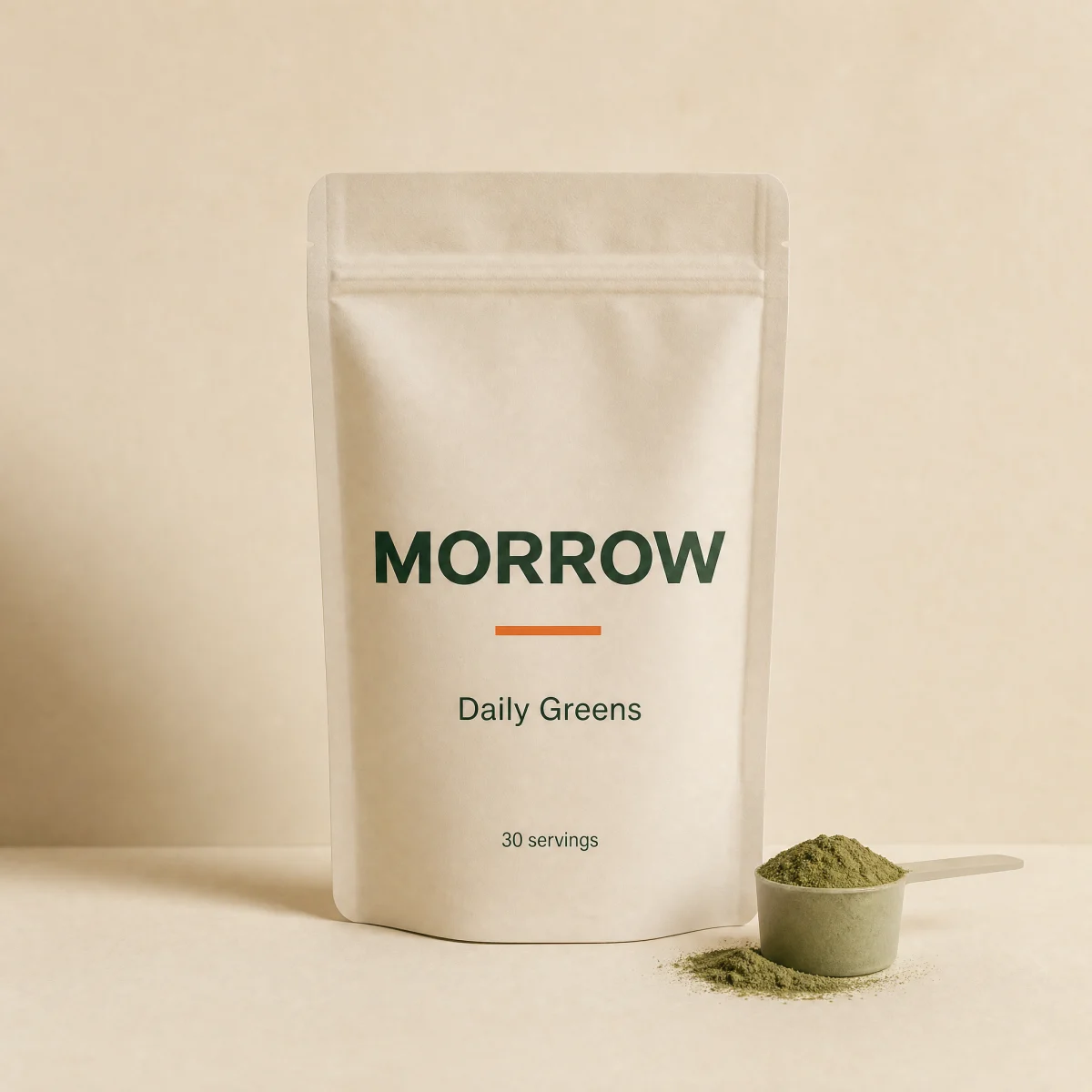
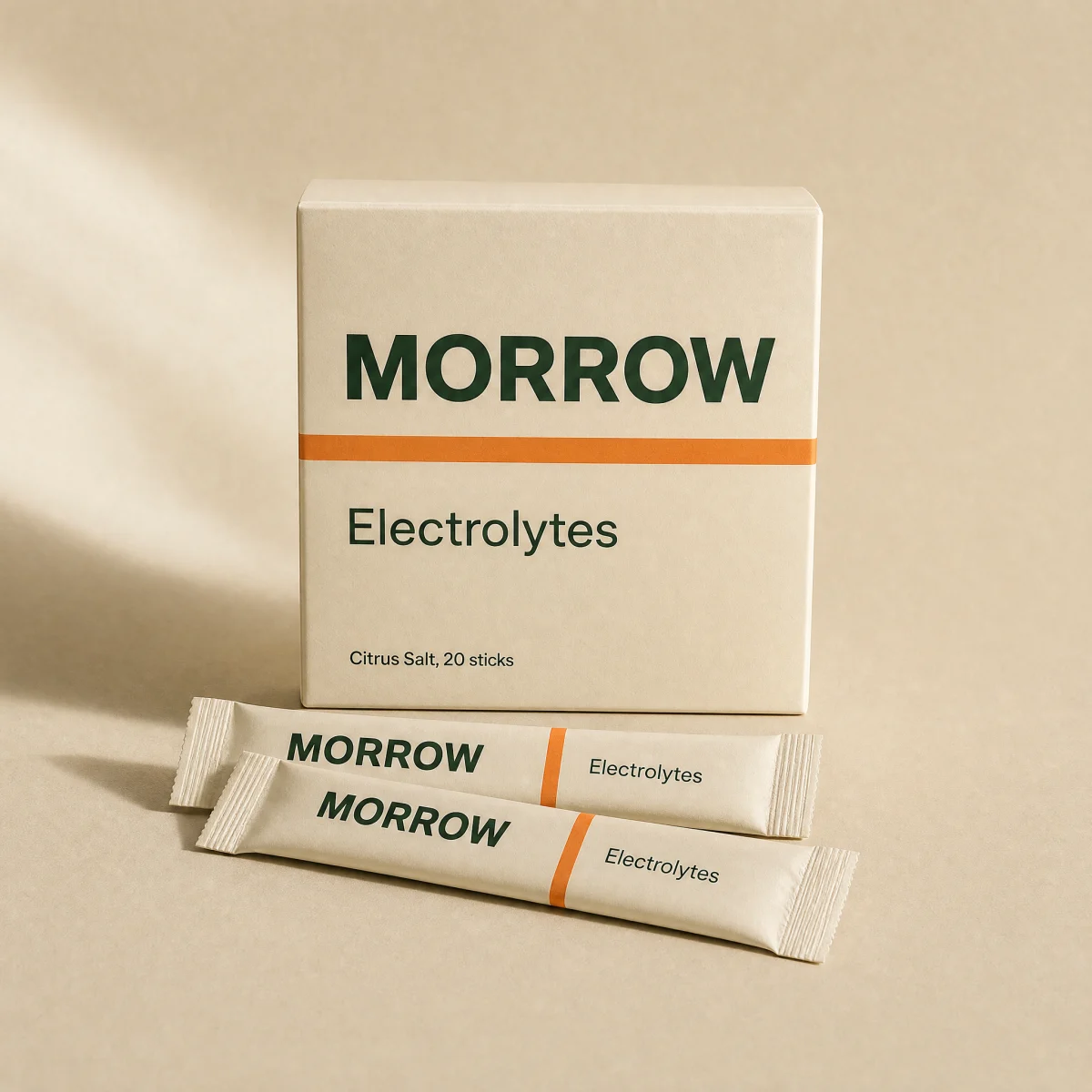
Product image
Image on the surface token with shimmer, fade-in, hover zoom and optional hover swap.
ui
$
npx shadcn@latest add @storekit/product-imageproduct-image
Live and interactive. Switch the brand in the frame header to see the same source under another token file.
Installation
$
npx shadcn@latest add @storekit/product-image$
pnpm dlx shadcn@latest add @storekit/product-image$
yarn dlx shadcn@latest add @storekit/product-image$
bunx --bun shadcn@latest add @storekit/product-imageSource
components/storekit/ui/product-image.tsx
63 lines
"use client"

import { useEffect, useRef, useState } from "react"
import { cn } from "@/components/storekit/lib/cn"

/* Product image on the surface token with a fade-in on load and an optional
   hover swap to a second image. Plain <img> so it works outside Next too. */

export function ProductImage({
  src,
  hoverSrc,
  alt,
  className,
  aspect = "square",
  fit = "contain",
  zoomOnHover = true,
}: {
  src: string
  hoverSrc?: string
  alt: string
  className?: string
  aspect?: "square" | "portrait" | "wide"
  fit?: "contain" | "cover"
  zoomOnHover?: boolean
}) {
  const [loaded, setLoaded] = useState(false)
  const ref = useRef<HTMLImageElement>(null)
  // Cached images can finish before React attaches onLoad; check on mount.
  useEffect(() => {
    if (ref.current?.complete && ref.current.naturalWidth > 0) setLoaded(true)
  }, [src])
  const ratio = { square: "aspect-square", portrait: "aspect-[4/5]", wide: "aspect-[16/10]" }[aspect]
  return (
    <div className={cn("group/img relative overflow-hidden bg-sk-surface", ratio, className)}>
      <img
        ref={ref}
        src={src}
        alt={alt}
        loading="lazy"
        onLoad={() => setLoaded(true)}
        onError={() => setLoaded(true)}
        className={cn(
          "absolute inset-0 h-full w-full transition-[opacity,transform] duration-700 ease-sk-out",
          fit === "contain" ? "object-contain p-[8%]" : "object-cover",
          loaded ? "opacity-100" : "opacity-0",
          zoomOnHover && "group-hover/img:scale-[1.04]",
          hoverSrc && "group-hover/img:opacity-0"
        )}
      />
      {hoverSrc ? (
        <img
          src={hoverSrc}
          alt=""
          aria-hidden
          loading="lazy"
          className={cn("absolute inset-0 h-full w-full opacity-0 transition-opacity duration-500 group-hover/img:opacity-100", fit === "contain" ? "object-contain p-[8%]" : "object-cover")}
        />
      ) : null}
      {!loaded ? <div className="absolute inset-0 animate-sk-shimmer bg-[linear-gradient(90deg,transparent,rgb(var(--sk-ink)/0.05),transparent)] bg-[length:200%_100%]" /> : null}
    </div>
  )
}
Usage
Import from "@/components/storekit/ui/product-image" and pass your product data. The demo above exercises the full prop surface with sample values.