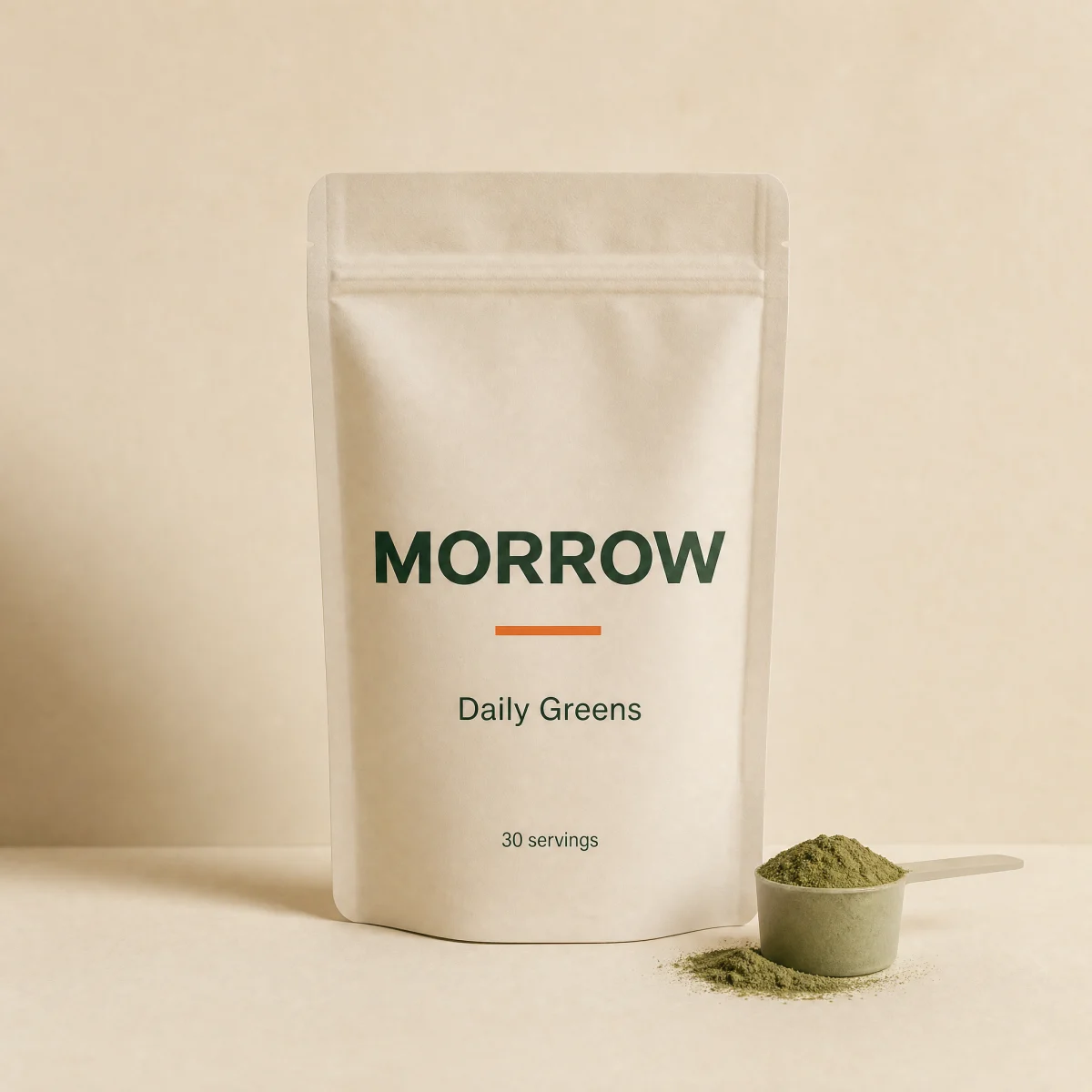
Spec sheet hero
Data sheet composition: giant mono figure, wide product banner on graph hairlines and a ledger with a lab results chip.
blockspec-sheetsupplementswellnesscta
$
npx shadcn@latest add @storekit/hero-spec-sheethero-spec-sheet
Live and interactive. Switch the brand in the frame header to see the same source under another token file.
Installation
$
npx shadcn@latest add @storekit/hero-spec-sheet$
pnpm dlx shadcn@latest add @storekit/hero-spec-sheet$
yarn dlx shadcn@latest add @storekit/hero-spec-sheet$
bunx --bun shadcn@latest add @storekit/hero-spec-sheetSource
components/storekit/hero/hero-spec-sheet.tsx
147 lines
"use client"

import { motion, useReducedMotion } from "motion/react"
import { BadgeCheck } from "lucide-react"
import { cn } from "@/components/storekit/lib/cn"
import { useSkBlock } from "@/components/storekit/lib/sk-analytics"

/* Data sheet hero. A giant mono figure (servings, by default) top-right, the headline left, a
   wide product banner on graph-paper hairlines, then a one-row ledger with
   the lab results link in the last cell. Everything sits on a hairline grid. */

const EASE = [0.23, 1, 0.32, 1] as const

type Cta = { label: string; href: string }
type Spec = { label: string; value: string }

export function HeroSpecSheet({
  eyebrow = "Data sheet",
  headline = "Everything in the scoop, on the label.",
  subcopy = "Every batch is third-party tested and the results are public. You see what is in it and how much.",
  figure = "30",
  figureLabel = "Servings",
  image = "/placeholder.webp",
  imageAlt = "Product render",
  specs = [
    { label: "Product", value: "Daily Greens" },
    { label: "Per serving", value: "$1.63" },
    { label: "Ingredients", value: "28 greens" },
  ],
  badge = { label: "Third-party tested", href: "#" },
  primaryCta = { label: "Shop Daily Greens", href: "#" },
  secondaryCta = { label: "See lab results", href: "#" },
  className,
}: {
  eyebrow?: string
  headline?: string
  subcopy?: string
  /** Big mono figure top-right, e.g. servings per pouch. */
  figure?: string
  figureLabel?: string
  image?: string
  imageAlt?: string
  specs?: Spec[]
  badge?: Cta
  primaryCta?: Cta
  secondaryCta?: Cta
  className?: string
}) {
  const reduce = useReducedMotion()
  const sk = useSkBlock("hero", "hero-spec-sheet")
  const rise = (i: number) => ({
    initial: { opacity: 0, y: reduce ? 0 : 8 },
    animate: { opacity: 1, y: 0 },
    transition: { duration: 0.45, ease: EASE, delay: reduce ? 0 : i * 0.06 },
  })

  return (
    <section ref={sk.ref} {...sk.attrs} className={cn("bg-sk-paper text-sk-ink", className)}>
      <div className="mx-auto w-full max-w-6xl px-4 py-12 sm:px-8 sm:py-16 lg:min-h-[480px]">
        <div className="grid gap-8 border-b border-sk-line pb-8 lg:grid-cols-12 lg:items-end">
          <div className="lg:col-span-7">
            <motion.p {...rise(0)} className="font-sk-mono text-[11px] uppercase tracking-[0.14em] text-sk-muted">
              {eyebrow}
            </motion.p>
            <motion.h1
              {...rise(1)}
              className="mt-4 text-balance font-sk-display font-semibold leading-[1.1] tracking-[-0.02em]"
              style={{ fontSize: "clamp(2.1rem, 4.4vw, 3.5rem)" }}
            >
              {headline}
            </motion.h1>
            <motion.p {...rise(2)} className="mt-4 max-w-md text-[15px] leading-[1.5] text-sk-muted">
              {subcopy}
            </motion.p>
            <motion.div {...rise(3)} className="mt-7 flex flex-col gap-3 sm:flex-row">
              <a
                href={primaryCta.href}
                onClick={() => sk.emit("interact", "cta")}
                className="sk-btn inline-flex min-h-12 items-center justify-center py-2.5 text-center leading-tight rounded-sk-btn bg-sk-accent px-7 text-[15px] font-medium text-sk-accent-ink outline-none transition-[filter,transform] duration-200 ease-sk-out hover:brightness-[1.06] focus-visible:ring-2 focus-visible:ring-sk-accent focus-visible:ring-offset-2 focus-visible:ring-offset-sk-paper active:scale-[0.97]"
              >
                {primaryCta.label}
              </a>
              <a
                href={secondaryCta.href}
                onClick={() => sk.emit("interact", "cta_secondary")}
                className="sk-btn inline-flex min-h-12 items-center justify-center py-2.5 text-center leading-tight rounded-sk-btn border border-sk-line px-7 text-[15px] font-medium text-sk-ink outline-none transition-[background-color,transform] duration-200 ease-sk-out hover:bg-sk-ink/[0.04] focus-visible:ring-2 focus-visible:ring-sk-accent focus-visible:ring-offset-2 focus-visible:ring-offset-sk-paper active:scale-[0.97]"
              >
                {secondaryCta.label}
              </a>
            </motion.div>
          </div>
          <motion.div {...rise(1)} className="lg:col-span-5 lg:text-right">
            <p className="font-sk-mono text-[11px] uppercase tracking-[0.14em] text-sk-muted">{figureLabel}</p>
            <p
              className="mt-1 font-sk-mono font-medium leading-none tracking-[-0.04em] tabular-nums text-sk-ink"
              style={{ fontSize: "clamp(3rem, 9vw, 6.5rem)" }}
            >
              {figure}
            </p>
          </motion.div>
        </div>

        <motion.div
          initial={{ opacity: 0, scale: reduce ? 1 : 0.98 }}
          animate={{ opacity: 1, scale: 1 }}
          transition={{ duration: 0.5, ease: EASE, delay: reduce ? 0 : 0.2 }}
          className="relative mt-8 aspect-[16/9] overflow-hidden rounded-sk-card border border-sk-line bg-sk-surface sm:aspect-[16/6]"
        >
          <div
            aria-hidden
            className="absolute inset-0 bg-[linear-gradient(rgb(var(--sk-line))_1px,transparent_1px),linear-gradient(90deg,rgb(var(--sk-line))_1px,transparent_1px)] bg-[size:32px_32px] opacity-60"
          />
          <img
            src={image}
            alt={imageAlt}
            className="absolute inset-y-[18%] left-1/2 h-[64%] w-auto -translate-x-1/2 rounded-sk-card border border-sk-line object-contain sm:inset-y-[8%] sm:h-[84%]"
          />
          <span className="absolute left-4 top-3 z-10 font-sk-mono text-[11px] uppercase tracking-[0.14em] text-sk-muted">Fig. 01</span>
          <span className="absolute bottom-3 right-4 z-10 font-sk-mono text-[11px] uppercase tracking-[0.14em] text-sk-muted">Scale 1:1</span>
        </motion.div>

        <motion.dl
          {...rise(5)}
          className="mt-4 grid grid-cols-1 gap-px overflow-hidden rounded-sk-card border border-sk-line bg-sk-line sm:grid-cols-2 lg:grid-cols-4"
        >
          {specs.slice(0, 3).map((s) => (
            <div key={s.label} className="flex items-baseline justify-between gap-4 bg-sk-paper px-4 py-3 sm:flex-col sm:items-start sm:justify-start sm:gap-1 sm:py-4">
              <dt className="font-sk-mono text-[11px] uppercase tracking-[0.14em] text-sk-muted">{s.label}</dt>
              <dd className="font-sk-mono text-[15px] tabular-nums text-sk-ink">{s.value}</dd>
            </div>
          ))}
          <div className="flex flex-col justify-center bg-sk-paper px-4 py-3">
            <a
              href={badge.href}
              onClick={() => sk.emit("interact", "badge")}
              className="inline-flex min-h-11 items-center gap-2 self-stretch justify-center whitespace-nowrap rounded-sk-chip sm:self-start sm:justify-start bg-sk-ink px-3.5 font-sk-mono text-[11px] uppercase tracking-[0.14em] text-sk-paper outline-none transition-transform duration-200 ease-sk-out hover:-translate-y-0.5 focus-visible:ring-2 focus-visible:ring-sk-accent focus-visible:ring-offset-2 focus-visible:ring-offset-sk-paper active:scale-[0.97]"
            >
              <BadgeCheck size={14} aria-hidden className="text-sk-accent" />
              {badge.label}
            </a>
          </div>
        </motion.dl>
      </div>
    </section>
  )
}
Usage
Import from "@/components/storekit/hero/hero-spec-sheet" and pass your product data. The demo above exercises the full prop surface with sample values.