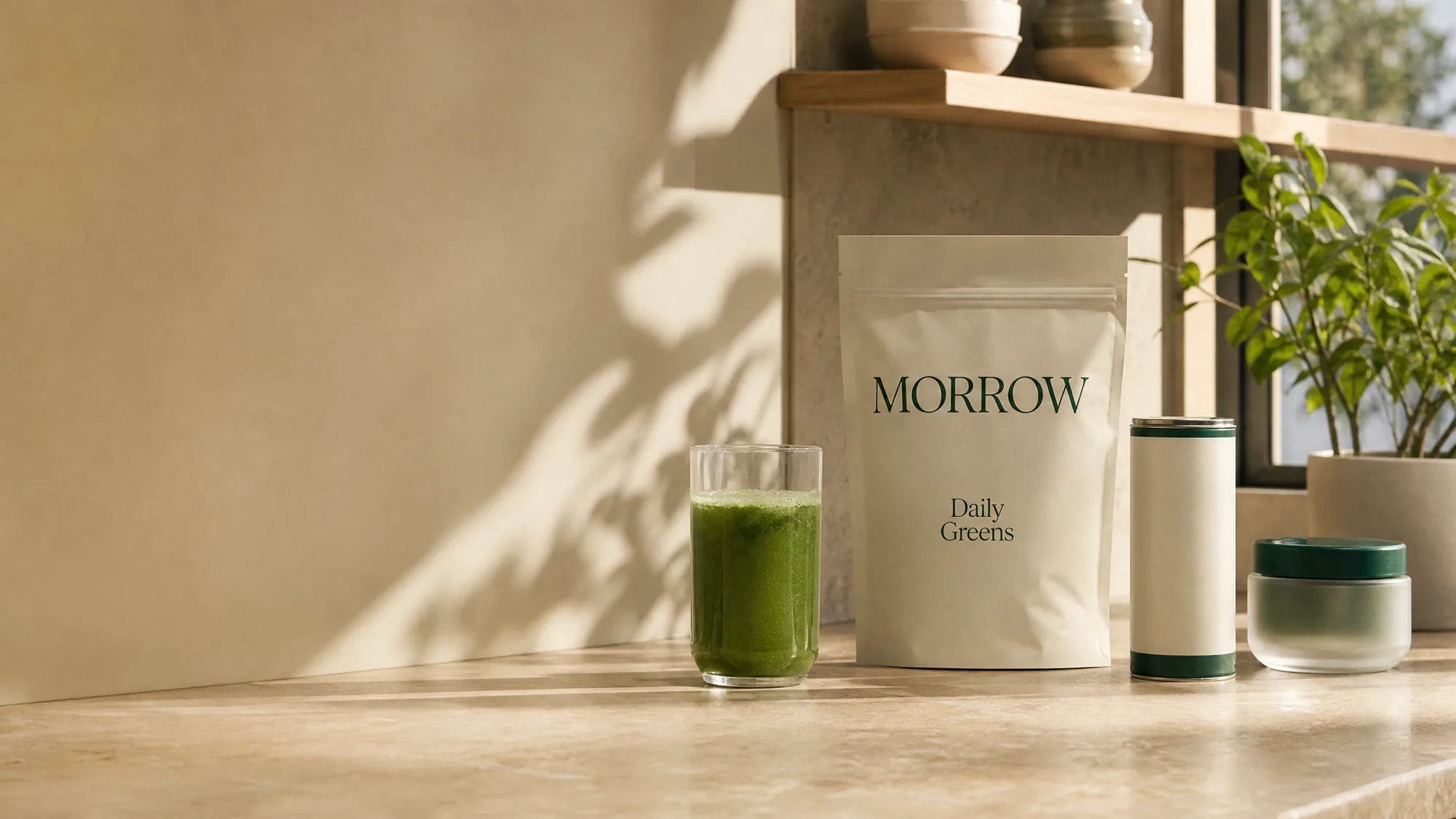
Before and after hero
Draggable comparison slider beside the copy, keyboard operable, with fixed-contrast labels and a results disclaimer.
blockbefore-afterbeautywellnessanycta
$
npx shadcn@latest add @storekit/hero-before-afterhero-before-after
Live and interactive. Switch the brand in the frame header to see the same source under another token file.
Installation
$
npx shadcn@latest add @storekit/hero-before-after$
pnpm dlx shadcn@latest add @storekit/hero-before-after$
yarn dlx shadcn@latest add @storekit/hero-before-after$
bunx --bun shadcn@latest add @storekit/hero-before-afterSource
components/storekit/hero/hero-before-after.tsx
165 lines
"use client"

import { useCallback, useRef, useState } from "react"
import { motion, useReducedMotion } from "motion/react"
import { ChevronsLeftRight } from "lucide-react"
import { cn } from "@/components/storekit/lib/cn"
import { useSkBlock } from "@/components/storekit/lib/sk-analytics"

/* Before and after hero. Copy on the left, a draggable comparison on the
   right. The handle is a real slider: drag anywhere on the frame, or focus the
   handle and use Arrow keys (Shift for 10%), Home and End. The "after" image
   is clipped with clip-path so nothing reflows while dragging. Labels sit on
   fixed dark chips so they read on any photo. Stacks with the comparison
   first under lg. */

const EASE = [0.23, 1, 0.32, 1] as const

type Cta = { label: string; href: string }
type Shot = { src: string; alt: string; label: string; style?: React.CSSProperties }

export function HeroBeforeAfter({
  eyebrow = "Results, unretouched",
  headline = "Eight weeks of Daily Greens, same light, same camera.",
  subcopy = "Drag to compare. Photos are from one customer, shot under identical conditions.",
  primaryCta = { label: "Shop Daily Greens", href: "#" },
  secondaryCta = { label: "See more results", href: "#" },
  before = { src: "/placeholder.webp", alt: "Before", label: "Week 0" },
  after = { src: "/placeholder.webp", alt: "After", label: "Week 8" },
  initial = 50,
  disclaimer = "Individual results vary.",
  className,
}: {
  eyebrow?: string
  headline?: string
  subcopy?: string
  primaryCta?: Cta
  secondaryCta?: Cta
  /** `style` lets you tone-match a pair (for example a CSS filter on one side). */
  before?: Shot
  after?: Shot
  /** Starting split in percent. */
  initial?: number
  disclaimer?: string
  className?: string
}) {
  const reduce = useReducedMotion()
  const sk = useSkBlock("hero", "hero-before-after")
  const [pos, setPos] = useState(initial)
  const [dragging, setDragging] = useState(false)
  const frame = useRef<HTMLDivElement>(null)
  const touched = useRef(false)

  const note = () => {
    if (touched.current) return
    touched.current = true
    sk.emit("interact", "compare")
  }

  const fromPointer = useCallback((clientX: number) => {
    const r = frame.current?.getBoundingClientRect()
    if (!r) return
    setPos(Math.max(0, Math.min(100, ((clientX - r.left) / r.width) * 100)))
  }, [])

  const onKey = (e: React.KeyboardEvent) => {
    const step = e.shiftKey ? 10 : 2
    let next = pos
    if (e.key === "ArrowLeft" || e.key === "ArrowDown") next = pos - step
    else if (e.key === "ArrowRight" || e.key === "ArrowUp") next = pos + step
    else if (e.key === "Home") next = 0
    else if (e.key === "End") next = 100
    else return
    e.preventDefault()
    note()
    setPos(Math.max(0, Math.min(100, next)))
  }

  return (
    <section ref={sk.ref} {...sk.attrs} className={cn("bg-sk-paper text-sk-ink", className)}>
      <div className="mx-auto grid w-full max-w-6xl items-center gap-10 px-4 py-12 sm:px-8 sm:py-16 lg:grid-cols-[0.9fr_1.1fr] lg:gap-14">
        <motion.div
          initial={{ opacity: 0, y: reduce ? 0 : 8 }}
          animate={{ opacity: 1, y: 0 }}
          transition={{ duration: 0.5, ease: EASE }}
          className="order-2 lg:order-1"
        >
          <p className="font-sk-mono text-[11px] uppercase tracking-[0.14em] text-sk-muted">{eyebrow}</p>
          <h1
            className="mt-4 text-balance font-sk-display font-semibold leading-[1.1] tracking-[-0.02em]"
            style={{ fontSize: "clamp(2rem, 3.8vw, 3rem)" }}
          >
            {headline}
          </h1>
          <p className="mt-5 max-w-md text-[15px] leading-[1.5] text-sk-muted">{subcopy}</p>
          <div className="mt-8 flex flex-col gap-3 sm:flex-row">
            <a
              href={primaryCta.href}
              onClick={() => sk.emit("interact", "cta")}
              className="sk-btn inline-flex min-h-12 items-center justify-center py-2.5 text-center leading-tight rounded-sk-btn bg-sk-accent px-7 text-[15px] font-medium text-sk-accent-ink outline-none transition-[filter,transform] duration-200 ease-sk-out hover:brightness-[1.06] focus-visible:ring-2 focus-visible:ring-sk-accent focus-visible:ring-offset-2 focus-visible:ring-offset-sk-paper active:scale-[0.97]"
            >
              {primaryCta.label}
            </a>
            <a
              href={secondaryCta.href}
              onClick={() => sk.emit("interact", "cta_secondary")}
              className="sk-btn inline-flex min-h-12 items-center justify-center py-2.5 text-center leading-tight rounded-sk-btn border border-sk-line px-7 text-[15px] font-medium text-sk-ink outline-none transition-[background-color,transform] duration-200 ease-sk-out hover:bg-sk-ink/[0.04] focus-visible:ring-2 focus-visible:ring-sk-accent focus-visible:ring-offset-2 focus-visible:ring-offset-sk-paper active:scale-[0.97]"
            >
              {secondaryCta.label}
            </a>
          </div>
          {disclaimer ? <p className="mt-6 text-sm text-sk-muted">{disclaimer}</p> : null}
        </motion.div>

        <div
          ref={frame}
          onPointerDown={(e) => {
            e.currentTarget.setPointerCapture(e.pointerId)
            setDragging(true)
            note()
            fromPointer(e.clientX)
          }}
          onPointerMove={(e) => dragging && fromPointer(e.clientX)}
          onPointerUp={() => setDragging(false)}
          onPointerCancel={() => setDragging(false)}
          className={cn(
            "relative order-1 aspect-[4/3] w-full touch-pan-y select-none overflow-hidden rounded-sk-card border border-sk-line bg-sk-surface lg:order-2",
            dragging ? "cursor-grabbing" : "cursor-ew-resize"
          )}
        >
          <img src={before.src} alt={before.alt} draggable={false} style={before.style} className="absolute inset-0 h-full w-full object-cover" />
          <img
            src={after.src}
            alt={after.alt}
            draggable={false}
            style={{ ...after.style, clipPath: `inset(0 0 0 ${pos}%)` }}
            className="absolute inset-0 h-full w-full object-cover"
          />
          <span className="absolute left-3 top-3 rounded-sk-chip bg-[rgb(0_0_0/0.55)] px-2.5 py-1 font-sk-mono text-[11px] uppercase tracking-[0.14em] text-[rgb(255_255_255)]">
            {before.label}
          </span>
          <span className="absolute right-3 top-3 rounded-sk-chip bg-[rgb(0_0_0/0.55)] px-2.5 py-1 font-sk-mono text-[11px] uppercase tracking-[0.14em] text-[rgb(255_255_255)]">
            {after.label}
          </span>

          <div aria-hidden className="pointer-events-none absolute inset-y-0 w-px bg-[rgb(255_255_255)]" style={{ left: `${pos}%` }} />
          <button
            type="button"
            role="slider"
            aria-label={`Compare ${before.label} and ${after.label}`}
            aria-valuemin={0}
            aria-valuemax={100}
            aria-valuenow={Math.round(pos)}
            aria-valuetext={`${Math.round(pos)}% ${before.label}`}
            onKeyDown={onKey}
            className="absolute top-1/2 grid h-11 w-11 -translate-x-1/2 -translate-y-1/2 place-items-center rounded-full border border-[rgb(0_0_0/0.15)] bg-[rgb(255_255_255)] text-[rgb(0_0_0/0.8)] shadow-[0_8px_24px_-8px_rgb(0_0_0/0.5)] outline-none transition-transform duration-200 ease-sk-out focus-visible:ring-2 focus-visible:ring-sk-accent focus-visible:ring-offset-2 focus-visible:ring-offset-[rgb(0_0_0)] active:scale-[0.97]"
            style={{ left: `${pos}%` }}
          >
            <ChevronsLeftRight size={18} aria-hidden />
          </button>
        </div>
      </div>
    </section>
  )
}
Usage
Use a real, identically lit photo pair and keep the disclaimer; `style` on a shot can tone-match the pair.