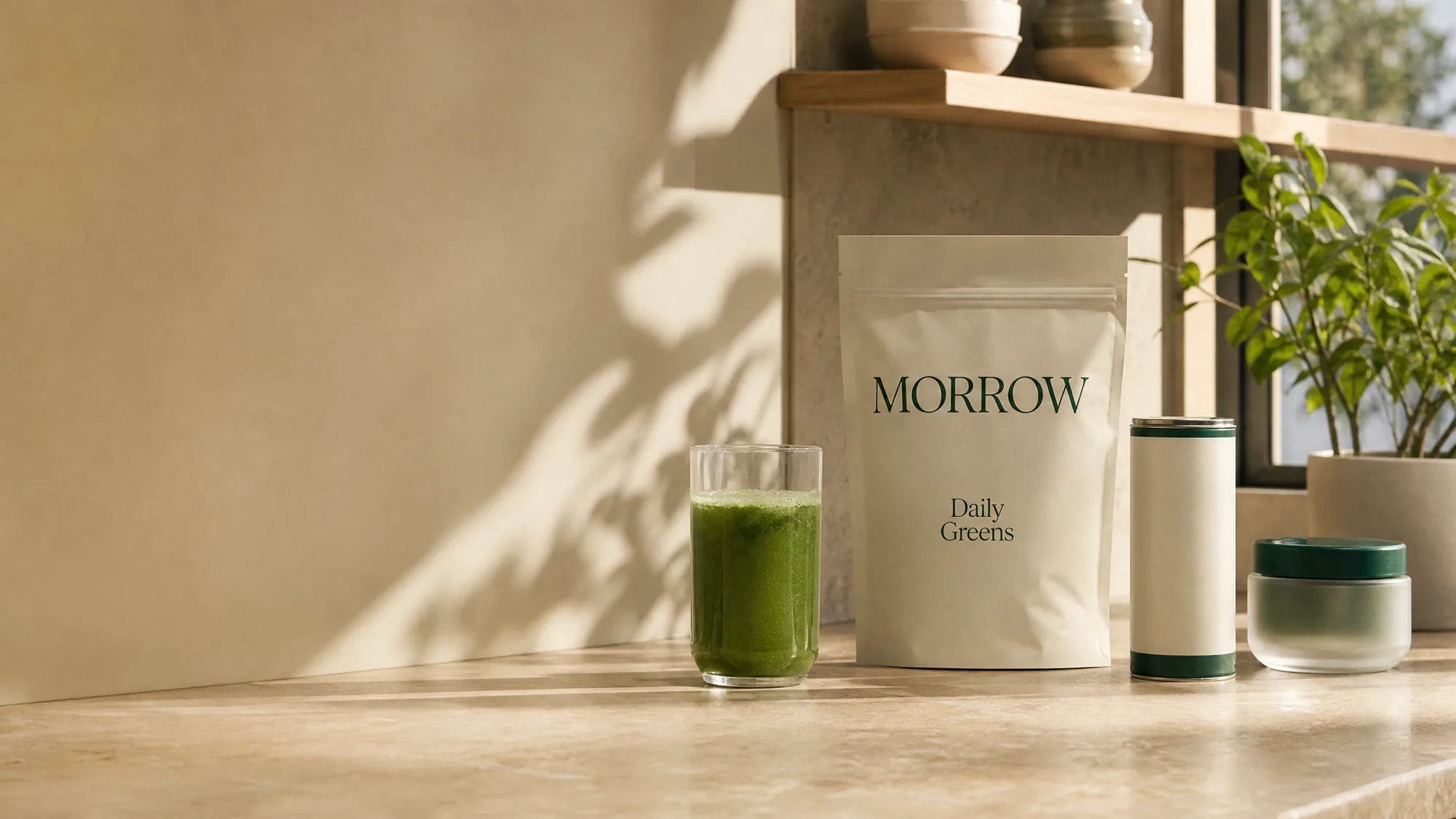
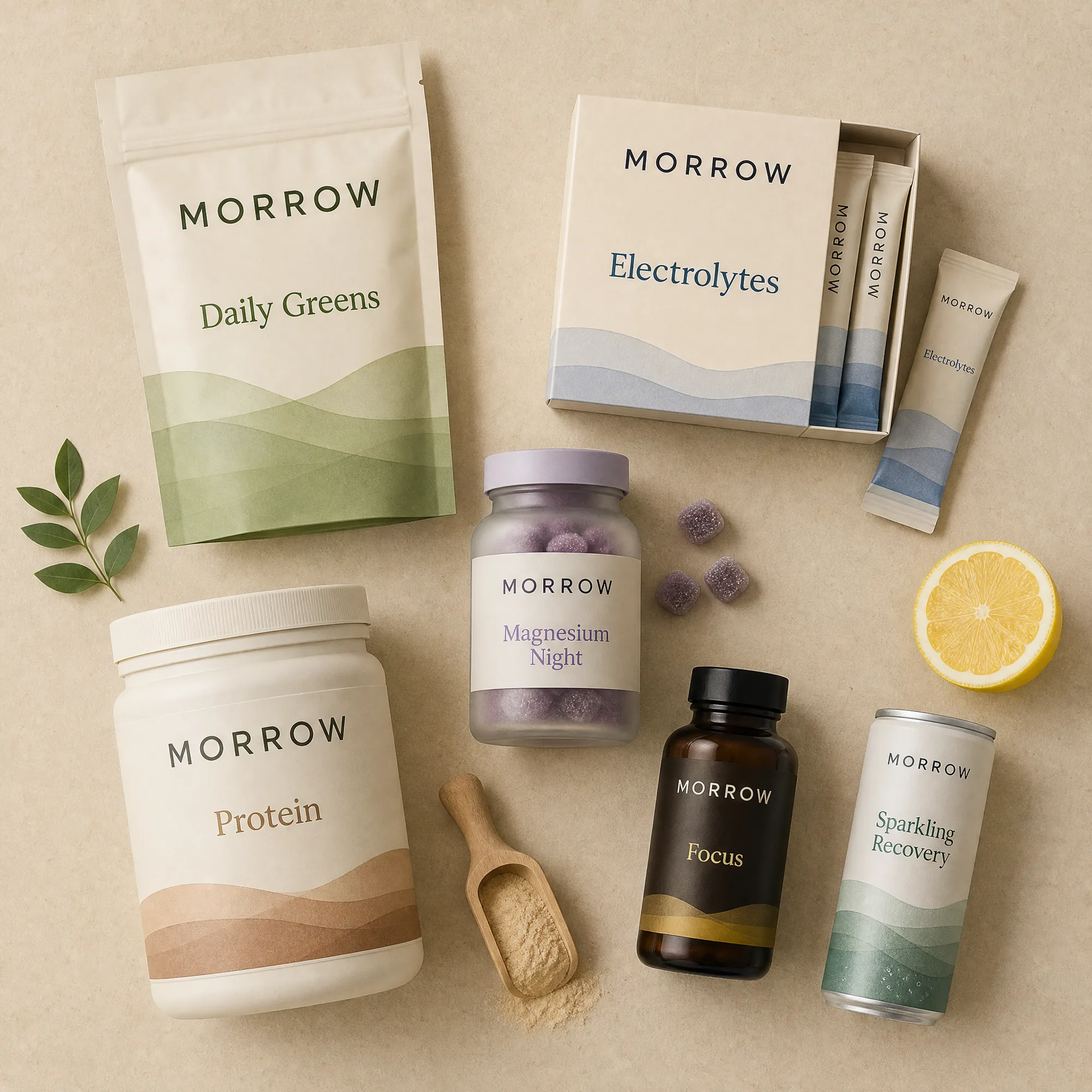
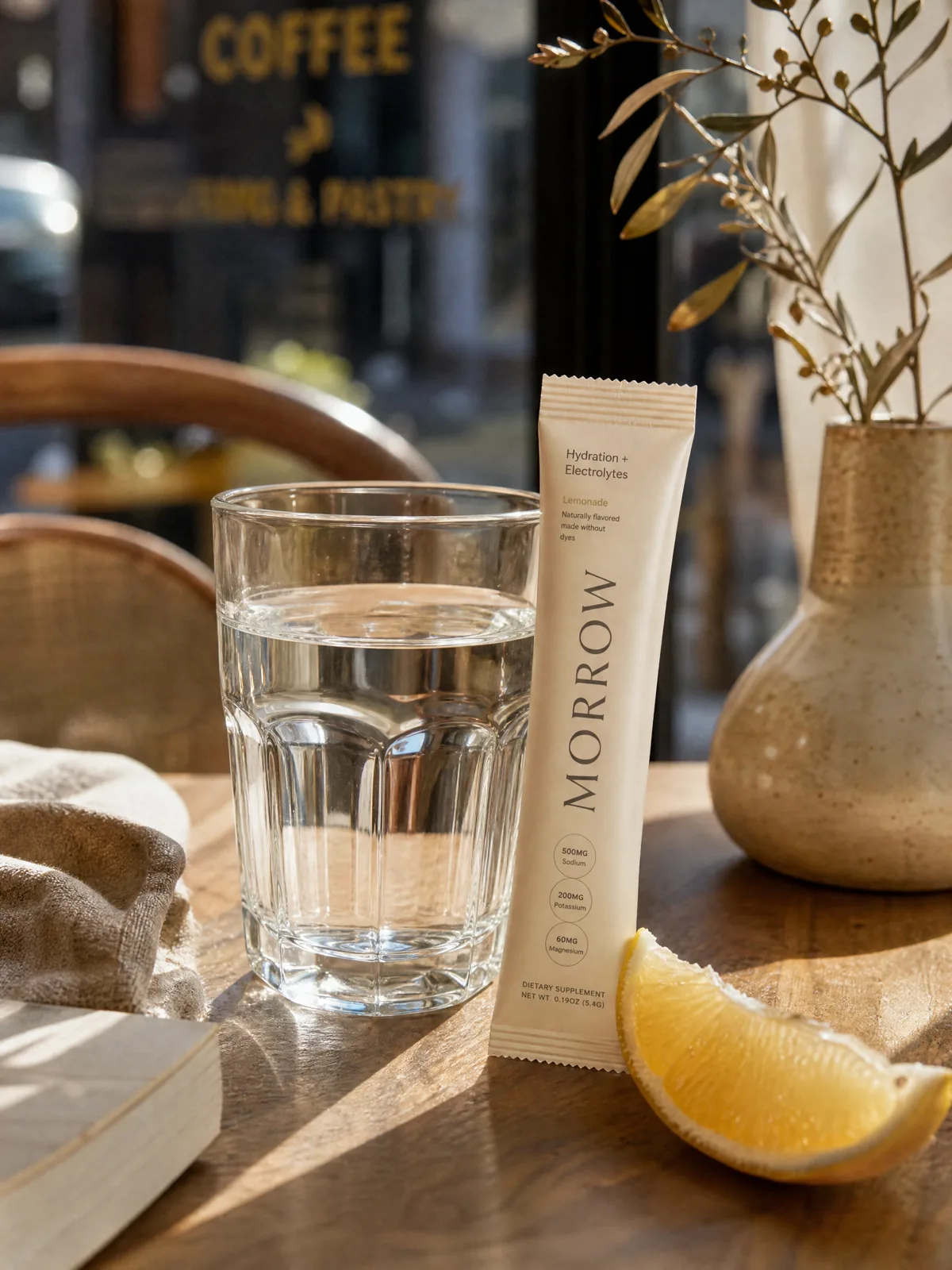
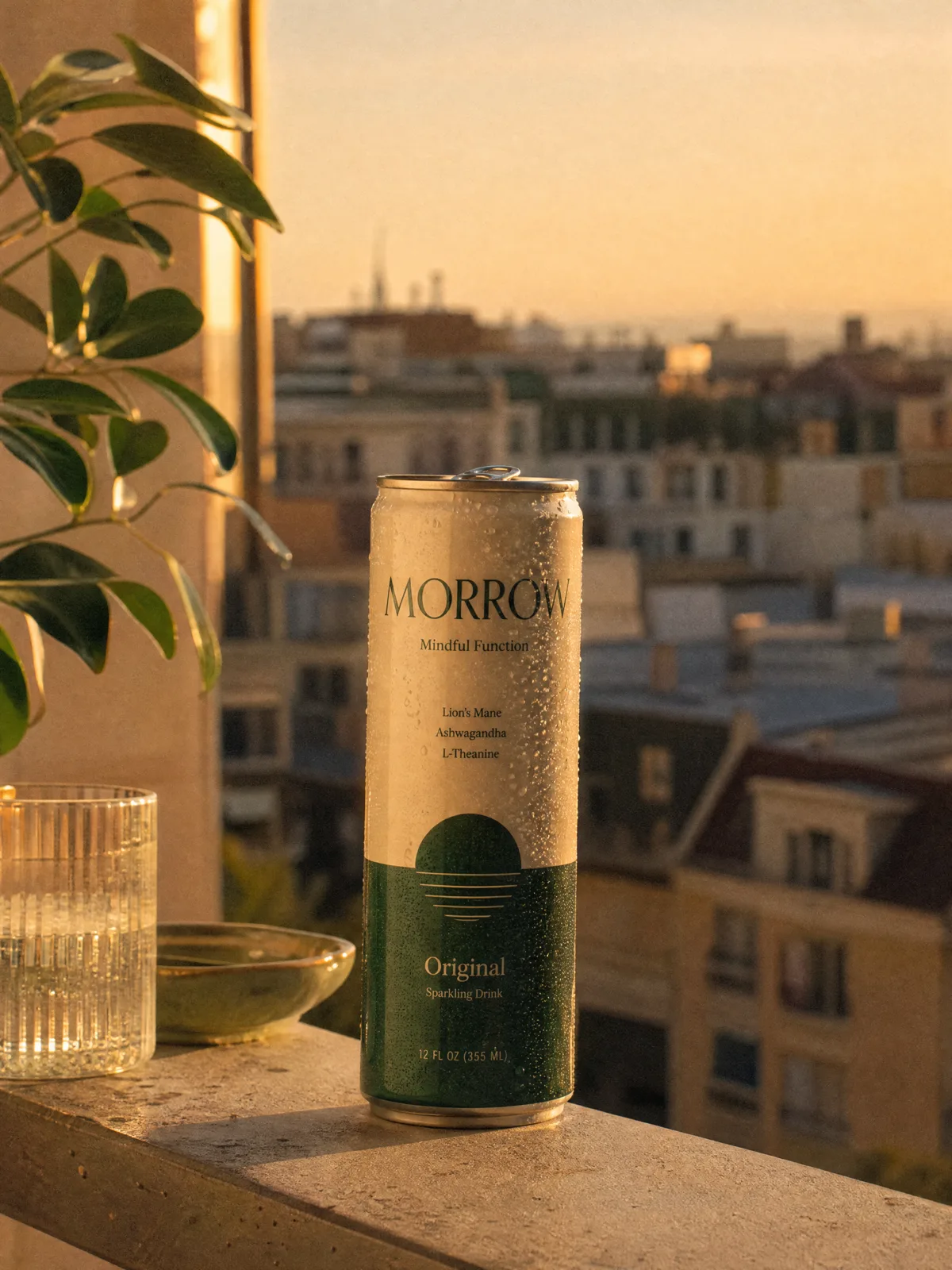
Multi-panel campaign hero
Two to four static campaign tiles at once instead of a rotating slider, lead tile carries the h1, each tile is one link.
blockmulti-panelanycta
$
npx shadcn@latest add @storekit/hero-multi-panelhero-multi-panel
Live and interactive. Switch the brand in the frame header to see the same source under another token file.
Installation
$
npx shadcn@latest add @storekit/hero-multi-panel$
pnpm dlx shadcn@latest add @storekit/hero-multi-panel$
yarn dlx shadcn@latest add @storekit/hero-multi-panel$
bunx --bun shadcn@latest add @storekit/hero-multi-panelSource
components/storekit/hero/hero-multi-panel.tsx
112 lines
"use client"

import { motion, useReducedMotion } from "motion/react"
import { ArrowRight } from "lucide-react"
import { cn } from "@/components/storekit/lib/cn"
import { useSkBlock } from "@/components/storekit/lib/sk-analytics"

/* Static multi-panel campaign hero. Two to four campaigns shown at once
   instead of rotating through them, so every message gets seen. The first
   panel is the lead and carries the h1; the rest are supporting tiles.
   Each panel is one link with a fixed dark scrim under its copy. Layouts:
   2 panels split 60/40, 3 panels lead plus a stacked pair, 4 panels lead
   plus three. On mobile the lead is full width and the rest pair up. */

const EASE = [0.23, 1, 0.32, 1] as const

export type CampaignPanel = {
  image: string
  alt: string
  kicker?: string
  title: string
  cta?: string
  href: string
  focus?: string
}

const SAMPLE: CampaignPanel[] = [
  { image: "/placeholder.webp", alt: "", kicker: "New", title: "The morning routine, rebuilt", cta: "Shop the routine", href: "#" },
  { image: "/placeholder.webp", alt: "", kicker: "Bundles", title: "Build a set, save 20%", cta: "Build yours", href: "#" },
  { image: "/placeholder.webp", alt: "", kicker: "Ingredients", title: "What goes in, and why", cta: "Read more", href: "#" },
]

export function HeroMultiPanel({ panels = SAMPLE, className }: { panels?: CampaignPanel[]; className?: string }) {
  const reduce = useReducedMotion()
  const sk = useSkBlock("hero", "hero-multi-panel")
  const list = panels.slice(0, 4)
  const n = list.length

  const grid =
    n <= 1
      ? "grid-cols-1"
      : n === 2
        ? "grid-cols-1 sm:grid-cols-2 lg:grid-cols-[1.5fr_1fr]"
        : n === 3
          ? "grid-cols-2 lg:grid-cols-[1.5fr_1fr] lg:grid-rows-2"
          : "grid-cols-2 lg:grid-cols-[1.4fr_1fr_1fr] lg:grid-rows-2"

  return (
    <section ref={sk.ref} {...sk.attrs} className={cn("bg-sk-paper text-sk-ink", className)}>
      <div className={cn("mx-auto grid w-full max-w-6xl gap-3 px-4 py-6 sm:gap-4 sm:px-8 sm:py-8 lg:h-[600px]", grid)}>
        {list.map((p, i) => {
          const lead = i === 0
          const Heading = lead ? "h1" : "h2"
          const span =
            lead && n >= 3
              ? "col-span-2 lg:col-span-1 lg:row-span-2"
              : n === 4 && i === 3
                ? "col-span-2 lg:col-span-2"
                : n === 3 && i > 0
                  ? "col-span-1"
                  : ""
          return (
            <motion.a
              key={p.title + i}
              href={p.href}
              onClick={() => sk.emit("interact", "panel", i)}
              initial={{ opacity: 0, y: reduce ? 0 : 10 }}
              animate={{ opacity: 1, y: 0 }}
              transition={{ duration: 0.55, ease: EASE, delay: reduce ? 0 : i * 0.07 }}
              className={cn(
                "group relative isolate flex overflow-hidden rounded-sk-card border border-sk-line bg-sk-surface text-[rgb(255_255_255)] outline-none focus-visible:ring-2 focus-visible:ring-sk-accent focus-visible:ring-offset-2 focus-visible:ring-offset-sk-paper",
                lead ? "aspect-[4/5] sm:aspect-[16/10] lg:aspect-auto" : span.includes("col-span-2") || n === 2 ? "aspect-[16/10] lg:aspect-auto" : "aspect-[4/5] sm:aspect-[4/3] lg:aspect-auto",
                span
              )}
            >
              <img
                src={p.image}
                alt={p.alt}
                className="absolute inset-0 -z-10 h-full w-full object-cover transition-transform duration-[900ms] ease-sk-out group-hover:scale-[1.035]"
                style={{ objectPosition: p.focus }}
              />
              <div aria-hidden className="absolute inset-0 -z-10 bg-[linear-gradient(0deg,rgb(0_0_0/0.7),rgb(0_0_0/0.18)_50%,transparent_75%)]" />
              <div className={cn("mt-auto w-full", lead ? "p-5 sm:p-8" : "p-4 sm:p-5")}>
                {p.kicker ? (
                  <p className="font-sk-mono text-[10px] uppercase tracking-[0.16em] text-[rgb(255_255_255/0.75)] sm:text-[11px]">{p.kicker}</p>
                ) : null}
                <Heading
                  className={cn(
                    "mt-2 text-balance font-sk-display font-semibold tracking-[-0.015em]",
                    lead ? "text-[28px] sm:text-[40px] lg:text-[48px]" : "text-[15px] [overflow-wrap:anywhere] min-[400px]:text-[17px] sm:text-[22px] sm:[overflow-wrap:normal]",
                    "leading-[1.08]"
                  )}
                >
                  {p.title}
                </Heading>
                {p.cta ? (
                  <span className={cn("mt-3 inline-flex items-center gap-1.5 font-medium", lead ? "text-[15px]" : "text-[13px]")}>
                    <span className="underline decoration-[rgb(255_255_255/0.45)] underline-offset-4 transition-[text-decoration-color] duration-200 group-hover:decoration-[rgb(255_255_255)]">
                      {p.cta}
                    </span>
                    <ArrowRight size={lead ? 16 : 14} aria-hidden className="transition-transform duration-300 ease-sk-out group-hover:translate-x-0.5" />
                  </span>
                ) : null}
              </div>
            </motion.a>
          )
        })}
      </div>
    </section>
  )
}
Usage
Import from "@/components/storekit/hero/hero-multi-panel" and pass your product data. The demo above exercises the full prop surface with sample values.