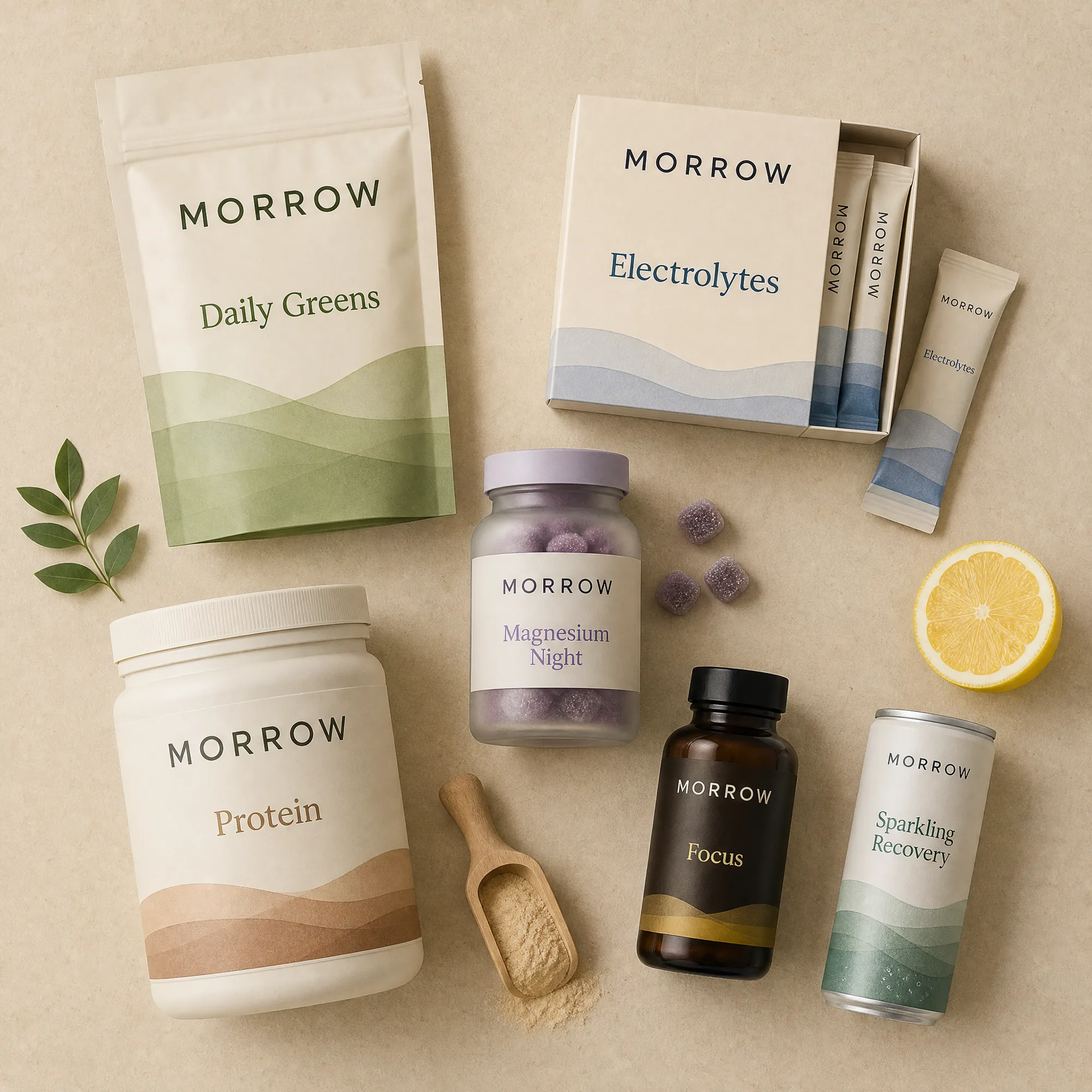
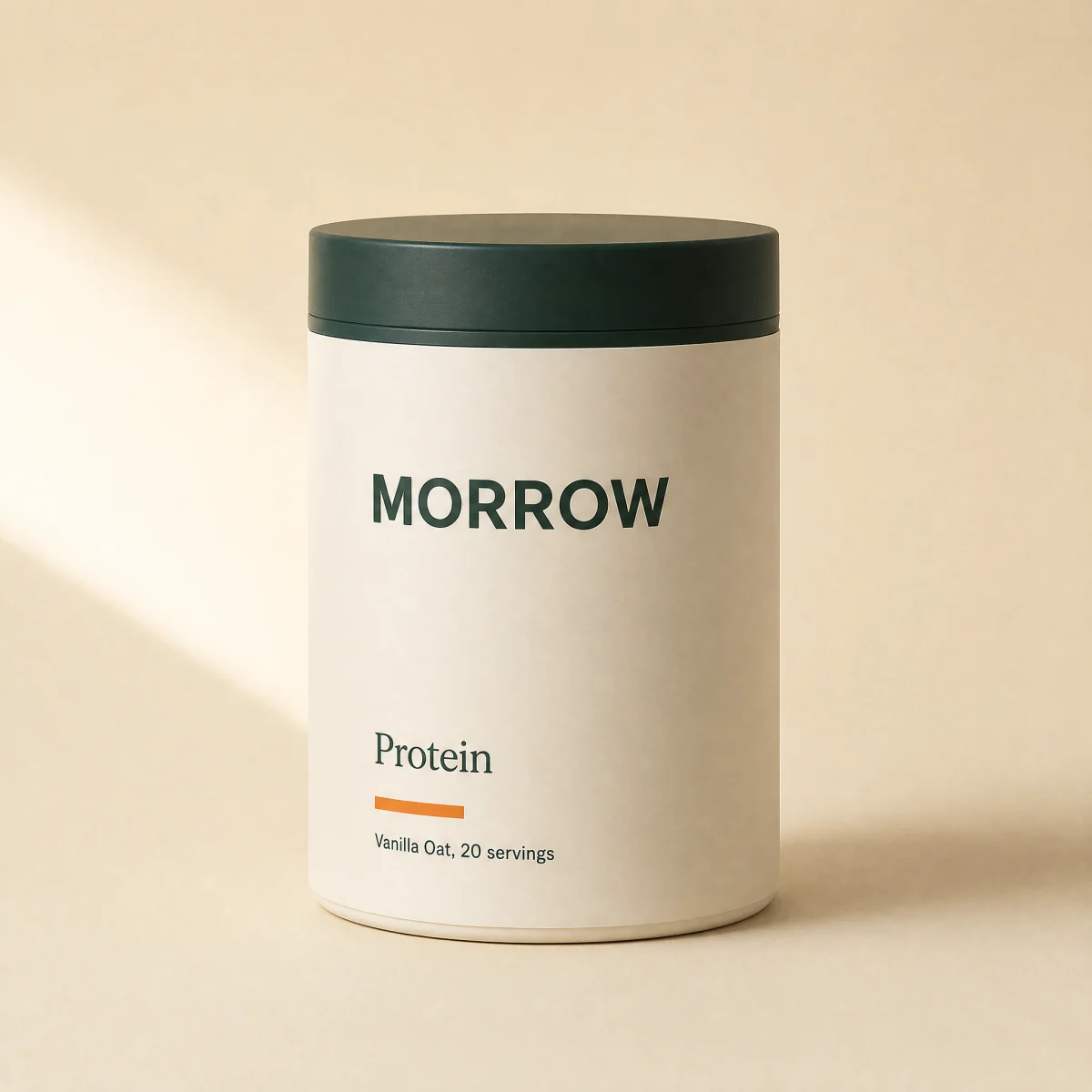
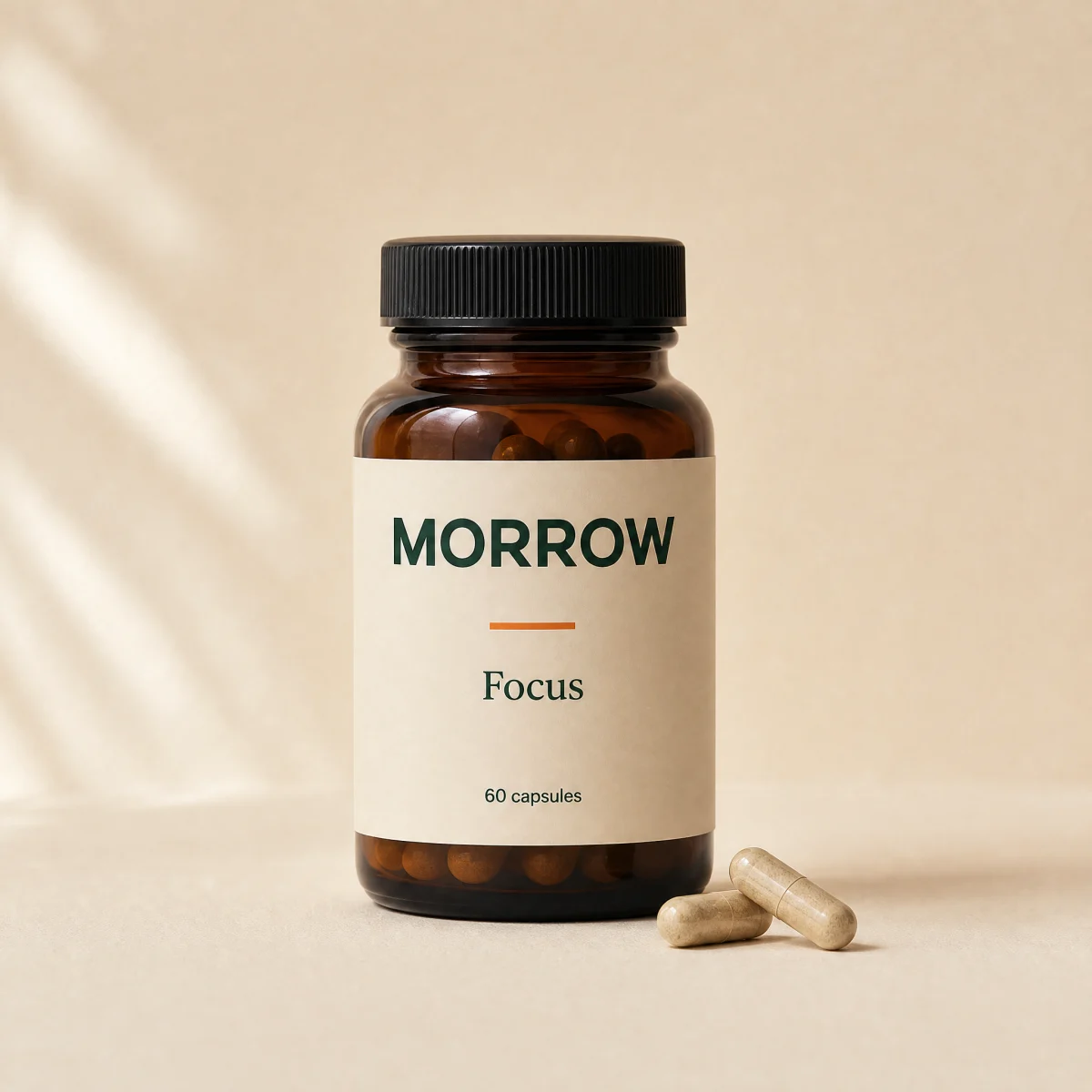
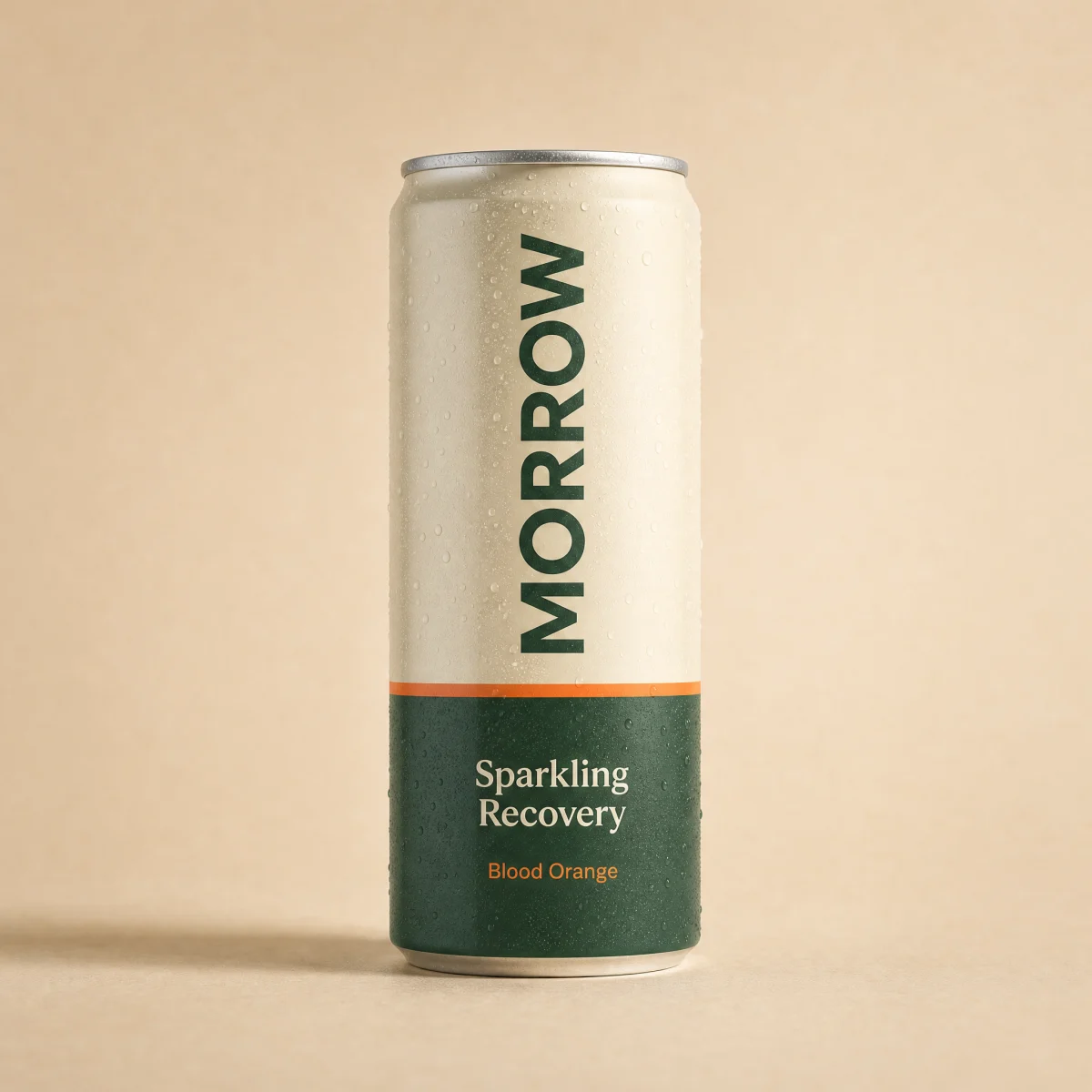
Shoppable hotspots hero
Lifestyle or flat-lay scene with a dot on each product; dots open a card with price and add to cart, and drive a product rail on mobile.
blockhotspotsanyatc
$
npx shadcn@latest add @storekit/hero-hotspotshero-hotspots
Live and interactive. Switch the brand in the frame header to see the same source under another token file.
Installation
$
npx shadcn@latest add @storekit/hero-hotspots$
pnpm dlx shadcn@latest add @storekit/hero-hotspots$
yarn dlx shadcn@latest add @storekit/hero-hotspots$
bunx --bun shadcn@latest add @storekit/hero-hotspotsSource
components/storekit/hero/hero-hotspots.tsx
368 lines
"use client";

import { useEffect, useId, useRef, useState } from "react";
import { AnimatePresence, motion, useReducedMotion } from "motion/react";
import { Check, Plus, X } from "lucide-react";
import { cn, money } from "@/components/storekit/lib/cn";
import { useSkBlock } from "@/components/storekit/lib/sk-analytics";

/* Shoppable hotspots hero. A lifestyle or flat-lay scene with a dot on every
   product in it. Each dot is a real button: it opens a small card with the
   product image, price, add to cart and a link to the product page. Escape
   or a click outside closes it. Cards flip to the other side of the dot
   near the frame edges. Under md the cards would cover too much of the
   scene, so the dots select a product in a rail of chips under the photo
   instead, and the rail carries add to cart. */

const EASE = [0.23, 1, 0.32, 1] as const;

export type Hotspot = {
  x: number;
  y: number;
  product: {
    id: string;
    title: string;
    price: number;
    compareAt?: number;
    image?: string;
    href: string;
  };
};

const SAMPLE: Hotspot[] = [
  {
    x: 28,
    y: 32,
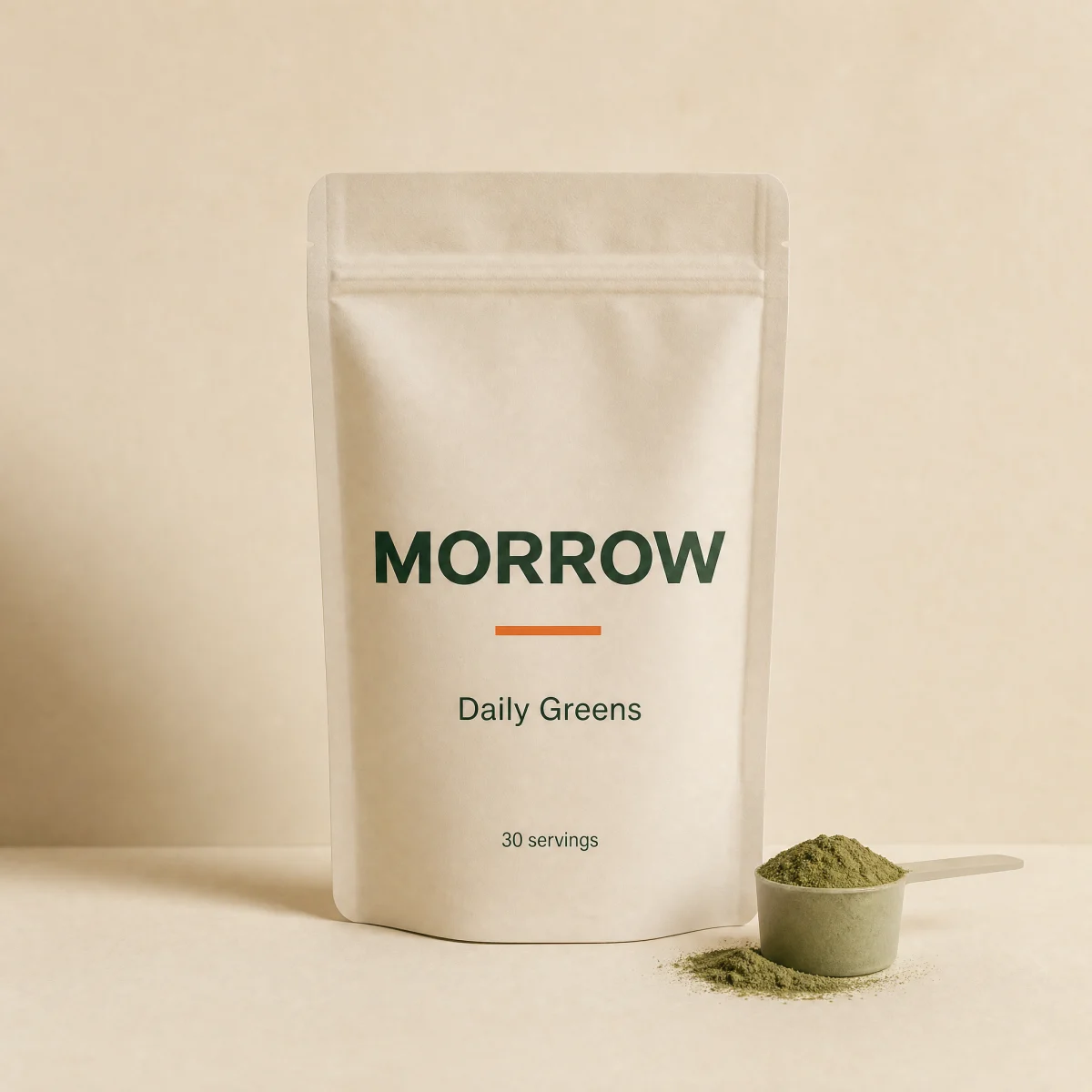
    product: { id: "a", title: "Daily Greens", price: 4900, href: "#" },
  },
  {
    x: 64,
    y: 24,
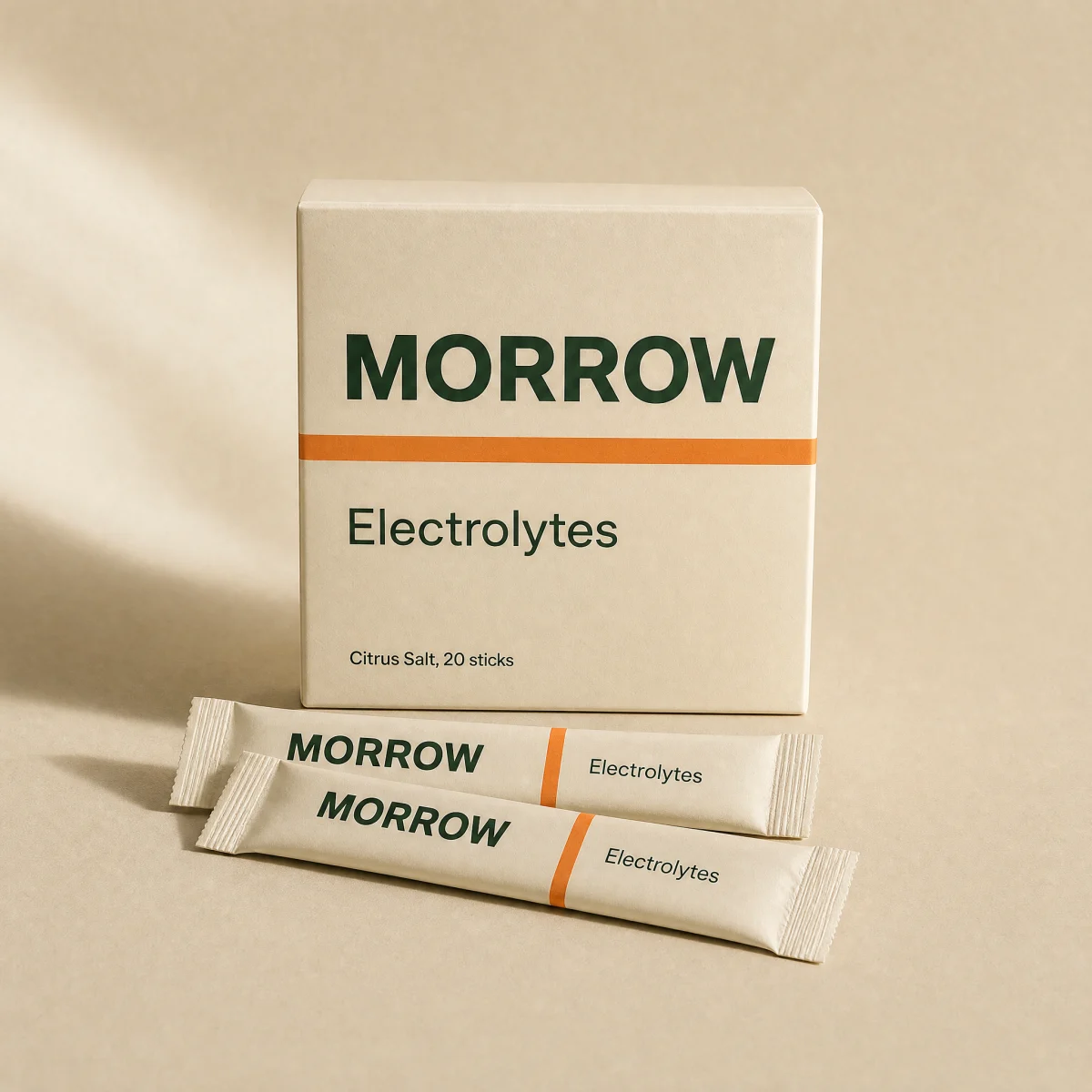
    product: { id: "b", title: "Electrolytes", price: 3200, href: "#" },
  },
  {
    x: 52,
    y: 58,
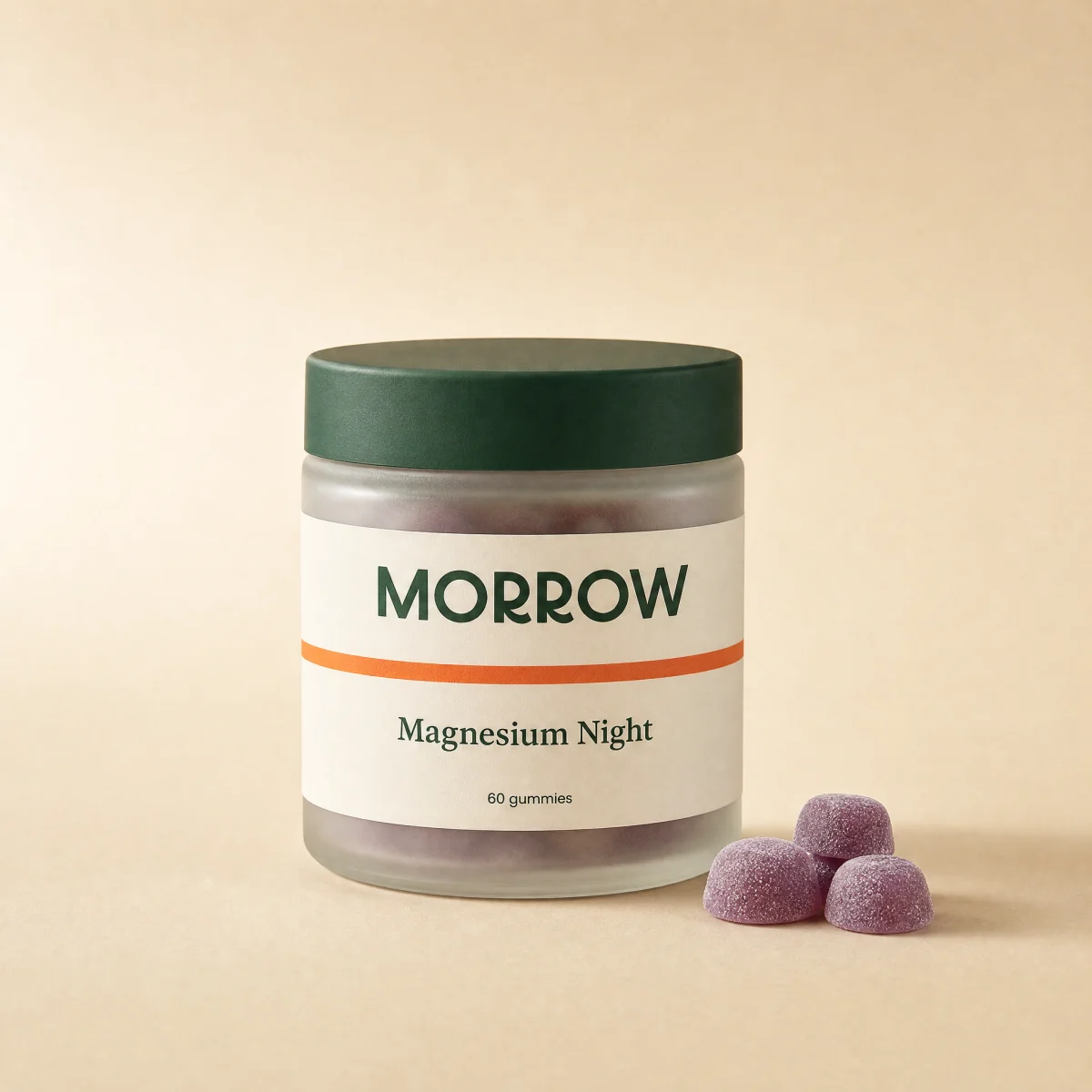
    product: { id: "c", title: "Magnesium Night", price: 2900, href: "#" },
  },
];

export function HeroHotspots({
  image = "/placeholder.webp",
  imageAlt = "",
  aspect = "1 / 1",
  eyebrow = "Shop the shelf",
  headline = "Everything in this photo, one tap away.",
  subcopy = "Tap a dot to see what it is, what it costs and add it straight to your cart.",
  hotspots = SAMPLE,
  onAdd,
  className,
}: {
  image?: string;
  imageAlt?: string;
  /** Frame aspect ratio. Match the photo so the dots land on the products. */
  aspect?: string;
  eyebrow?: string;
  headline?: string;
  subcopy?: string;
  /** Dot positions in percent of the frame. */
  hotspots?: Hotspot[];
  onAdd?: (productId: string) => void;
  className?: string;
}) {
  const reduce = useReducedMotion();
  const sk = useSkBlock("hero", "hero-hotspots");
  const [open, setOpen] = useState<number | null>(null);
  const [added, setAdded] = useState<Record<string, boolean>>({});
  const frame = useRef<HTMLDivElement>(null);
  const rail = useRef<HTMLUListElement>(null);
  const uid = useId();

  // Under md the card is hidden, so bring the matching chip into view.
  useEffect(() => {
    if (open === null || !rail.current || rail.current.offsetParent === null)
      return;
    const el = rail.current.querySelector<HTMLElement>(`[data-i="${open}"]`);
    el?.scrollIntoView({
      behavior: reduce ? "auto" : "smooth",
      block: "nearest",
      inline: "center",
    });
  }, [open, reduce]);

  useEffect(() => {
    if (open === null) return;
    const onKey = (e: KeyboardEvent) => e.key === "Escape" && setOpen(null);
    const onDown = (e: PointerEvent) => {
      const t = e.target as Node;
      if (!frame.current?.contains(t) && !rail.current?.contains(t))
        setOpen(null);
    };
    window.addEventListener("keydown", onKey);
    window.addEventListener("pointerdown", onDown);
    return () => {
      window.removeEventListener("keydown", onKey);
      window.removeEventListener("pointerdown", onDown);
    };
  }, [open]);

  const add = (id: string, i: number) => {
    onAdd?.(id);
    setAdded((a) => ({ ...a, [id]: true }));
    sk.emit("convert", "add_to_cart", i);
  };

  const toggle = (i: number) => {
    setOpen((o) => (o === i ? null : i));
    sk.emit("interact", "hotspot", i);
  };

  const addButton = (h: Hotspot, i: number, full?: boolean) => {
    const done = added[h.product.id];
    return (
      <button
        type="button"
        onClick={() => add(h.product.id, i)}
        className={cn(
          "sk-btn inline-flex h-10 items-center justify-center gap-1.5 rounded-sk-btn bg-sk-accent px-4 text-[13px] font-medium text-sk-accent-ink outline-none transition-[filter,transform] duration-200 ease-sk-out hover:brightness-[1.06] focus-visible:ring-2 focus-visible:ring-sk-accent focus-visible:ring-offset-2 focus-visible:ring-offset-sk-card active:scale-[0.97]",
          full && "w-full",
        )}
      >
        {done ? (
          <Check size={14} aria-hidden />
        ) : (
          <Plus size={14} aria-hidden />
        )}
        {done ? "Added" : "Add to cart"}
      </button>
    );
  };

  return (
    <section
      ref={sk.ref}
      {...sk.attrs}
      className={cn("bg-sk-paper text-sk-ink", className)}
    >
      <div className="mx-auto grid w-full max-w-6xl grid-cols-1 gap-8 px-4 py-10 sm:px-8 sm:py-14 lg:grid-cols-[0.75fr_1.25fr] lg:items-center lg:gap-12">
        <div className="flex flex-col gap-4">
          <div>
            <p className="font-sk-mono text-[11px] uppercase tracking-[0.14em] text-sk-muted">
              {eyebrow}
            </p>
            <h1
              className="mt-3 max-w-xl text-balance font-sk-display font-semibold leading-[1.08] tracking-[-0.02em]"
              style={{ fontSize: "clamp(2rem, 3.8vw, 3rem)" }}
            >
              {headline}
            </h1>
          </div>
          <p className="max-w-sm text-[15px] leading-[1.55] text-sk-muted">
            {subcopy}
          </p>
          <p className="hidden items-center gap-2 font-sk-mono text-[11px] uppercase tracking-[0.14em] text-sk-muted md:flex">
            <span className="grid h-5 w-5 place-items-center rounded-full bg-sk-ink text-sk-paper">
              <Plus size={11} strokeWidth={2.5} aria-hidden />
            </span>
            {hotspots.length} products in this photo
          </p>
        </div>

        <div className="mx-auto w-full max-w-[640px] lg:max-w-none">
          <div
            ref={frame}
            className="relative overflow-visible"
            style={{ aspectRatio: aspect }}
          >
            <div className="absolute inset-0 overflow-hidden rounded-sk-card border border-sk-line bg-sk-surface">
              <img
                src={image}
                alt={imageAlt}
                className="h-full w-full object-cover"
              />
            </div>
            {hotspots.map((h, i) => {
              const isOpen = open === i;
              const right = h.x > 62;
              const below = h.y < 40;
              return (
                <div
                  key={h.product.id}
                  className={cn("absolute", isOpen ? "z-20" : "z-10")}
                  style={{ left: `${h.x}%`, top: `${h.y}%` }}
                >
                  <button
                    type="button"
                    onClick={() => toggle(i)}
                    aria-expanded={isOpen}
                    aria-label={`${h.product.title}, ${money(h.product.price)}`}
                    className="group relative -ml-[22px] -mt-[22px] grid h-11 w-11 place-items-center rounded-full outline-none focus-visible:ring-2 focus-visible:ring-sk-accent"
                  >
                    {!isOpen ? (
                      <span
                        aria-hidden
                        className="absolute h-7 w-7 animate-ping rounded-full bg-sk-paper/60 [animation-duration:2.4s] motion-reduce:hidden"
                      />
                    ) : null}
                    <motion.span
                      aria-hidden
                      animate={{
                        scale: isOpen ? 1.12 : 1,
                        rotate: isOpen ? 45 : 0,
                      }}
                      transition={{
                        type: "spring",
                        stiffness: 500,
                        damping: 28,
                      }}
                      className={cn(
                        "relative grid h-7 w-7 place-items-center rounded-full border-2 border-sk-paper shadow-[0_6px_18px_-6px_rgb(0_0_0/0.55)] transition-colors duration-200",
                        isOpen
                          ? "bg-sk-accent text-sk-accent-ink"
                          : "bg-sk-ink text-sk-paper group-hover:bg-sk-accent group-hover:text-sk-accent-ink",
                      )}
                    >
                      <Plus size={14} strokeWidth={2.5} />
                    </motion.span>
                  </button>

                  <AnimatePresence>
                    {isOpen ? (
                      <motion.div
                        role="dialog"
                        aria-label={h.product.title}
                        initial={{
                          opacity: 0,
                          y: reduce ? 0 : below ? -6 : 6,
                          scale: reduce ? 1 : 0.96,
                        }}
                        animate={{ opacity: 1, y: 0, scale: 1 }}
                        exit={{ opacity: 0, scale: reduce ? 1 : 0.97 }}
                        transition={{
                          type: "spring",
                          stiffness: 420,
                          damping: 32,
                        }}
                        style={{
                          transformOrigin: `${right ? "right" : "left"} ${below ? "top" : "bottom"}`,
                        }}
                        className={cn(
                          "absolute hidden w-64 rounded-sk-card border border-sk-line bg-sk-card p-3 text-sk-ink shadow-[0_28px_60px_-28px_rgb(0_0_0/0.55)] md:block",
                          right ? "right-3" : "left-3",
                          below ? "top-6" : "bottom-6",
                        )}
                      >
                        <div className="flex gap-3">
                          {h.product.image ? (
                            <img
                              src={h.product.image}
                              alt=""
                              className="h-16 w-16 shrink-0 rounded-sk-chip bg-sk-surface object-cover"
                            />
                          ) : null}
                          <div className="min-w-0 flex-1">
                            <a
                              href={h.product.href}
                              onClick={() =>
                                sk.emit("interact", "hotspot_product", i)
                              }
                              className="block truncate text-sm font-medium outline-none hover:underline focus-visible:underline"
                            >
                              {h.product.title}
                            </a>
                            <p className="mt-1 flex items-baseline gap-2 text-sm tabular-nums">
                              <span
                                className={
                                  h.product.compareAt
                                    ? "text-sk-sale"
                                    : "text-sk-price"
                                }
                              >
                                {money(h.product.price)}
                              </span>
                              {h.product.compareAt ? (
                                <s className="text-[12px] text-sk-muted">
                                  {money(h.product.compareAt)}
                                </s>
                              ) : null}
                            </p>
                          </div>
                          <button
                            type="button"
                            onClick={() => setOpen(null)}
                            aria-label="Close"
                            className="-mr-1 -mt-1 grid h-8 w-8 shrink-0 place-items-center rounded-full text-sk-muted outline-none hover:bg-sk-ink/[0.05] focus-visible:ring-2 focus-visible:ring-sk-accent"
                          >
                            <X size={14} aria-hidden />
                          </button>
                        </div>
                        <div className="mt-3">{addButton(h, i, true)}</div>
                      </motion.div>
                    ) : null}
                  </AnimatePresence>
                </div>
              );
            })}
          </div>

          <ul
            ref={rail}
            id={`${uid}-rail`}
            className="mt-4 flex snap-x gap-2 overflow-x-auto pb-1 md:hidden"
            aria-label="Products in this photo"
          >
            {hotspots.map((h, i) => {
              const active = open === i;
              return (
                <li key={h.product.id} data-i={i} className="snap-start">
                  <div
                    className={cn(
                      "flex w-[260px] items-center gap-3 rounded-sk-card border bg-sk-card p-2.5 transition-colors duration-200",
                      active ? "border-sk-accent" : "border-sk-line",
                    )}
                  >
                    {h.product.image ? (
                      <img
                        src={h.product.image}
                        alt=""
                        className="h-12 w-12 shrink-0 rounded-sk-chip bg-sk-surface object-cover"
                      />
                    ) : null}
                    <div className="min-w-0 flex-1">
                      <a
                        href={h.product.href}
                        className="block truncate text-[13px] font-medium outline-none focus-visible:underline"
                      >
                        {h.product.title}
                      </a>
                      <p className="text-[13px] tabular-nums text-sk-muted">
                        {money(h.product.price)}
                      </p>
                    </div>
                    <button
                      type="button"
                      onClick={() => add(h.product.id, i)}
                      aria-label={
                        added[h.product.id]
                          ? `${h.product.title} added`
                          : `Add ${h.product.title} to cart`
                      }
                      className="sk-btn grid h-10 w-10 shrink-0 place-items-center rounded-full bg-sk-accent text-sk-accent-ink outline-none transition-transform duration-200 ease-sk-out focus-visible:ring-2 focus-visible:ring-sk-accent focus-visible:ring-offset-2 active:scale-[0.94]"
                    >
                      {added[h.product.id] ? (
                        <Check size={15} aria-hidden />
                      ) : (
                        <Plus size={15} aria-hidden />
                      )}
                    </button>
                  </div>
                </li>
              );
            })}
          </ul>
        </div>
      </div>
    </section>
  );
}
Usage
Hotspot `x` and `y` are percentages of the frame. Wire `onAdd` to your cart.