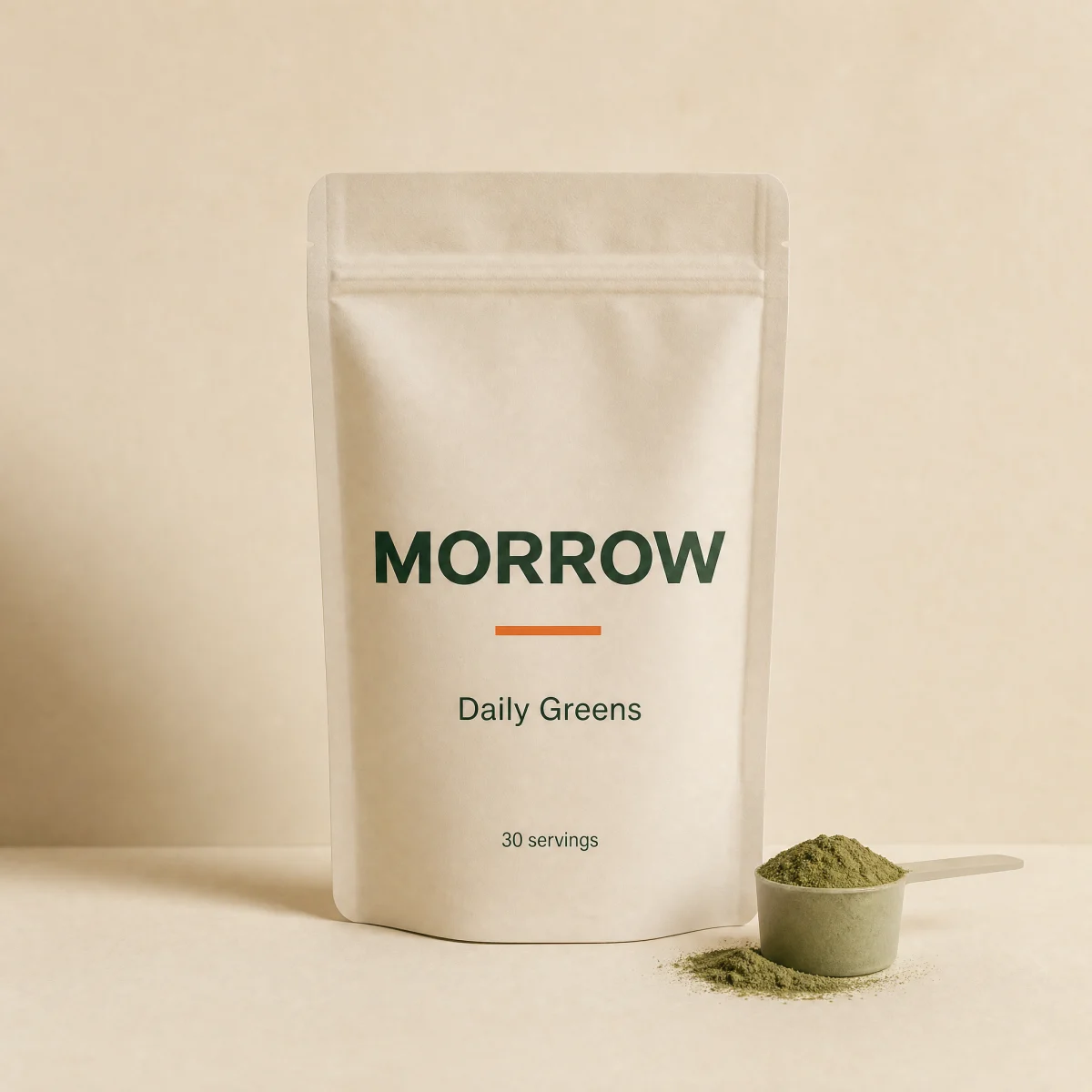
Product gallery
Crossfading main image, thumbnail strip, 2x hover lens and arrow key navigation.
componentgalleryanymedia
$
npx shadcn@latest add @storekit/pdp-gallerypdp-gallery
Live and interactive. Switch the brand in the frame header to see the same source under another token file.
Installation
$
npx shadcn@latest add @storekit/pdp-gallery$
pnpm dlx shadcn@latest add @storekit/pdp-gallery$
yarn dlx shadcn@latest add @storekit/pdp-gallery$
bunx --bun shadcn@latest add @storekit/pdp-gallerySource
components/storekit/pdp/pdp-gallery.tsx
165 lines
"use client"

import { useCallback, useRef, useState } from "react"
import { AnimatePresence, motion, useReducedMotion } from "motion/react"
import { ChevronLeft, ChevronRight } from "lucide-react"
import { cn } from "@/components/storekit/lib/cn"
import { ProductImage } from "@/components/storekit/ui/product-image"

/* Product gallery. Main image crossfades between shots, thumbnails run
   vertically on desktop and horizontally on mobile, a 2x lens follows the
   cursor on fine pointers, and the arrow keys cycle images. */

type GalleryImage = { src: string; alt: string }

const RING = "outline-none focus-visible:ring-2 focus-visible:ring-sk-accent focus-visible:ring-offset-2 focus-visible:ring-offset-sk-paper"

const DEFAULT_IMAGES: GalleryImage[] = [
  { src: "/brands/morrow/greens.webp", alt: "Daily Greens pouch, front" },
  { src: "/brands/morrow/hero.webp", alt: "Morrow daily lineup" },
  { src: "/brands/morrow/electrolytes.webp", alt: "Electrolytes pouch" },
  { src: "/brands/morrow/magnesium.webp", alt: "Magnesium Night gummies" },
]

export function PdpGallery({
  images = DEFAULT_IMAGES,
  className,
}: {
  images?: GalleryImage[]
  className?: string
}) {
  const [index, setIndex] = useState(0)
  const [lens, setLens] = useState<{ x: number; y: number } | null>(null)
  const reduce = useReducedMotion()
  const thumbs = useRef<(HTMLButtonElement | null)[]>([])
  const count = images.length
  const current = images[Math.min(index, count - 1)]

  const go = useCallback(
    (next: number) => {
      const i = (next + count) % count
      setIndex(i)
      thumbs.current[i]?.scrollIntoView({ block: "nearest", inline: "nearest", behavior: reduce ? "auto" : "smooth" })
    },
    [count, reduce]
  )

  const onKeyDown = (e: React.KeyboardEvent) => {
    if (e.key === "ArrowRight" || e.key === "ArrowDown") {
      e.preventDefault()
      go(index + 1)
    } else if (e.key === "ArrowLeft" || e.key === "ArrowUp") {
      e.preventDefault()
      go(index - 1)
    }
  }

  const onMove = (e: React.PointerEvent<HTMLDivElement>) => {
    if (e.pointerType !== "mouse") return
    const r = e.currentTarget.getBoundingClientRect()
    setLens({
      x: Math.max(0, Math.min(100, ((e.clientX - r.left) / r.width) * 100)),
      y: Math.max(0, Math.min(100, ((e.clientY - r.top) / r.height) * 100)),
    })
  }

  if (!current) return null

  return (
    <div
      role="region"
      aria-roledescription="carousel"
      aria-label="Product images"
      tabIndex={0}
      onKeyDown={onKeyDown}
      data-sk-section="pdp"
      data-sk-variant="pdp-gallery"
      className={cn("flex w-full flex-col-reverse gap-3 self-start rounded-sk-card md:flex-row md:items-start", RING, className)}
    >
      <div className="flex gap-2 overflow-x-auto p-1 md:max-h-[520px] md:w-20 md:shrink-0 md:flex-col md:overflow-y-auto md:overflow-x-visible">
        {images.map((img, i) => {
          const active = i === index
          return (
            <button
              key={img.src + i}
              ref={(el) => {
                thumbs.current[i] = el
              }}
              type="button"
              aria-label={`Show image ${i + 1} of ${count}`}
              aria-current={active || undefined}
              onClick={() => go(i)}
              className={cn(
                "relative h-16 w-16 shrink-0 overflow-hidden rounded-sk-card border bg-sk-surface transition-[border-color,opacity,box-shadow] duration-200 ease-sk-out md:h-[72px] md:w-full",
                active ? "border-sk-accent ring-2 ring-sk-accent/30" : "border-sk-line opacity-70 hover:opacity-100",
                RING
              )}
            >
              <img src={img.src} alt="" loading="lazy" className="absolute inset-0 h-full w-full object-cover" />
            </button>
          )
        })}
      </div>

      <div
        className="group/main relative min-w-0 flex-1 overflow-hidden rounded-sk-card border border-sk-line bg-sk-surface md:cursor-zoom-in"
        onPointerMove={onMove}
        onPointerLeave={() => setLens(null)}
      >
        <div className="relative aspect-square">
          <AnimatePresence initial={false}>
            <motion.div
              key={current.src + index}
              className="absolute inset-0"
              initial={{ opacity: 0 }}
              animate={{ opacity: 1 }}
              exit={{ opacity: 0 }}
              transition={{ duration: reduce ? 0 : 0.35, ease: [0.23, 1, 0.32, 1] }}
            >
              <ProductImage src={current.src} alt={current.alt} fit="cover" zoomOnHover={false} className="h-full w-full" />
            </motion.div>
          </AnimatePresence>

          {lens ? (
            <div
              aria-hidden
              className="pointer-events-none absolute inset-0 hidden bg-sk-surface bg-no-repeat md:block"
              style={{
                backgroundImage: `url(${current.src})`,
                backgroundSize: "cover",
                transform: "scale(2)",
                transformOrigin: `${lens.x}% ${lens.y}%`,
                backgroundPosition: "center",
              }}
            />
          ) : null}
        </div>

        {count > 1 ? (
          <div className="absolute inset-x-3 bottom-3 flex items-center justify-between">
            <button
              type="button"
              aria-label="Previous image"
              onClick={() => go(index - 1)}
              className={cn("grid h-11 w-11 place-items-center rounded-full border border-sk-line bg-sk-card text-sk-ink transition-opacity duration-200 hover:bg-sk-surface active:scale-[0.97] md:opacity-0 md:group-hover/main:opacity-100 md:focus-visible:opacity-100", RING)}
            >
              <ChevronLeft size={18} />
            </button>
            <span className="rounded-sk-chip border border-sk-line bg-sk-card px-2 py-0.5 font-sk-mono text-[11px] tabular-nums text-sk-muted">
              {index + 1} / {count}
            </span>
            <button
              type="button"
              aria-label="Next image"
              onClick={() => go(index + 1)}
              className={cn("grid h-11 w-11 place-items-center rounded-full border border-sk-line bg-sk-card text-sk-ink transition-opacity duration-200 hover:bg-sk-surface active:scale-[0.97] md:opacity-0 md:group-hover/main:opacity-100 md:focus-visible:opacity-100", RING)}
            >
              <ChevronRight size={18} />
            </button>
          </div>
        ) : null}
      </div>
    </div>
  )
}
Usage
Import from "@/components/storekit/pdp/pdp-gallery" and pass your product data. The demo above exercises the full prop surface with sample values.