Sticky add to cart
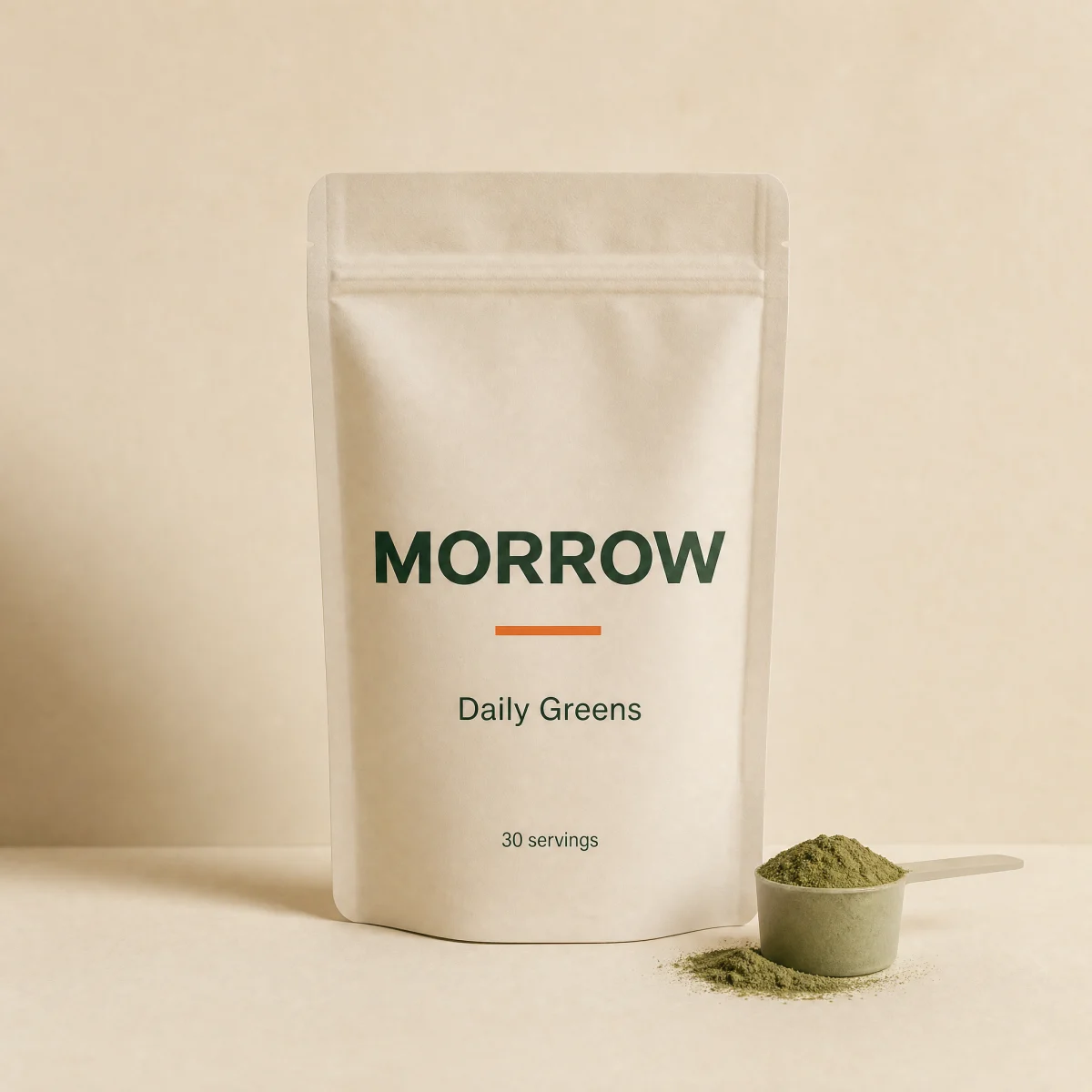
Bottom bar that slides up once the buy button scrolls away, with thumb, variant, price and add.
componentstickyanyatc
$
npx shadcn@latest add @storekit/pdp-sticky-atcpdp-sticky-atc
Live and interactive. Switch the brand in the frame header to see the same source under another token file.
Installation
$
npx shadcn@latest add @storekit/pdp-sticky-atc$
pnpm dlx shadcn@latest add @storekit/pdp-sticky-atc$
yarn dlx shadcn@latest add @storekit/pdp-sticky-atc$
bunx --bun shadcn@latest add @storekit/pdp-sticky-atcSource
components/storekit/pdp/pdp-sticky-atc.tsx
95 lines
"use client"

import { useEffect, useRef, useState } from "react"
import { motion, useReducedMotion } from "motion/react"
import { Check } from "lucide-react"
import { cn } from "@/components/storekit/lib/cn"
import { Button } from "@/components/storekit/ui/button"
import { Price } from "@/components/storekit/ui/price"
import { useSkBlock } from "@/components/storekit/lib/sk-analytics"

/* Sticky add-to-cart bar. Slides up once the main buy button scrolls away.
   `position="absolute"` pins it inside a scroll frame instead of the window.
   The bar stays mounted and slides off screen when hidden (inert), so the
   view event only fires once it is actually on screen. */

const EASE = [0.23, 1, 0.32, 1] as const

export function PdpStickyAtc({
  visible = true,
  title = "Daily Greens",
  image = "/brands/morrow/greens.webp",
  variant = "30 servings",
  price = 4900,
  compareAt,
  position = "fixed",
  onAdd,
  className,
}: {
  visible?: boolean
  title?: string
  image?: string
  variant?: string
  price?: number
  compareAt?: number
  position?: "fixed" | "absolute"
  onAdd?: () => void
  className?: string
}) {
  const reduce = useReducedMotion()
  const sk = useSkBlock("pdp", "pdp-sticky-atc")
  const [status, setStatus] = useState<"idle" | "loading" | "added">("idle")
  const timers = useRef<number[]>([])
  useEffect(() => () => timers.current.forEach((t) => window.clearTimeout(t)), [])

  const add = () => {
    if (status !== "idle") return
    setStatus("loading")
    sk.emit("convert", "add_to_cart", price)
    timers.current.push(
      window.setTimeout(() => {
        setStatus("added")
        onAdd?.()
        timers.current.push(window.setTimeout(() => setStatus("idle"), 1200))
      }, 700)
    )
  }

  return (
    <motion.div
      {...sk.attrs}
      ref={sk.ref as React.RefObject<HTMLDivElement>}
      role="region"
      aria-label="Quick add to cart"
      aria-hidden={!visible || undefined}
      inert={!visible}
      initial={false}
      animate={{ y: visible || reduce ? 0 : "110%", opacity: visible ? 1 : 0 }}
      transition={{ duration: reduce ? 0.15 : 0.45, ease: EASE }}
      className={cn(position === "fixed" ? "fixed" : "absolute", "inset-x-0 bottom-0 z-30 p-3", !visible && "pointer-events-none", className)}
    >
      <div className="mx-auto flex max-w-3xl items-center gap-3 rounded-sk-card border border-sk-line bg-sk-card p-2.5 pr-3 shadow-[0_24px_60px_-24px_rgb(var(--sk-ink)/0.25)]">
        <span className="relative h-12 w-12 shrink-0 overflow-hidden rounded-sk-btn bg-sk-surface">
          <img src={image} alt="" className="absolute inset-0 h-full w-full object-cover" />
        </span>
        <span className="flex min-w-0 flex-1 flex-col">
          <span className="truncate text-sm font-medium text-sk-ink">{title}</span>
          <span className="flex flex-wrap items-baseline gap-x-2 text-[13px] text-sk-muted">
            <span className="font-sk-mono text-[11px] uppercase tracking-[0.08em]">{variant}</span>
            <Price amount={price} compareAt={compareAt} size="sm" />
          </span>
        </span>
        <Button onClick={add} loading={status === "loading"} className="min-w-[96px] shrink-0">
          {status === "added" ? (
            <>
              <Check size={16} strokeWidth={2.5} /> Added
            </>
          ) : (
            "Add"
          )}
        </Button>
      </div>
    </motion.div>
  )
}
Usage
Drive `visible` from an IntersectionObserver on your main add to cart button.