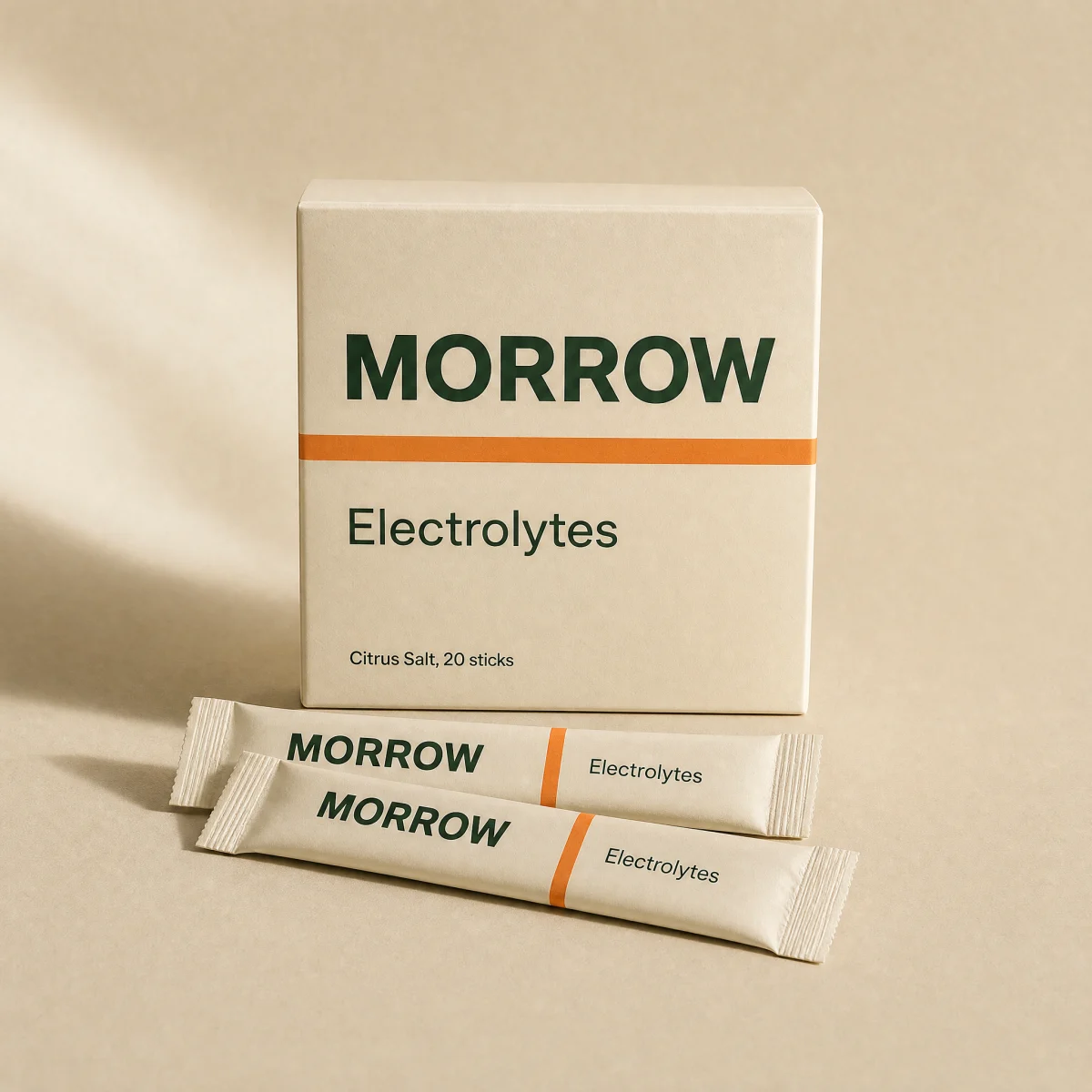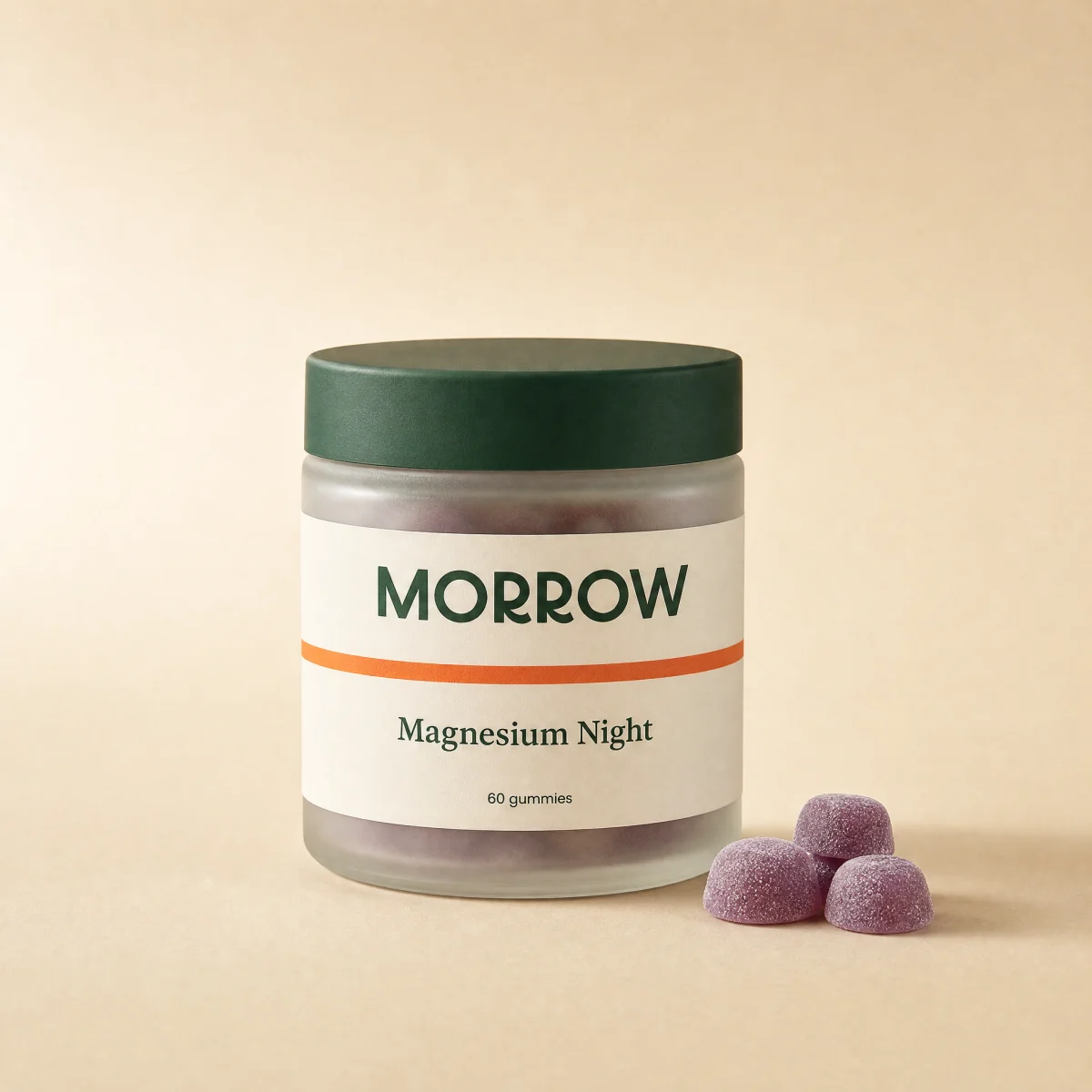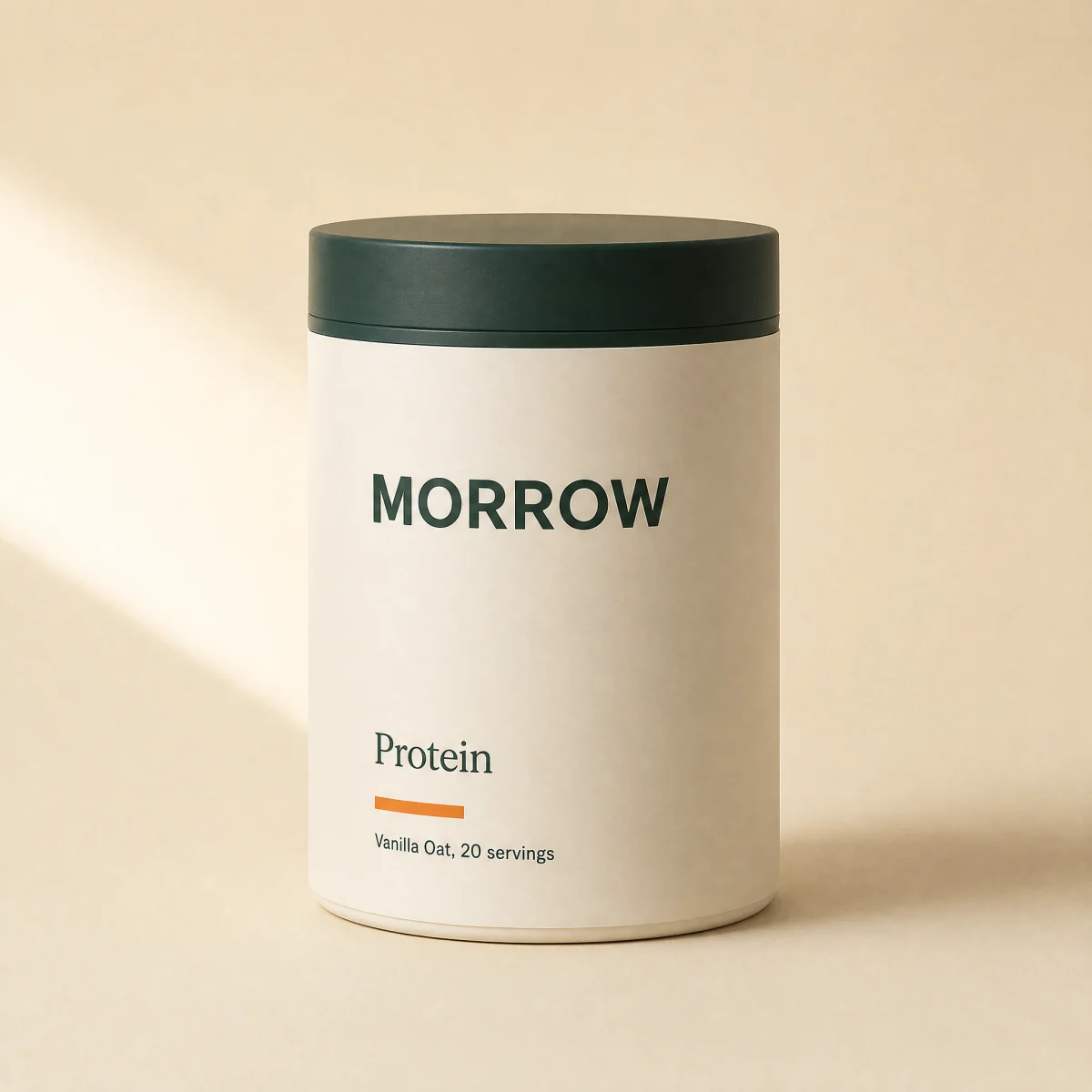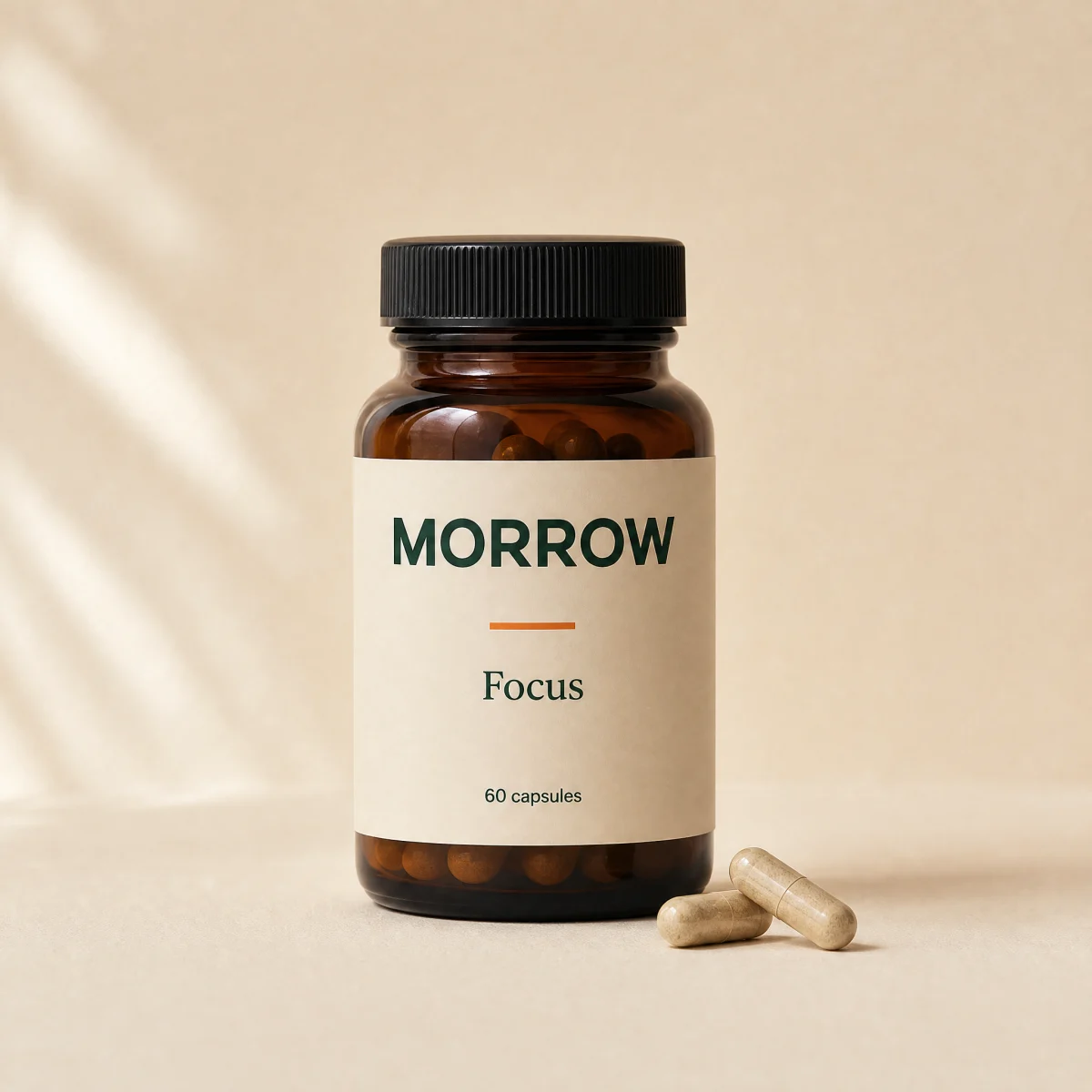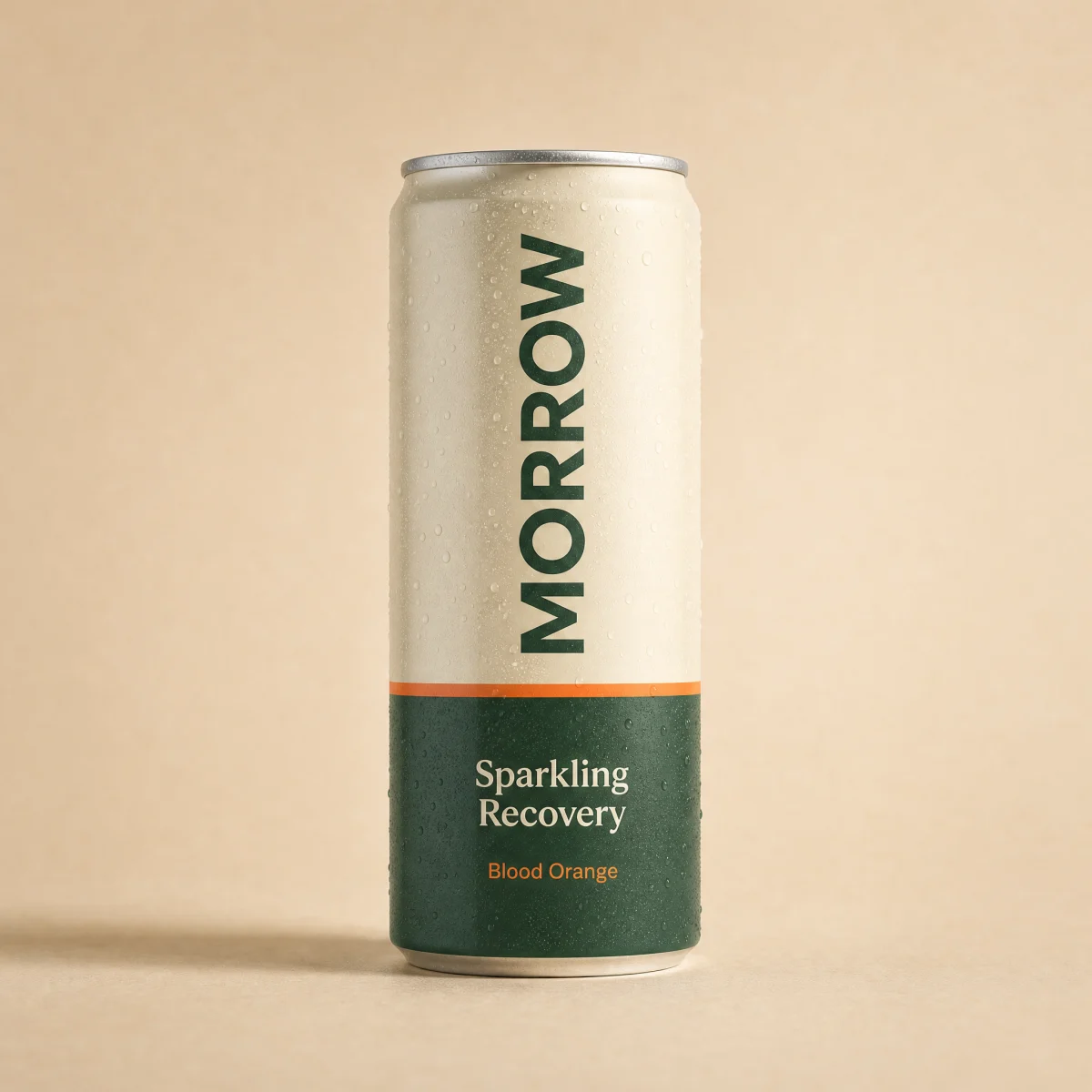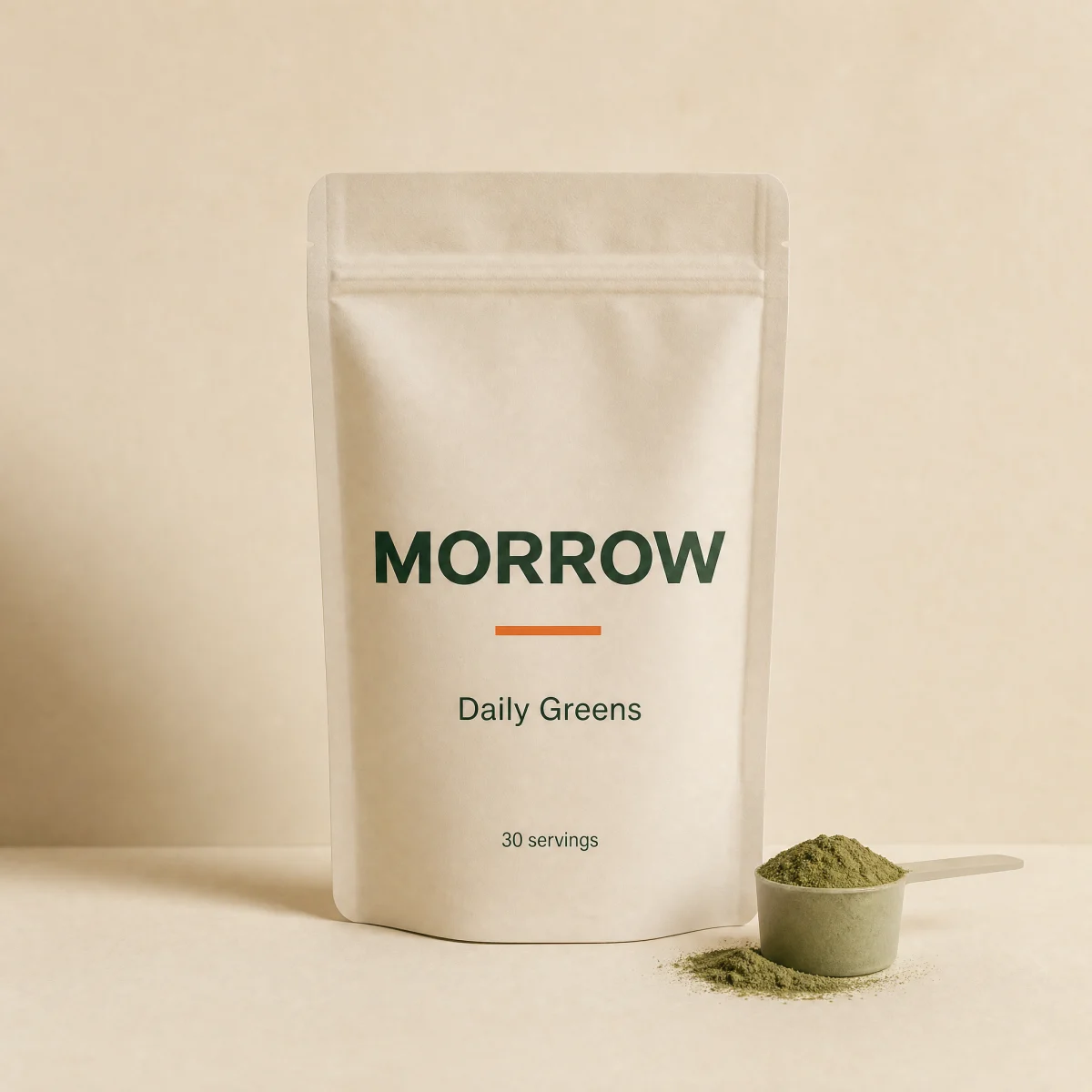
Sale
Scroll-snap product rail with prev and next buttons, a scroll progress bar and a View all link. No carousel library.
npx shadcn@latest add @storekit/collection-railLive and interactive. Switch the brand in the frame header to see the same source under another token file.
npx shadcn@latest add @storekit/collection-railpnpm dlx shadcn@latest add @storekit/collection-railyarn dlx shadcn@latest add @storekit/collection-railbunx --bun shadcn@latest add @storekit/collection-rail"use client"
import { useCallback, useEffect, useRef, useState } from "react"
import { ArrowRight, ChevronLeft, ChevronRight } from "lucide-react"
import { cn } from "@/components/storekit/lib/cn"
import { ProductCardMinimal, type MinimalProduct } from "@/components/storekit/product-card/product-card-minimal"
/* Horizontal product rail on native scroll-snap. Prev and next scroll by one
viewport of cards, a thin bar under the rail tracks scroll position, and a
View all link sits in the header. The last visible card is always cut so
the next one peeks in, which reads as scrollable in a static view. No
carousel library. */
export function CollectionRail({
title = "Best sellers",
eyebrow = "Shop",
viewAllHref = "#",
products = [],
onAdd,
className,
}: {
title?: string
eyebrow?: string
viewAllHref?: string
products?: (MinimalProduct & { id: string })[]
onAdd?: (product: MinimalProduct) => void | Promise<void>
className?: string
}) {
const track = useRef<HTMLUListElement>(null)
const [pos, setPos] = useState({ progress: 0, thumb: 1, atStart: true, atEnd: true })
const measure = useCallback(() => {
const el = track.current
if (!el) return
const max = el.scrollWidth - el.clientWidth
setPos({
progress: max > 0 ? el.scrollLeft / max : 0,
thumb: el.scrollWidth > 0 ? Math.min(1, el.clientWidth / el.scrollWidth) : 1,
atStart: el.scrollLeft <= 2,
atEnd: el.scrollLeft >= max - 2,
})
}, [])
useEffect(() => {
measure()
const el = track.current
if (!el) return
const ro = new ResizeObserver(measure)
ro.observe(el)
return () => ro.disconnect()
}, [measure, products.length])
const scroll = (dir: 1 | -1) => {
const el = track.current
if (!el) return
const reduce = window.matchMedia("(prefers-reduced-motion: reduce)").matches
el.scrollTo({ left: el.scrollLeft + dir * el.clientWidth * 0.9, behavior: reduce ? "auto" : "smooth" })
}
const navBtn =
"grid h-11 w-11 place-items-center rounded-full border border-sk-line text-sk-ink outline-none transition-[transform,opacity,background-color] duration-200 ease-sk-out hover:bg-sk-ink/[0.04] active:scale-[0.97] disabled:pointer-events-none disabled:opacity-30 focus-visible:ring-2 focus-visible:ring-sk-accent focus-visible:ring-offset-2 focus-visible:ring-offset-sk-paper"
return (
<div data-sk-section="collection" data-sk-variant="collection-rail" className={cn("flex flex-col gap-6", className)}>
<div className="flex items-end justify-between gap-4">
<div>
<p className="font-sk-mono text-[11px] uppercase tracking-[0.14em] text-sk-muted">{eyebrow}</p>
<h2 className="mt-2 text-balance font-sk-display text-2xl font-semibold leading-[1.1] tracking-[-0.02em] text-sk-ink sm:text-3xl">
{title}
</h2>
</div>
<div className="flex items-center gap-2">
<a
href={viewAllHref}
className="group mr-2 hidden min-h-11 items-center gap-1.5 rounded-sk-btn text-sm font-medium text-sk-ink outline-none focus-visible:ring-2 focus-visible:ring-sk-accent focus-visible:ring-offset-2 focus-visible:ring-offset-sk-paper sm:inline-flex"
>
View all
<ArrowRight size={16} aria-hidden className="transition-transform duration-200 ease-sk-out group-hover:translate-x-0.5" />
</a>
<button type="button" className={navBtn} onClick={() => scroll(-1)} disabled={pos.atStart} aria-label="Previous products">
<ChevronLeft size={18} aria-hidden />
</button>
<button type="button" className={navBtn} onClick={() => scroll(1)} disabled={pos.atEnd} aria-label="Next products">
<ChevronRight size={18} aria-hidden />
</button>
</div>
</div>
<ul
ref={track}
onScroll={measure}
tabIndex={0}
aria-label={title}
className="-mx-4 flex snap-x snap-mandatory scroll-px-4 gap-4 overflow-x-auto px-4 pb-1 outline-none [scrollbar-width:none] focus-visible:ring-2 focus-visible:ring-sk-accent sm:mx-0 sm:scroll-px-0 sm:px-0 [&::-webkit-scrollbar]:hidden"
>
{products.map((p) => (
<li key={p.id} className="w-[68%] shrink-0 snap-start sm:w-[calc((100%-3rem)/3.25)] lg:w-[calc((100%-4rem)/4.25)]">
<ProductCardMinimal product={p} onAdd={onAdd} />
</li>
))}
</ul>
<div className="flex items-center gap-4">
<div className="relative h-0.5 flex-1 overflow-hidden rounded-full bg-sk-line" aria-hidden>
<div
className="absolute inset-y-0 left-0 rounded-full bg-sk-ink transition-transform duration-150 ease-sk-out"
style={{ width: `${pos.thumb * 100}%`, transform: `translateX(${(pos.progress * (1 - pos.thumb) * 100) / pos.thumb}%)` }}
/>
</div>
<a
href={viewAllHref}
className="inline-flex min-h-11 items-center gap-1.5 text-sm font-medium text-sk-ink outline-none focus-visible:ring-2 focus-visible:ring-sk-accent sm:hidden"
>
View all
<ArrowRight size={16} aria-hidden />
</a>
</div>
</div>
)
}
Import from "@/components/storekit/collection/collection-rail" and pass your product data. The demo above exercises the full prop surface with sample values.
Morrow