How it works
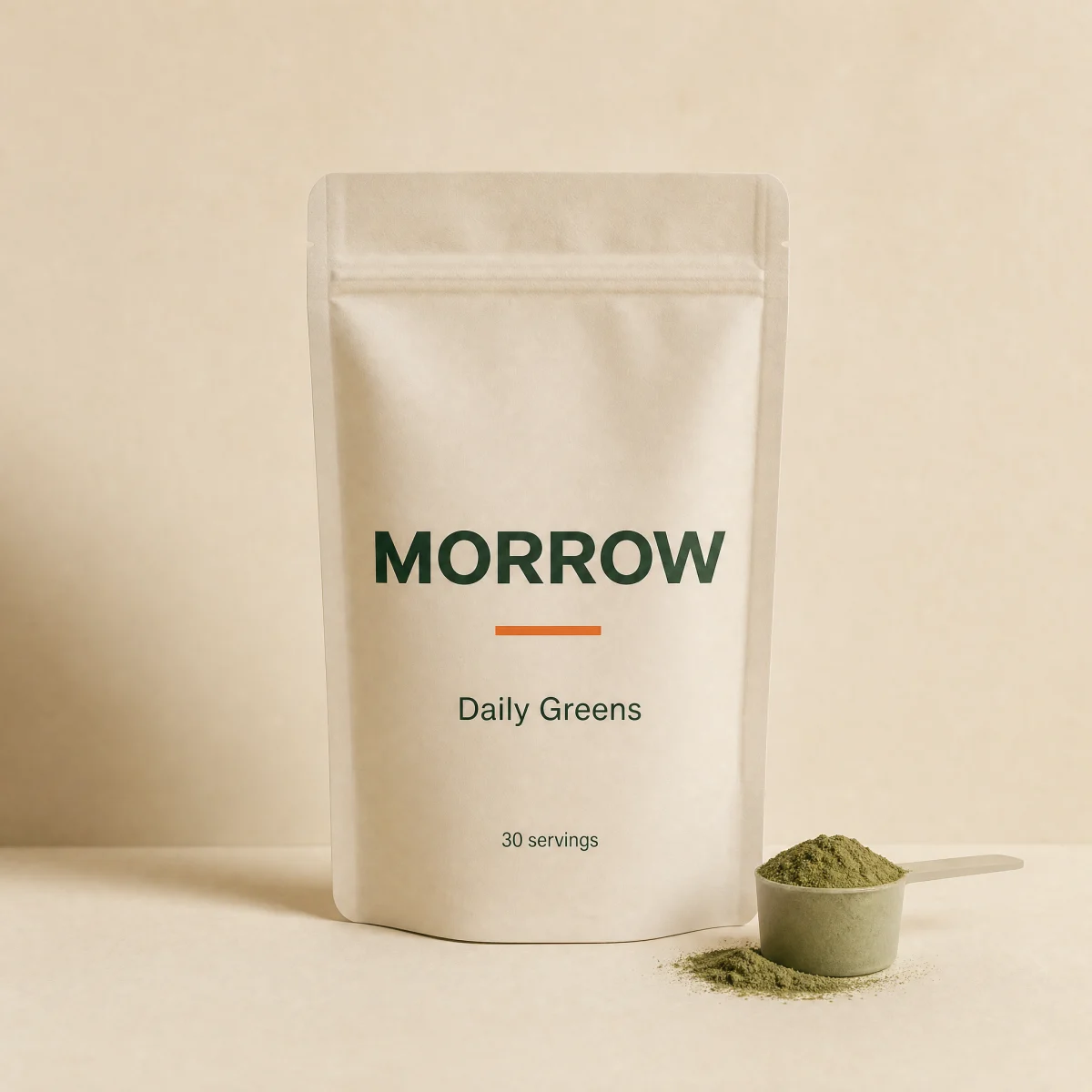
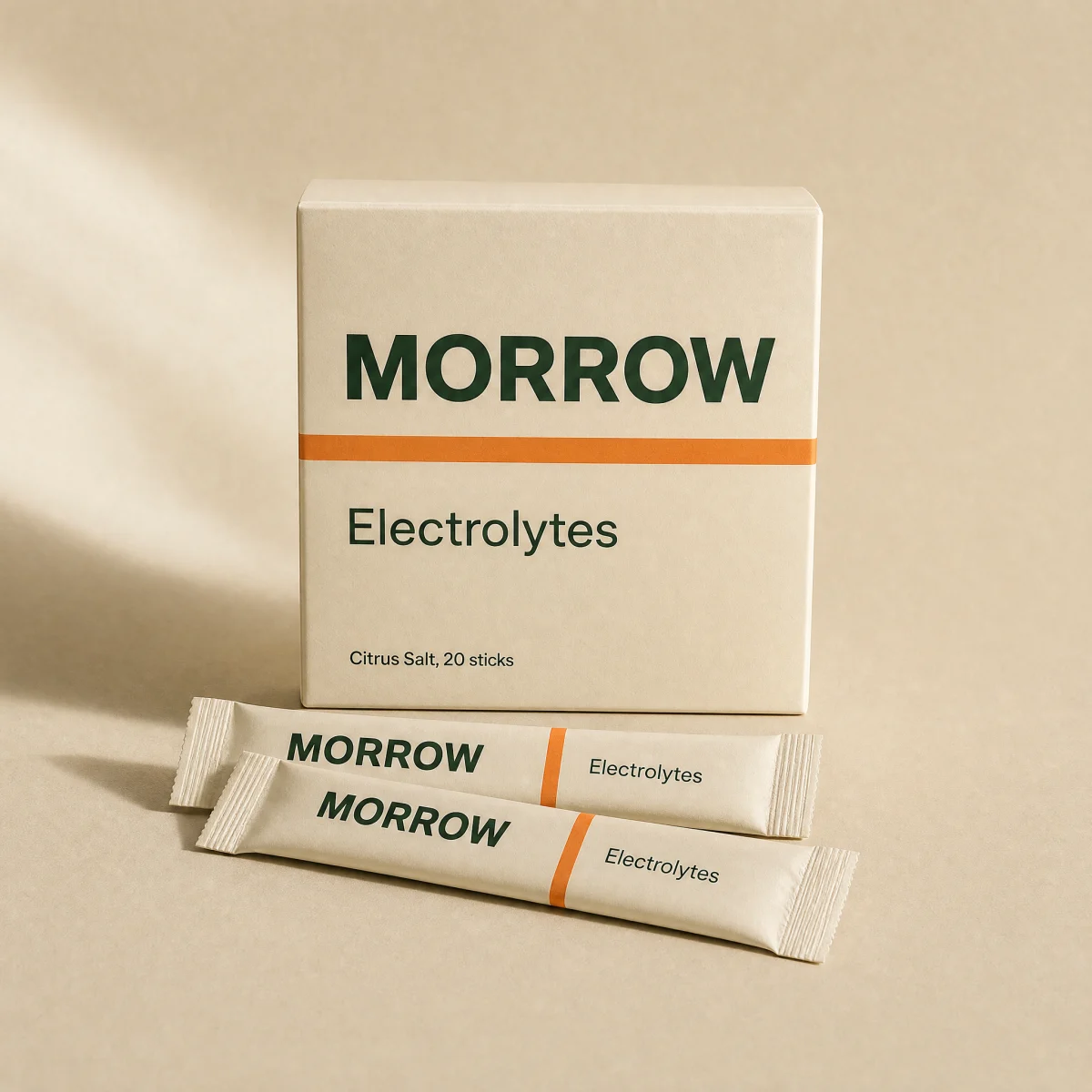
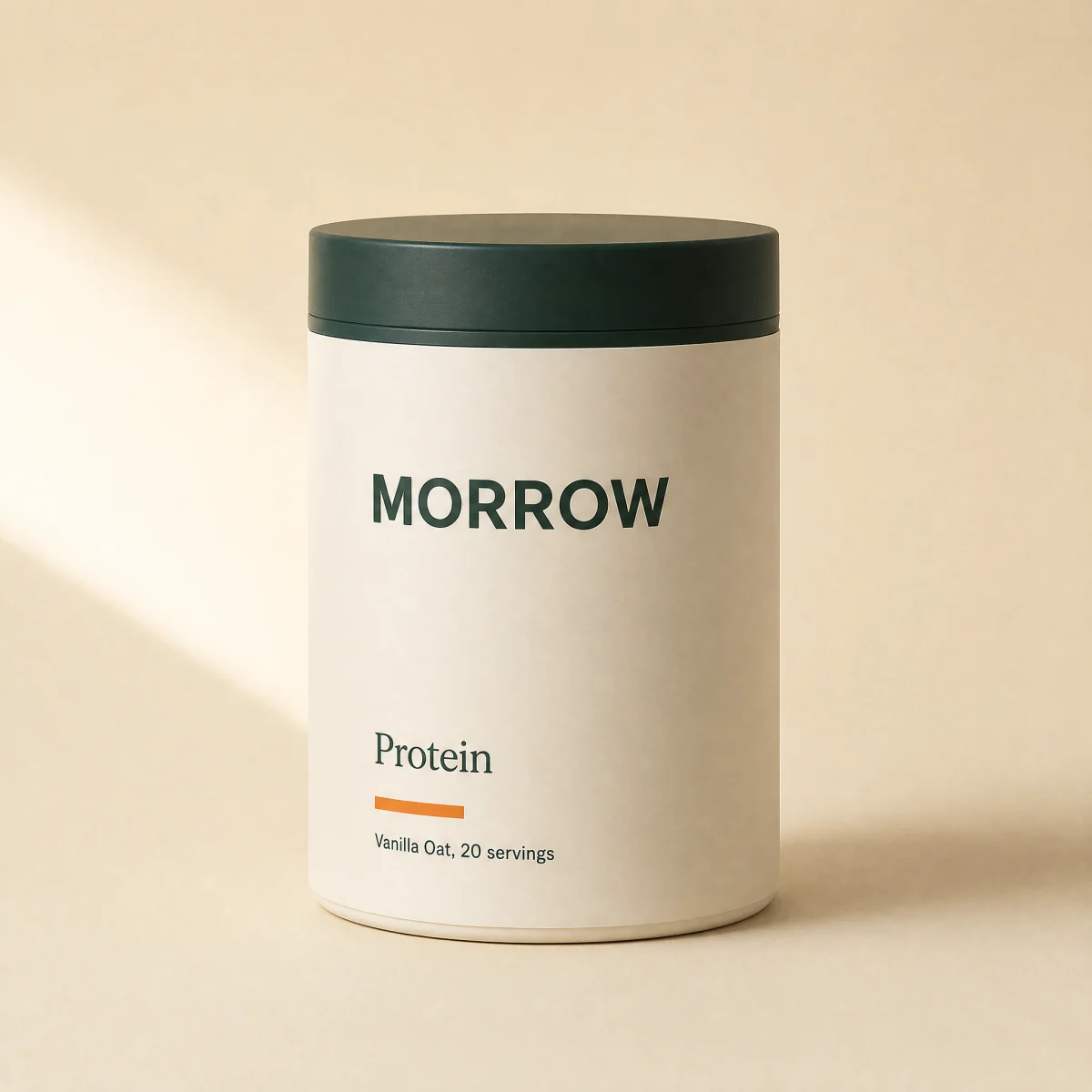
Three concrete steps on a spine that draws itself in view, each with a mono numeral and a tiny product photo.
blockspineanyeducation
$
npx shadcn@latest add @storekit/how-it-workshow-it-works
Live and interactive. Switch the brand in the frame header to see the same source under another token file.
Installation
$
npx shadcn@latest add @storekit/how-it-works$
pnpm dlx shadcn@latest add @storekit/how-it-works$
yarn dlx shadcn@latest add @storekit/how-it-works$
bunx --bun shadcn@latest add @storekit/how-it-worksSource
components/storekit/marketing/how-it-works.tsx
87 lines
"use client"

import { motion, useReducedMotion } from "motion/react"
import { cn } from "@/components/storekit/lib/cn"
import { ProductImage } from "@/components/storekit/ui/product-image"

/* Three steps strung on a spine that draws itself in view: vertical on
   mobile, horizontal on desktop. Each step pairs a mono numeral and a
   concrete sentence with a tiny product photo, so it reads as this store's
   process rather than a generic 1-2-3. */

type Step = { title: string; body: string; meta: string; image: string }

const SAMPLE: Step[] = [
  { title: "Pick", body: "Choose your essentials and how often they ship. Checkout takes under a minute.", meta: "2 min", image: "/brands/morrow/greens.webp" },
  { title: "Tested", body: "Every batch is third-party tested before it leaves our US facility.", meta: "Every batch", image: "/brands/morrow/electrolytes.webp" },
  { title: "Shipped", body: "Packed and handed to the carrier within 24 hours. Refills arrive on schedule.", meta: "24 hrs", image: "/brands/morrow/magnesium.webp" },
]

const EASE: [number, number, number, number] = [0.16, 1, 0.3, 1]

export function HowItWorks({
  eyebrow = "How it works",
  title = "From order to doorstep in three moves.",
  steps = SAMPLE,
  className,
}: {
  eyebrow?: string
  title?: string
  steps?: Step[]
  className?: string
}) {
  const reduce = useReducedMotion()
  // One in-view trigger drives the spine and the steps so they stay in sync.
  // The spine is a scaled div (transform only), not an SVG stroke, so it draws
  // as one solid line at any container size.
  const draw = { duration: reduce ? 0 : 0.9, ease: EASE }
  const spineY = { hidden: { scaleY: reduce ? 1 : 0 }, show: { scaleY: 1, transition: draw } }
  const spineX = { hidden: { scaleX: reduce ? 1 : 0 }, show: { scaleX: 1, transition: draw } }
  const step = {
    hidden: { opacity: 0, y: reduce ? 0 : 8 },
    show: { opacity: 1, y: 0, transition: { duration: 0.5, ease: EASE } },
  }
  return (
    <section data-sk-section="marketing" data-sk-variant="how-it-works" className={cn("w-full py-16 sm:py-24", className)}>
      <div className="mx-auto max-w-6xl px-4 sm:px-8">
        <p className="font-sk-mono text-[11px] uppercase tracking-[0.14em] text-sk-muted">{eyebrow}</p>
        <h2 className="mt-3 max-w-xl font-sk-display text-3xl font-semibold leading-[1.1] tracking-[-0.02em] sm:text-4xl">{title}</h2>

        <motion.ol
          className="relative mt-12 grid gap-10 pl-8 md:grid-cols-3 md:gap-8 md:pl-0 md:pt-10"
          initial="hidden"
          whileInView="show"
          viewport={{ once: true, amount: 0.2 }}
          variants={{ hidden: {}, show: { transition: { staggerChildren: reduce ? 0 : 0.06, delayChildren: reduce ? 0 : 0.15 } } }}
        >
          {/* Vertical spine (mobile) */}
          <span aria-hidden className="absolute bottom-2 left-[5px] top-2 w-0.5 bg-sk-line md:hidden">
            <motion.span variants={spineY} className="absolute inset-0 origin-top bg-sk-accent" />
          </span>
          {/* Horizontal spine (desktop) */}
          <span aria-hidden className="absolute left-0 right-0 top-[5px] hidden h-0.5 bg-sk-line md:block">
            <motion.span variants={spineX} className="absolute inset-0 origin-left bg-sk-accent" />
          </span>

          {steps.map((s, i) => (
            <motion.li key={s.title} className="relative" variants={step}>
              <span aria-hidden className="absolute -left-8 top-1 h-3 w-3 rounded-full border-2 border-sk-accent bg-sk-paper md:-top-10 md:left-0" />
              <div className="flex items-start gap-4">
                <ProductImage src={s.image} alt="" fit="cover" className="h-16 w-16 shrink-0 rounded-sk-card border border-sk-line" zoomOnHover={false} />
                <div className="min-w-0">
                  <p className="flex flex-wrap items-baseline gap-x-3 gap-y-1">
                    <span className="font-sk-mono text-[11px] tabular-nums tracking-[0.14em] text-sk-accent">{String(i + 1).padStart(2, "0")}</span>
                    <span className="text-[15px] font-semibold text-sk-ink">{s.title}</span>
                    <span className="font-sk-mono text-[11px] uppercase tracking-[0.14em] text-sk-muted">{s.meta}</span>
                  </p>
                  <p className="mt-1.5 max-w-xs text-sm leading-[1.5] text-sk-muted">{s.body}</p>
                </div>
              </div>
            </motion.li>
          ))}
        </motion.ol>
      </div>
    </section>
  )
}
Usage
Import from "@/components/storekit/marketing/how-it-works" and pass your product data. The demo above exercises the full prop surface with sample values.