CTA band
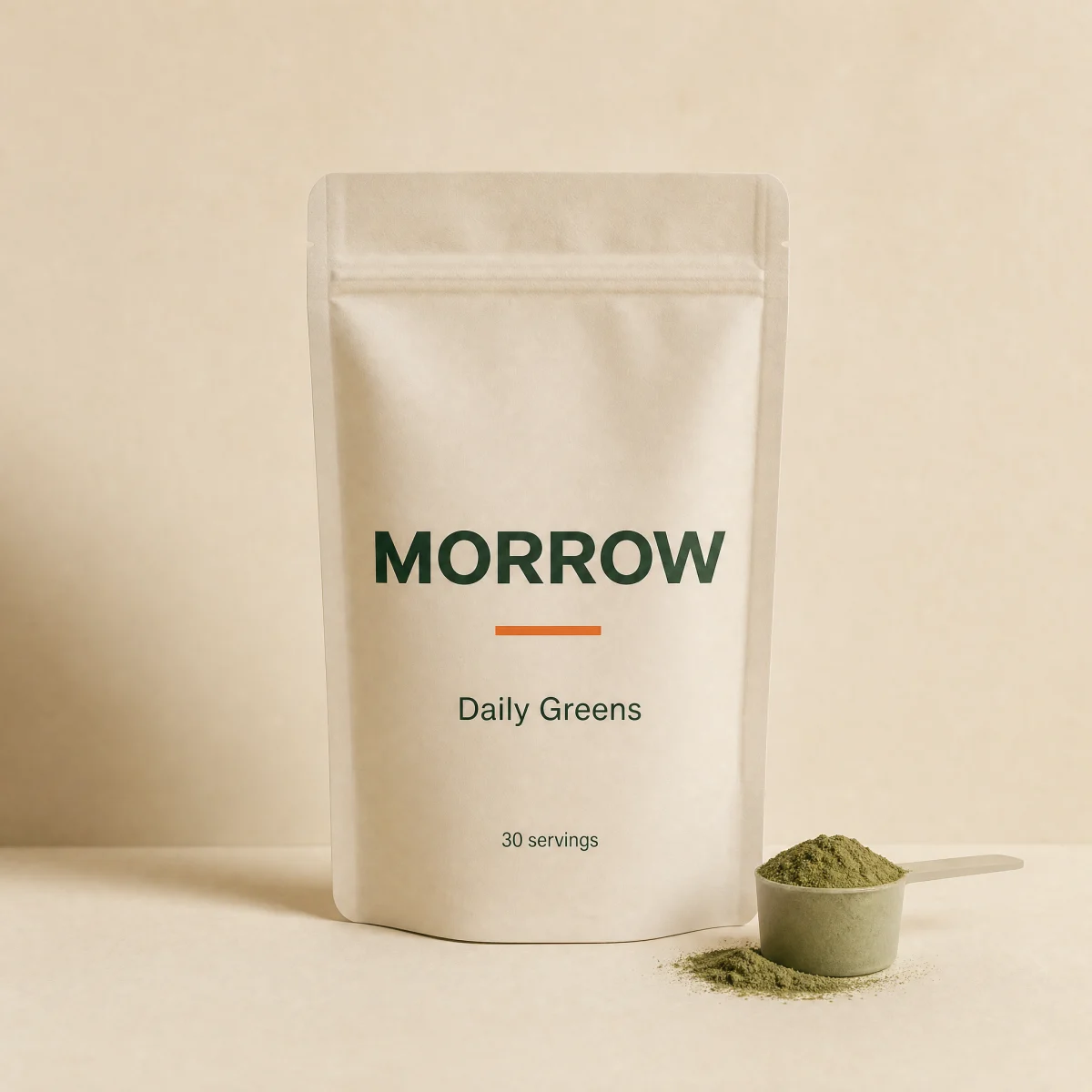
Full-bleed ink closing band with a display headline, inline email capture and a drifting product tile.
blockbandanyemail-capturecta
$
npx shadcn@latest add @storekit/cta-bandcta-band
Live and interactive. Switch the brand in the frame header to see the same source under another token file.
Installation
$
npx shadcn@latest add @storekit/cta-band$
pnpm dlx shadcn@latest add @storekit/cta-band$
yarn dlx shadcn@latest add @storekit/cta-band$
bunx --bun shadcn@latest add @storekit/cta-bandSource
components/storekit/marketing/cta-band.tsx
127 lines
"use client"

import * as React from "react"
import { AnimatePresence, motion, useReducedMotion } from "motion/react"
import { ArrowRight, Check } from "lucide-react"
import { cn } from "@/components/storekit/lib/cn"
import { Button } from "@/components/storekit/ui/button"
import { useSkBlock } from "@/components/storekit/lib/sk-analytics"

/* Closing band in inverted ink. One display headline, an inline email
   capture with a success state, and a tilted product photo tile at the right
   edge that rises in once when the band enters view. */

export function CtaBand({
  title = "New flavors, first access.",
  body = "One email when something new drops. Nothing else.",
  image = "/brands/morrow/greens.webp",
  imageAlt = "",
  cta = "Notify me",
  onSubmit,
  className,
}: {
  title?: string
  body?: string
  image?: string
  imageAlt?: string
  cta?: string
  onSubmit?: (email: string) => void | Promise<void>
  className?: string
}) {
  const reduce = useReducedMotion()
  const sk = useSkBlock("marketing", "cta-band")
  const [email, setEmail] = React.useState("")
  const [state, setState] = React.useState<"idle" | "loading" | "done" | "error">("idle")
  const inputId = React.useId()

  const submit = async (e: React.FormEvent) => {
    e.preventDefault()
    if (!/^[^\s@]+@[^\s@]+\.[^\s@]+$/.test(email.trim())) return setState("error")
    setState("loading")
    await Promise.all([onSubmit?.(email.trim()), new Promise((r) => setTimeout(r, 700))])
    setState("done")
    sk.emit("convert", "email_submit")
  }

  return (
    <section ref={sk.ref as React.Ref<HTMLElement>} {...sk.attrs} className={cn("relative w-full overflow-hidden bg-sk-ink text-sk-paper", className)}>
      <div className="relative mx-auto max-w-6xl px-4 py-16 sm:px-8 sm:py-24">
        <div className="max-w-xl sm:max-w-[62%] lg:max-w-xl">
          <h2 className="font-sk-display text-3xl font-semibold leading-[1.1] tracking-[-0.02em] sm:text-4xl">{title}</h2>
          <p className="mt-3 text-[15px] leading-[1.5] text-sk-paper/70">{body}</p>

          <div className="mt-8 min-h-[72px]">
            <AnimatePresence mode="wait" initial={false}>
              {state === "done" ? (
                <motion.p
                  key="done"
                  role="status"
                  initial={{ opacity: 0, y: reduce ? 0 : 8 }}
                  animate={{ opacity: 1, y: 0 }}
                  transition={{ duration: 0.4, ease: [0.16, 1, 0.3, 1] }}
                  className="flex h-12 items-center gap-3 text-[15px]"
                >
                  <span className="grid h-7 w-7 place-items-center rounded-full bg-sk-accent text-sk-accent-ink">
                    <Check size={14} strokeWidth={2.5} />
                  </span>
                  You are on the list. Watch for the next drop.
                </motion.p>
              ) : (
                <motion.form
                  key="form"
                  noValidate
                  onSubmit={submit}
                  exit={{ opacity: 0, y: reduce ? 0 : -8 }}
                  transition={{ duration: 0.2 }}
                  className="flex max-w-md flex-col gap-2 sm:flex-row"
                >
                  <label htmlFor={inputId} className="sr-only">Email</label>
                  <input
                    id={inputId}
                    type="email"
                    autoComplete="email"
                    placeholder="you@lab.edu"
                    value={email}
                    aria-invalid={state === "error" || undefined}
                    aria-describedby={state === "error" ? `${inputId}-err` : undefined}
                    onChange={(e) => {
                      setEmail(e.target.value)
                      if (state === "error") setState("idle")
                    }}
                    className={cn(
                      "h-12 w-full min-w-0 shrink-0 rounded-sk-btn border sm:w-auto sm:flex-1 sm:shrink bg-sk-paper/[0.06] px-4 text-sm text-sk-paper outline-none transition-[border-color,box-shadow] duration-200 placeholder:text-sk-paper/45",
                      "focus:border-sk-paper/60 focus:ring-[3px] focus:ring-sk-paper/15",
                      state === "error" ? "border-sk-sale" : "border-sk-paper/20"
                    )}
                  />
                  <Button type="submit" size="lg" loading={state === "loading"} className="focus-visible:ring-offset-sk-ink">
                    {cta}
                    <ArrowRight size={16} />
                  </Button>
                </motion.form>
              )}
            </AnimatePresence>
            {state === "error" ? (
              <p id={`${inputId}-err`} className="mt-2 text-xs text-sk-paper/80">Enter a valid email.</p>
            ) : null}
          </div>
        </div>
        <div
          aria-hidden={imageAlt ? undefined : true}
          className="pointer-events-none absolute -right-8 top-1/2 hidden w-[min(260px,30%)] -translate-y-1/2 sm:block lg:right-8"
        >
          <motion.img
            src={image}
            alt={imageAlt}
            className="aspect-square w-full rotate-[4deg] rounded-sk-card border border-sk-paper/10 object-cover"
            initial={reduce ? false : { opacity: 0, y: 8 }}
            whileInView={{ opacity: 1, y: 0 }}
            viewport={{ once: true, amount: 0.4 }}
            transition={{ duration: 0.6, ease: [0.16, 1, 0.3, 1] }}
          />
        </div>
      </div>
    </section>
  )
}
Usage
Import from "@/components/storekit/marketing/cta-band" and pass your product data. The demo above exercises the full prop surface with sample values.