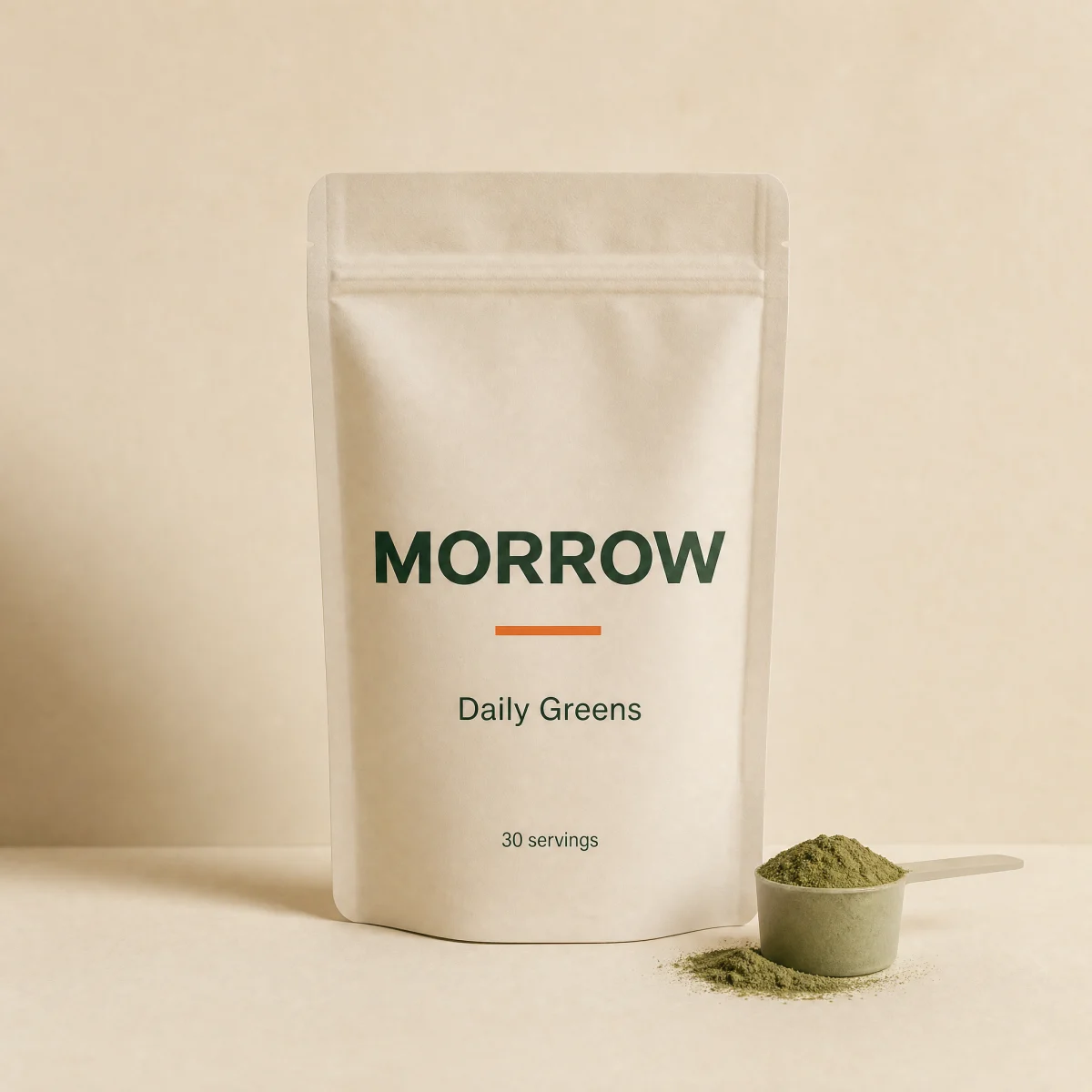
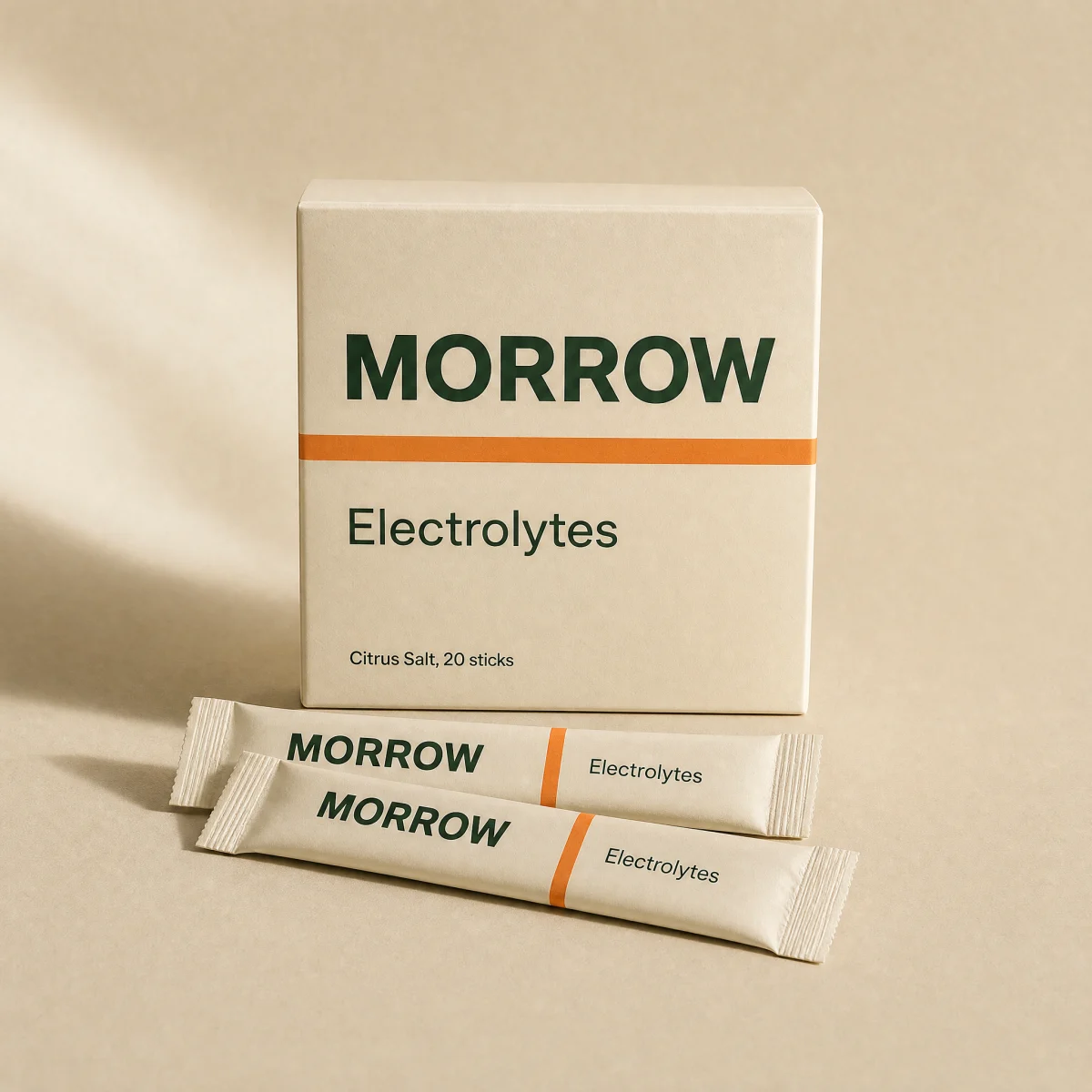
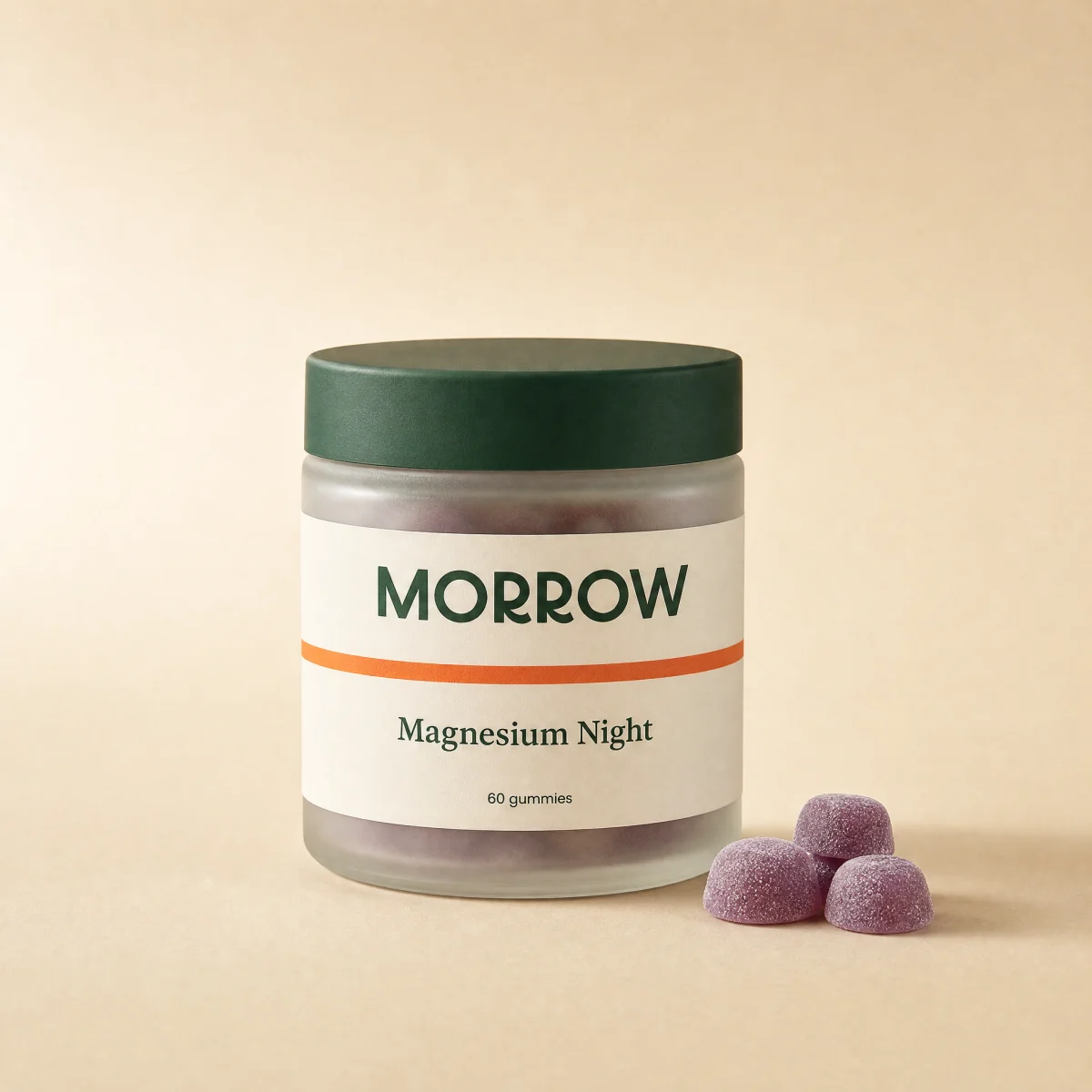
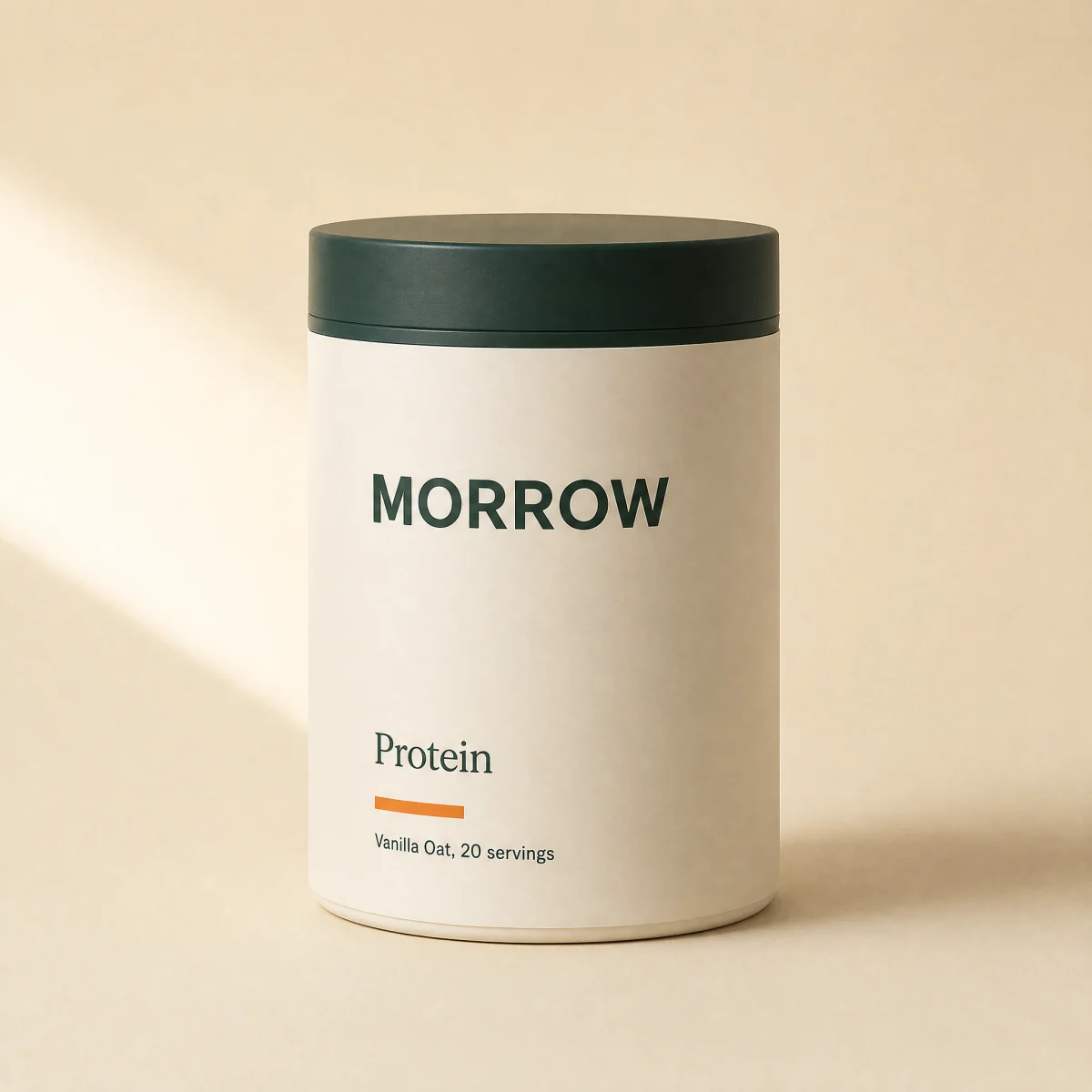
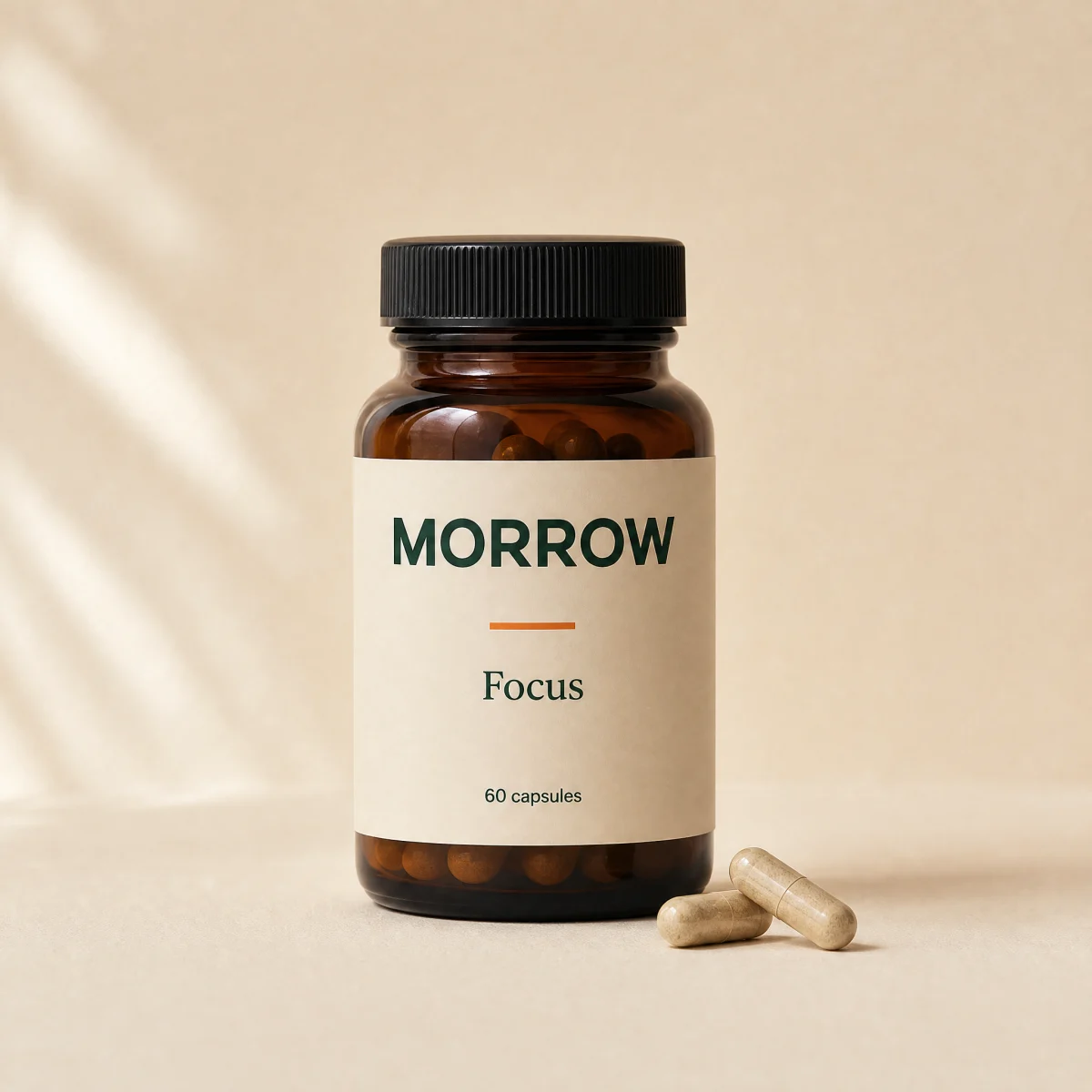
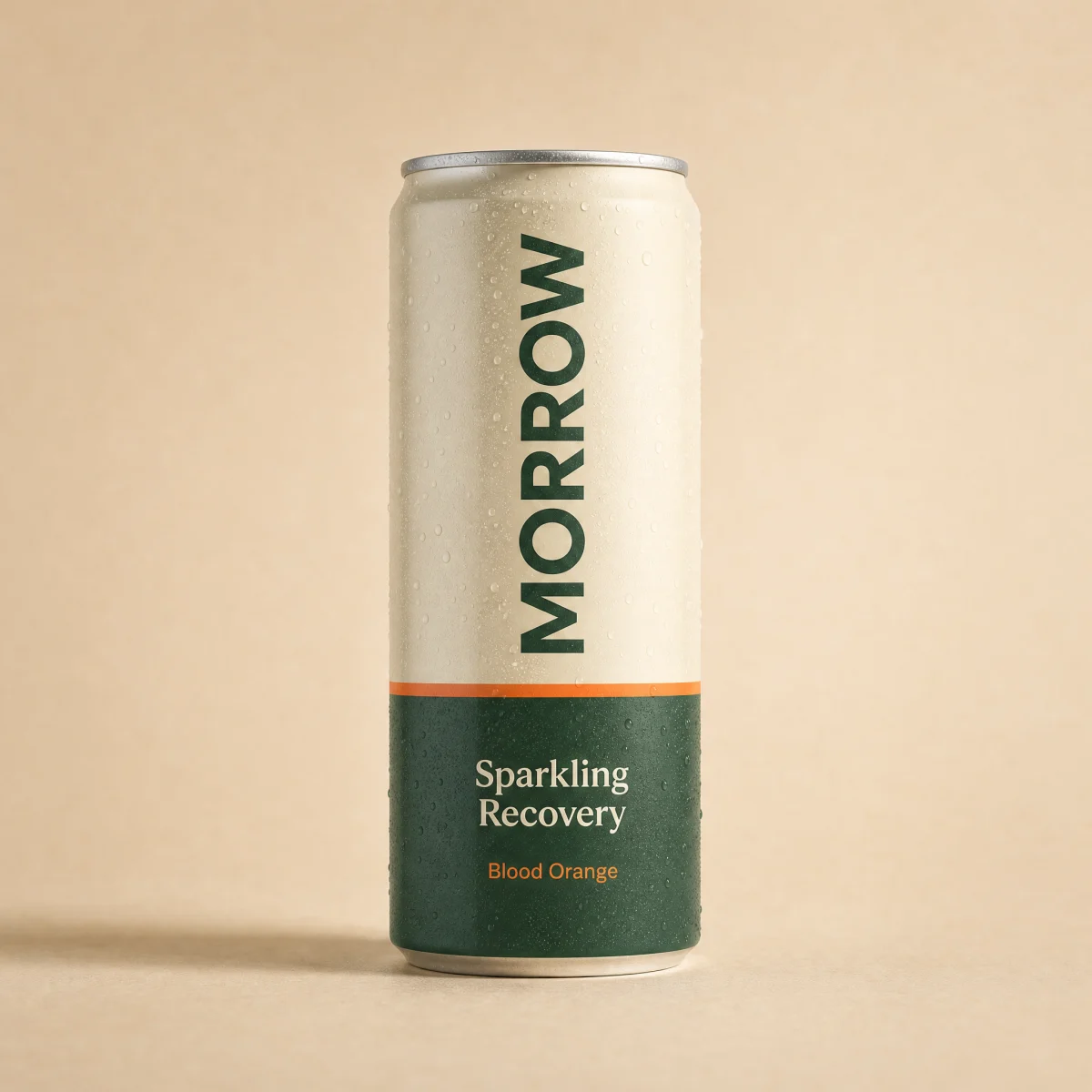
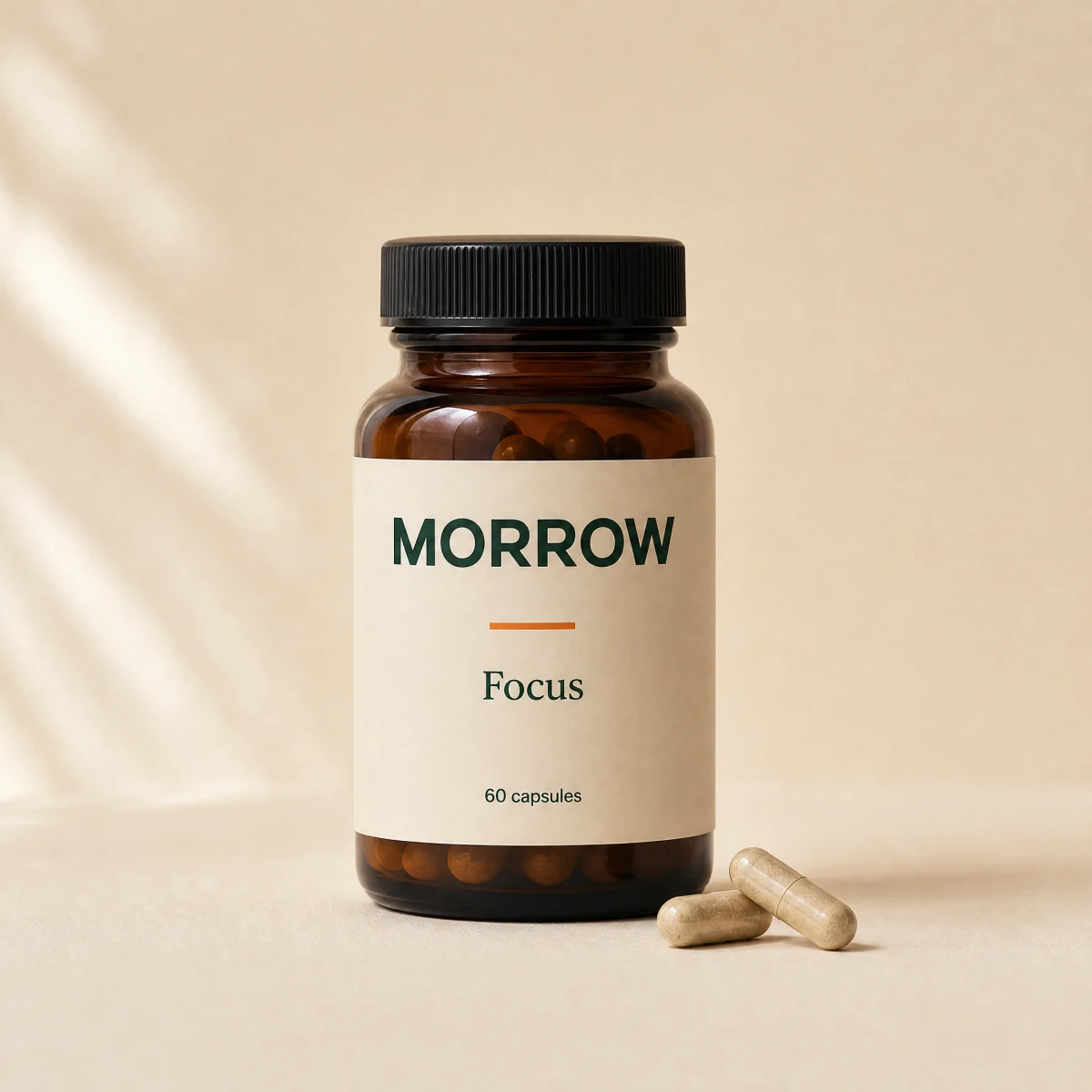
Upsell carousel
Horizontal snap carousel of add-on cards with one-tap add, arrow paging and end-aware arrows.
componentcarouselanyupsellatc
$
npx shadcn@latest add @storekit/cart-upsell-carouselcart-upsell-carousel
Live and interactive. Switch the brand in the frame header to see the same source under another token file.
Installation
$
npx shadcn@latest add @storekit/cart-upsell-carousel$
pnpm dlx shadcn@latest add @storekit/cart-upsell-carousel$
yarn dlx shadcn@latest add @storekit/cart-upsell-carousel$
bunx --bun shadcn@latest add @storekit/cart-upsell-carouselSource
components/storekit/cart/cart-upsell-carousel.tsx
134 lines
"use client"

import * as React from "react"
import { AnimatePresence, motion, useReducedMotion } from "motion/react"
import { Check, ChevronLeft, ChevronRight, Plus } from "lucide-react"
import { cn, money } from "@/components/storekit/lib/cn"
import { ProductImage } from "@/components/storekit/ui/product-image"
import { useSkBlock } from "@/components/storekit/lib/sk-analytics"

/* Horizontal add-on carousel for carts. Native scroll with snap so touch,
   trackpad and keyboard all work; arrow buttons page by one viewport and
   disable at the ends. Each card adds in one tap and confirms in place. */

export type CarouselAddon = { id: string; title: string; detail?: string; price: number; compareAt?: number; image: string }

const SAMPLE: CarouselAddon[] = [
  { id: "travel-pack", title: "Electrolytes Travel Pack", detail: "10 sticks", price: 1200, image: "/brands/morrow/electrolytes.webp" },
  { id: "electrolytes", title: "Electrolytes", detail: "30 sticks", price: 3200, image: "/brands/morrow/electrolytes.webp" },
  { id: "magnesium-night", title: "Magnesium Night", detail: "60 gummies", price: 2900, image: "/brands/morrow/magnesium.webp" },
  { id: "protein", title: "Protein", detail: "30 servings", price: 5400, compareAt: 6200, image: "/brands/morrow/protein.webp" },
  { id: "focus", title: "Focus", detail: "60 capsules", price: 3900, image: "/brands/morrow/focus.webp" },
  { id: "sparkling-recovery", title: "Sparkling Recovery", detail: "12 cans", price: 3600, image: "/brands/morrow/sparkling.webp" },
]

export function CartUpsellCarousel({
  title = "Add to your order",
  items = SAMPLE,
  onAdd,
  className,
}: {
  title?: string
  items?: CarouselAddon[]
  onAdd?: (item: CarouselAddon) => void
  className?: string
}) {
  const reduce = useReducedMotion()
  const sk = useSkBlock("cart", "cart-upsell-carousel")
  const scroller = React.useRef<HTMLDivElement>(null)
  const [edges, setEdges] = React.useState({ start: true, end: false })
  const [added, setAdded] = React.useState<Record<string, boolean>>({})
  const titleId = React.useId()

  const measure = React.useCallback(() => {
    const el = scroller.current
    if (!el) return
    setEdges({ start: el.scrollLeft <= 2, end: el.scrollLeft + el.clientWidth >= el.scrollWidth - 2 })
  }, [])

  React.useEffect(() => {
    measure()
    const el = scroller.current
    if (!el || typeof ResizeObserver === "undefined") return
    const ro = new ResizeObserver(measure)
    ro.observe(el)
    return () => ro.disconnect()
  }, [measure, items.length])

  const page = (dir: 1 | -1) => {
    const el = scroller.current
    if (!el) return
    el.scrollBy({ left: dir * el.clientWidth * 0.8, behavior: reduce ? "auto" : "smooth" })
  }

  const add = (it: CarouselAddon) => {
    setAdded((a) => ({ ...a, [it.id]: true }))
    sk.emit("convert", "upsell_add", it.price)
    onAdd?.(it)
  }

  const arrow = "grid h-10 w-10 place-items-center rounded-sk-btn border border-sk-line bg-sk-card text-sk-ink transition-[background-color,opacity,transform] duration-200 hover:bg-sk-ink/[0.05] disabled:opacity-35 disabled:hover:bg-sk-card focus-visible:outline-none focus-visible:ring-2 focus-visible:ring-sk-accent active:scale-[0.97]"

  return (
    <section ref={sk.ref as React.Ref<HTMLElement>} {...sk.attrs} aria-labelledby={titleId} className={cn("w-full min-w-0", className)}>
      <div className="flex items-center justify-between gap-3">
        <h3 id={titleId} className="font-sk-mono text-[11px] uppercase tracking-[0.14em] text-sk-muted">
          {title}
        </h3>
        <div className="flex gap-1.5">
          <button type="button" aria-label="Previous add-ons" className={arrow} disabled={edges.start} onClick={() => page(-1)}>
            <ChevronLeft size={16} />
          </button>
          <button type="button" aria-label="Next add-ons" className={arrow} disabled={edges.end} onClick={() => page(1)}>
            <ChevronRight size={16} />
          </button>
        </div>
      </div>
      <div
        ref={scroller}
        onScroll={measure}
        role="list"
        className="-mx-1 mt-3 flex snap-x snap-mandatory gap-3 overflow-x-auto scroll-px-1 px-1 pb-1 [scrollbar-width:none] [&::-webkit-scrollbar]:hidden"
      >
        {items.map((it) => {
          const on = added[it.id]
          return (
            <div key={it.id} role="listitem" className="flex w-[148px] shrink-0 snap-start flex-col rounded-sk-card border border-sk-line bg-sk-card p-2.5">
              <ProductImage src={it.image} alt={it.title} className="w-full rounded-sk-card" zoomOnHover={false} />
              <p className="mt-2 truncate text-[13px] font-medium text-sk-ink">{it.title}</p>
              {it.detail ? <p className="truncate text-xs text-sk-muted">{it.detail}</p> : null}
              <div className="mt-auto flex items-end justify-between gap-2 pt-2">
                <p className="text-[13px] tabular-nums">
                  <span className={cn("font-semibold", it.compareAt ? "text-sk-sale" : "text-sk-price")}>{money(it.price)}</span>
                  {it.compareAt ? <s className="ml-1 block text-xs text-sk-muted">{money(it.compareAt)}</s> : null}
                </p>
                <button
                  type="button"
                  aria-label={on ? `${it.title} added` : `Add ${it.title}`}
                  onClick={() => add(it)}
                  className={cn(
                    "relative grid h-10 w-10 shrink-0 place-items-center overflow-hidden rounded-sk-btn transition-[background-color,color,transform] duration-200 focus-visible:outline-none focus-visible:ring-2 focus-visible:ring-sk-accent focus-visible:ring-offset-2 focus-visible:ring-offset-sk-card active:scale-[0.97]",
                    on ? "bg-sk-savings/15 text-sk-savings" : "bg-sk-accent text-sk-accent-ink hover:brightness-[1.06]"
                  )}
                >
                  <AnimatePresence mode="popLayout" initial={false}>
                    <motion.span
                      key={on ? "on" : "off"}
                      initial={reduce ? { opacity: 0 } : { opacity: 0, scale: 0.6 }}
                      animate={{ opacity: 1, scale: 1 }}
                      exit={reduce ? { opacity: 0 } : { opacity: 0, scale: 0.6 }}
                      transition={{ duration: reduce ? 0 : 0.2 }}
                    >
                      {on ? <Check size={16} /> : <Plus size={16} />}
                    </motion.span>
                  </AnimatePresence>
                </button>
              </div>
            </div>
          )
        })}
      </div>
    </section>
  )
}
Usage
Import from "@/components/storekit/cart/cart-upsell-carousel" and pass your product data. The demo above exercises the full prop surface with sample values.