Buy more, save more
Line-level quantity break message with one-click add of the missing units; shows the applied discount once reached.
componenttiersanyquantitydiscountbulk
$
npx shadcn@latest add @storekit/cart-buy-morecart-buy-more
Live and interactive. Switch the brand in the frame header to see the same source under another token file.
Installation
$
npx shadcn@latest add @storekit/cart-buy-more$
pnpm dlx shadcn@latest add @storekit/cart-buy-more$
yarn dlx shadcn@latest add @storekit/cart-buy-more$
bunx --bun shadcn@latest add @storekit/cart-buy-moreSource
components/storekit/cart/cart-buy-more.tsx
116 lines
"use client"

import * as React from "react"
import { AnimatePresence, motion, useReducedMotion } from "motion/react"
import { Check, Plus, Tag } from "lucide-react"
import { cn, money } from "@/components/storekit/lib/cn"
import { ProductImage } from "@/components/storekit/ui/product-image"
import { Stepper } from "@/components/storekit/ui/stepper"
import { useSkBlock } from "@/components/storekit/lib/sk-analytics"

/* Buy more, save more at the line level. The line names the next quantity
   break and adds the missing units in one click. Once a break is reached the
   discount shows as applied and the message moves to the next break. */

export type QtyBreak = { qty: number; percentOff: number }

export type BuyMoreLine = { id: string; title: string; variant?: string; price: number; image: string; quantity: number }

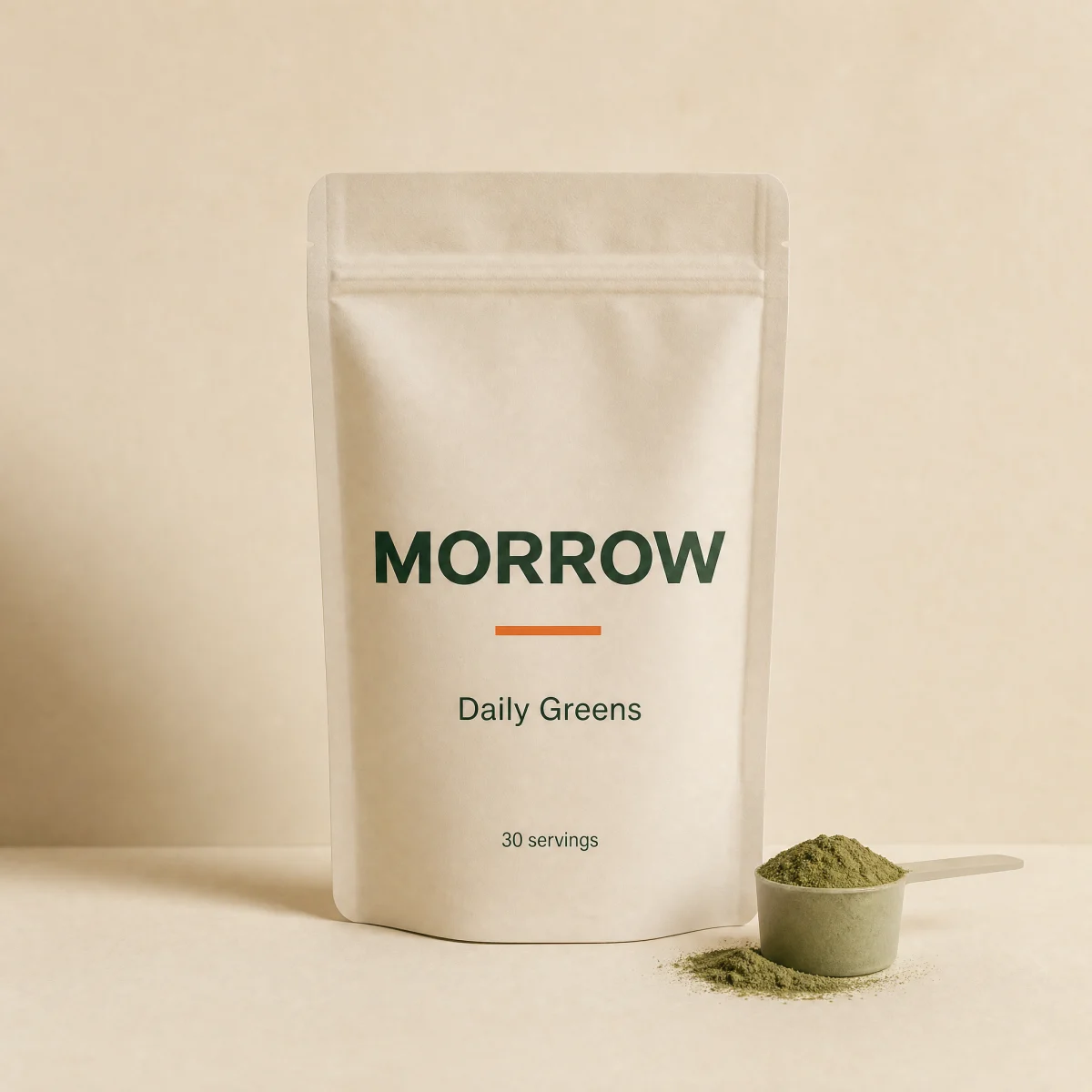
const SAMPLE: BuyMoreLine = { id: "daily-greens", title: "Daily Greens", variant: "30 servings", price: 4900, image: "/brands/morrow/greens.webp", quantity: 1 }
const BREAKS: QtyBreak[] = [
  { qty: 2, percentOff: 10 },
  { qty: 3, percentOff: 15 },
]

export function CartBuyMore({
  line = SAMPLE,
  breaks = BREAKS,
  max = 10,
  onQuantityChange,
  className,
}: {
  line?: BuyMoreLine
  breaks?: QtyBreak[]
  max?: number
  onQuantityChange?: (qty: number) => void
  className?: string
}) {
  const reduce = useReducedMotion()
  const sk = useSkBlock("cart", "cart-buy-more")
  const [qty, setQty] = React.useState(line.quantity)
  const sorted = React.useMemo(() => [...breaks].sort((a, b) => a.qty - b.qty), [breaks])
  const active = [...sorted].reverse().find((b) => qty >= b.qty)
  const next = sorted.find((b) => qty < b.qty)
  const pct = active?.percentOff ?? 0
  const full = line.price * qty
  const total = Math.round((full * (100 - pct)) / 100)

  const set = (q: number) => {
    setQty(q)
    onQuantityChange?.(q)
  }
  const addMissing = () => {
    if (!next) return
    const add = next.qty - qty
    set(next.qty)
    sk.emit("convert", "buy_more", line.price * add)
  }

  return (
    <div ref={sk.ref as React.Ref<HTMLDivElement>} {...sk.attrs} className={cn("w-full rounded-sk-card border border-sk-line bg-sk-card p-4", className)}>
      <div className="flex gap-3">
        <ProductImage src={line.image} alt={line.title} className="h-20 w-20 shrink-0 rounded-sk-card border border-sk-line" fit="cover" zoomOnHover={false} />
        <div className="flex min-w-0 flex-1 flex-col gap-2">
          <div className="flex items-start justify-between gap-3">
            <div className="min-w-0">
              <p className="truncate text-sm font-medium">{line.title}</p>
              {line.variant ? <p className="text-[13px] text-sk-muted">{line.variant}</p> : null}
            </div>
            <p className="shrink-0 text-right text-sm tabular-nums">
              <span className={cn("block font-semibold", pct ? "text-sk-savings" : "text-sk-price")}>{money(total)}</span>
              {pct ? <s className="block text-xs text-sk-muted">{money(full)}</s> : null}
            </p>
          </div>
          <Stepper value={qty} onChange={set} size="sm" max={max} className="self-start" />
        </div>
      </div>

      <div className="mt-3 grid grid-cols-1 gap-2" aria-live="polite">
        <AnimatePresence initial={false} mode="popLayout">
          {active ? (
            <motion.p
              key={`on-${active.qty}`}
              initial={reduce ? { opacity: 0 } : { opacity: 0, y: 6 }}
              animate={{ opacity: 1, y: 0 }}
              exit={{ opacity: 0 }}
              transition={{ duration: reduce ? 0 : 0.3, ease: [0.16, 1, 0.3, 1] }}
              className="flex items-center gap-2 text-[13px] font-medium text-sk-savings"
            >
              <Check size={14} />
              <span>
                <span className="tabular-nums">{active.percentOff}%</span> off applied, you save <span className="tabular-nums">{money(full - total)}</span>
              </span>
            </motion.p>
          ) : null}
        </AnimatePresence>
        {next && qty < max ? (
          <div className="flex items-center gap-3 rounded-sk-btn bg-sk-surface px-3 py-2">
            <Tag size={14} className="shrink-0 text-sk-muted" />
            <p className="min-w-0 flex-1 text-[13px] text-sk-ink">
              Add <span className="tabular-nums">{next.qty - qty}</span> more for <span className="font-semibold tabular-nums">{next.percentOff}%</span> off this item
            </p>
            <button
              type="button"
              onClick={addMissing}
              className="sk-btn inline-flex h-10 shrink-0 items-center gap-1 rounded-sk-btn bg-sk-accent px-3 text-[13px] font-medium text-sk-accent-ink transition-[filter,transform] duration-200 hover:brightness-[1.06] focus-visible:outline-none focus-visible:ring-2 focus-visible:ring-sk-accent focus-visible:ring-offset-2 focus-visible:ring-offset-sk-card active:scale-[0.97]"
            >
              <Plus size={14} />
              Add <span className="tabular-nums">{next.qty - qty}</span>
            </button>
          </div>
        ) : null}
      </div>
    </div>
  )
}
Usage
Import from "@/components/storekit/cart/cart-buy-more" and pass your product data. The demo above exercises the full prop surface with sample values.