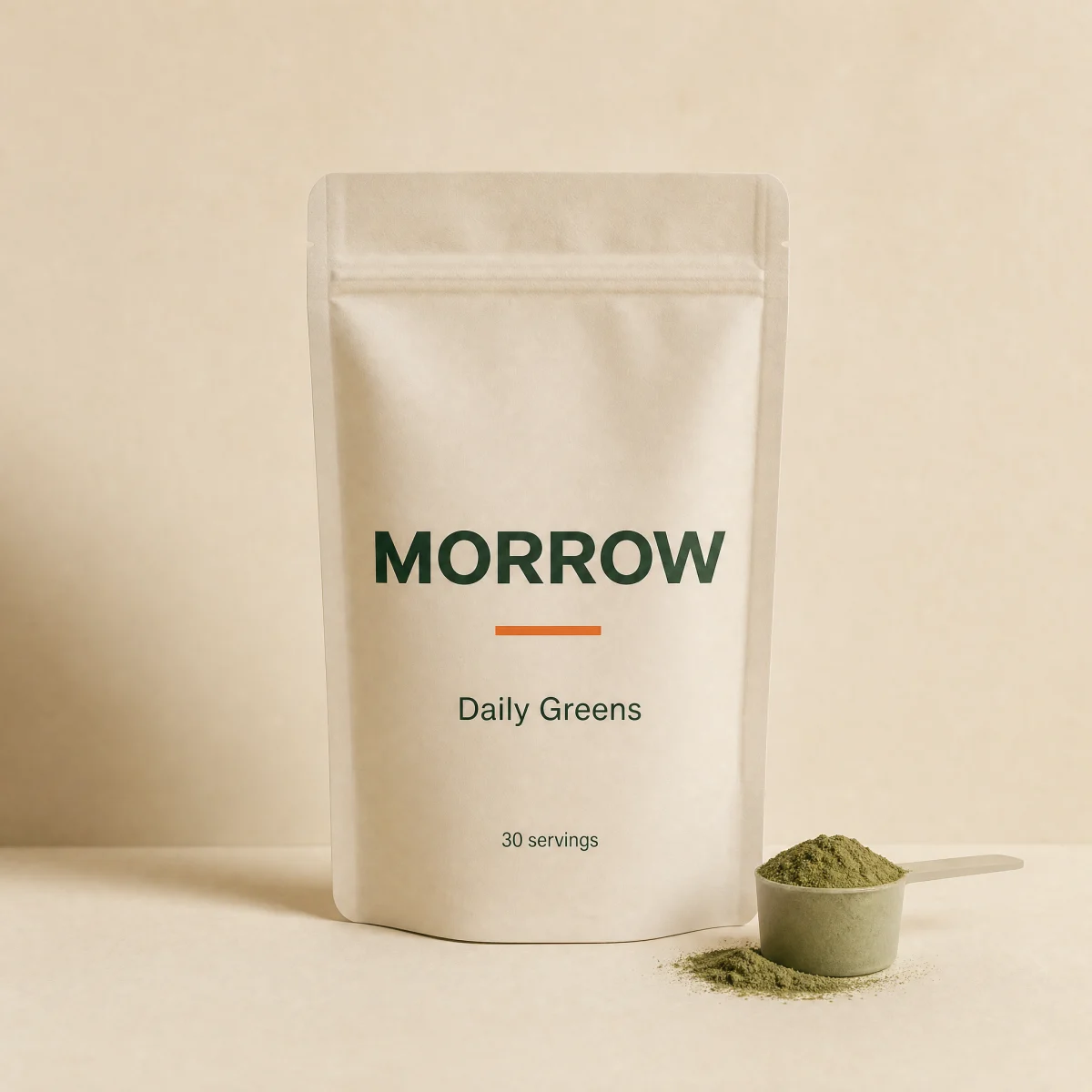
Quantity unlock meter
A stepper drives a threshold meter and one line says what the next unit unlocks.
blockquantity-unlocksupplementsbeverageanyquantityatc
$
npx shadcn@latest add @storekit/upsell-quantity-unlockupsell-quantity-unlock
Live and interactive. Switch the brand in the frame header to see the same source under another token file.
Installation
$
npx shadcn@latest add @storekit/upsell-quantity-unlock$
pnpm dlx shadcn@latest add @storekit/upsell-quantity-unlock$
yarn dlx shadcn@latest add @storekit/upsell-quantity-unlock$
bunx --bun shadcn@latest add @storekit/upsell-quantity-unlockSource
components/storekit/upsell/upsell-quantity-unlock.tsx
164 lines
"use client"

import { useEffect, useRef, useState } from "react"
import { AnimatePresence, motion, useReducedMotion } from "motion/react"
import { Check } from "lucide-react"
import { cn, money } from "@/components/storekit/lib/cn"
import { Button } from "@/components/storekit/ui/button"
import { Stepper } from "@/components/storekit/ui/stepper"
import { useSkBlock } from "@/components/storekit/lib/sk-analytics"

/* Progressive quantity unlock. A stepper drives a meter with a marker at
   each discount threshold, and one line says exactly what the next unit
   does: "Add 1 more to get 15% off". Prices are integer cents. */

const EASE = [0.23, 1, 0.32, 1] as const

type Tier = { qty: number; discount: number }

const DEFAULT_TIERS: Tier[] = [
  { qty: 2, discount: 0.1 },
  { qty: 3, discount: 0.15 },
  { qty: 5, discount: 0.2 },
]

export function UpsellQuantityUnlock({
  unitPrice = 5900,
  tiers = DEFAULT_TIERS,
  max = 20,
  defaultQty = 1,
  onAddToCart,
  className,
}: {
  unitPrice?: number
  /** Ascending by qty. A tier applies to every unit once qty reaches it. */
  tiers?: Tier[]
  max?: number
  defaultQty?: number
  onAddToCart?: (v: { quantity: number; discount: number; total: number }) => void
  className?: string
}) {
  const reduce = useReducedMotion()
  const sk = useSkBlock("upsell", "upsell-quantity-unlock")
  const [qty, setQty] = useState(defaultQty)
  const [status, setStatus] = useState<"idle" | "loading" | "added">("idle")
  const timers = useRef<number[]>([])
  useEffect(() => () => timers.current.forEach((t) => window.clearTimeout(t)), [])

  const sorted = [...tiers].sort((a, b) => a.qty - b.qty)
  const active = [...sorted].reverse().find((t) => qty >= t.qty)
  const next = sorted.find((t) => qty < t.qty)
  const discount = active?.discount ?? 0
  const each = Math.round(unitPrice * (1 - discount))
  const total = each * qty
  const full = unitPrice * qty
  const top = sorted[sorted.length - 1]?.qty ?? 1
  const span = Math.max(1, top - 1)
  const pos = (q: number) => Math.min(1, Math.max(0, (q - 1) / span))

  const change = (n: number) => {
    sk.emit("interact", "quantity", n)
    setQty(n)
  }

  const add = () => {
    if (status !== "idle") return
    setStatus("loading")
    sk.emit("convert", "add_to_cart", total)
    timers.current.push(
      window.setTimeout(() => {
        setStatus("added")
        onAddToCart?.({ quantity: qty, discount, total })
        timers.current.push(window.setTimeout(() => setStatus("idle"), 1200))
      }, 700)
    )
  }

  const message = next
    ? `Add ${next.qty - qty} more to get ${Math.round(next.discount * 100)}% off every unit`
    : `${Math.round(discount * 100)}% off every unit, the best rate`

  return (
    <div {...sk.attrs} ref={sk.ref as React.RefObject<HTMLDivElement>} className={cn("flex w-full flex-col gap-5 rounded-sk-card border border-sk-line bg-sk-card p-5 sm:p-6", className)}>
      <div className="flex flex-col gap-3">
        <div className="relative grid min-h-5 overflow-hidden" aria-live="polite">
          <AnimatePresence mode="popLayout" initial={false}>
            <motion.p
              key={message}
              initial={{ opacity: 0, y: reduce ? 0 : 8 }}
              animate={{ opacity: 1, y: 0 }}
              exit={{ opacity: 0, y: reduce ? 0 : -8 }}
              transition={{ duration: reduce ? 0 : 0.3, ease: EASE }}
              className={cn("col-start-1 row-start-1 text-sm font-medium tabular-nums [text-wrap:pretty]", next ? "text-sk-ink" : "text-sk-savings")}
            >
              {message}
            </motion.p>
          </AnimatePresence>
        </div>

        <div className="relative mx-5 pb-9 pt-1">
          <div className="relative h-2 rounded-full bg-sk-surface">
            <motion.div
              initial={false}
              animate={{ scaleX: pos(qty) }}
              transition={{ duration: reduce ? 0 : 0.45, ease: EASE }}
              className="absolute inset-0 origin-left rounded-full bg-sk-accent"
            />
          </div>
          {sorted.map((t) => {
            const reached = qty >= t.qty
            return (
              <div key={t.qty} className="absolute top-0 flex -translate-x-1/2 flex-col items-center gap-1.5" style={{ left: `${pos(t.qty) * 100}%` }}>
                <span
                  className={cn(
                    "mt-[2px] h-3 w-3 rounded-full border-2 transition-colors duration-300",
                    reached ? "border-sk-accent bg-sk-accent" : "border-sk-line bg-sk-card"
                  )}
                />
                <span className={cn("flex flex-col items-center whitespace-nowrap text-[11px] font-medium leading-tight tabular-nums transition-colors duration-300", reached ? "text-sk-ink" : "text-sk-muted")}>
                  <span>{t.qty}+</span>
                  <span className={reached ? "text-sk-savings" : undefined}>-{Math.round(t.discount * 100)}%</span>
                </span>
              </div>
            )
          })}
        </div>
      </div>

      <div className="flex items-center justify-between gap-4">
        <Stepper value={qty} onChange={change} max={max} />
        <div className="flex flex-col items-end tabular-nums">
          <span className="flex items-baseline gap-2">
            {discount > 0 ? <s className="text-sm text-sk-muted">{money(full)}</s> : null}
            <span className="text-xl font-semibold text-sk-price">{money(total)}</span>
          </span>
          <span className="text-[13px] text-sk-muted">{money(each)} each</span>
        </div>
      </div>

      <Button size="lg" className="w-full active:scale-[0.97]" loading={status === "loading"} onClick={add}>
        <AnimatePresence mode="wait" initial={false}>
          <motion.span
            key={status === "added" ? "added" : "add"}
            initial={{ opacity: 0, y: reduce ? 0 : 6 }}
            animate={{ opacity: 1, y: 0 }}
            exit={{ opacity: 0, y: reduce ? 0 : -6 }}
            transition={{ duration: reduce ? 0 : 0.2, ease: EASE }}
            className="inline-flex items-center gap-2 tabular-nums"
          >
            {status === "added" ? (
              <>
                <Check size={16} strokeWidth={2.5} /> Added to cart
              </>
            ) : (
              <>
                Add {qty} to cart · {money(total)}
              </>
            )}
          </motion.span>
        </AnimatePresence>
      </Button>
    </div>
  )
}
Usage
Import from "@/components/storekit/upsell/upsell-quantity-unlock" and pass your product data. The demo above exercises the full prop surface with sample values.