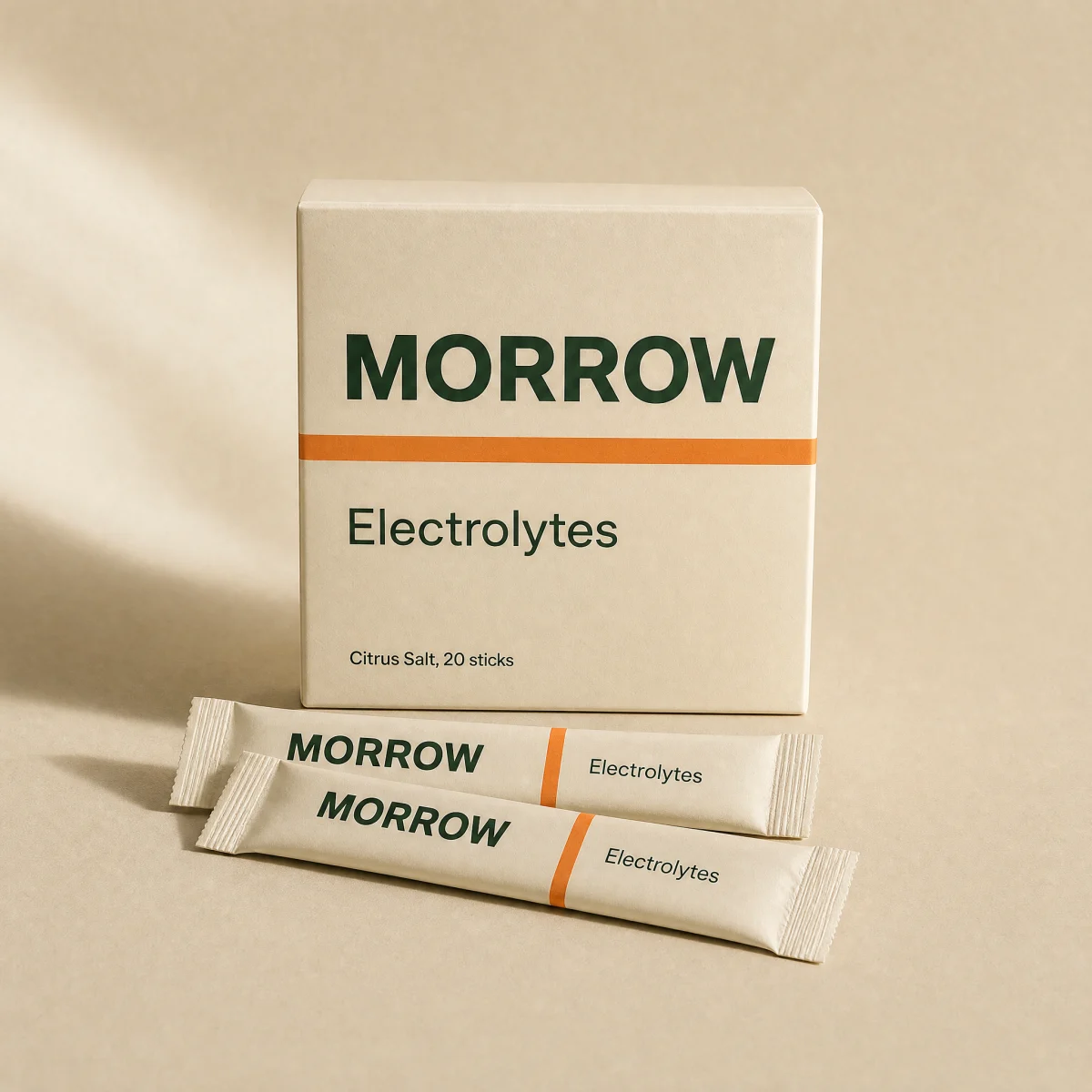
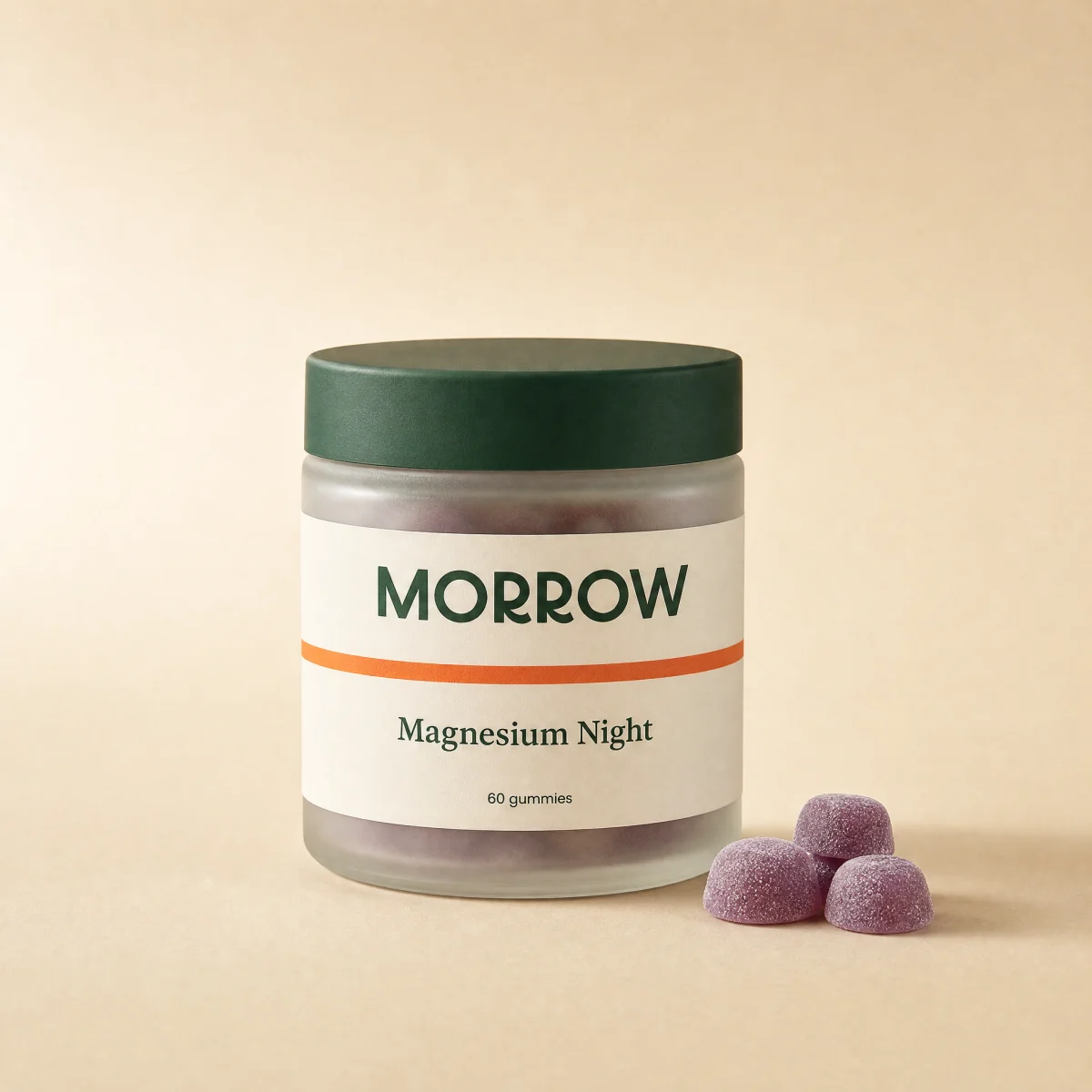
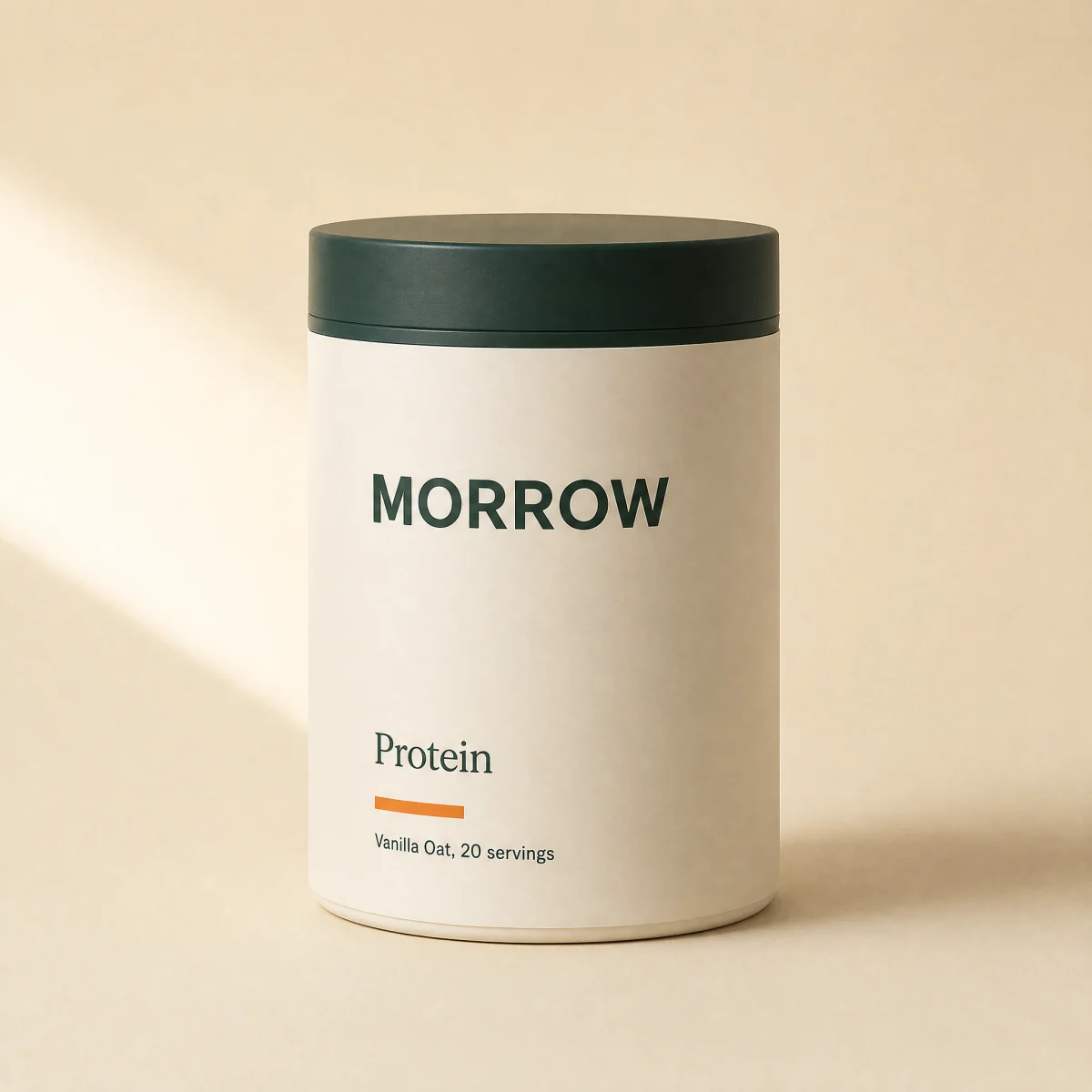
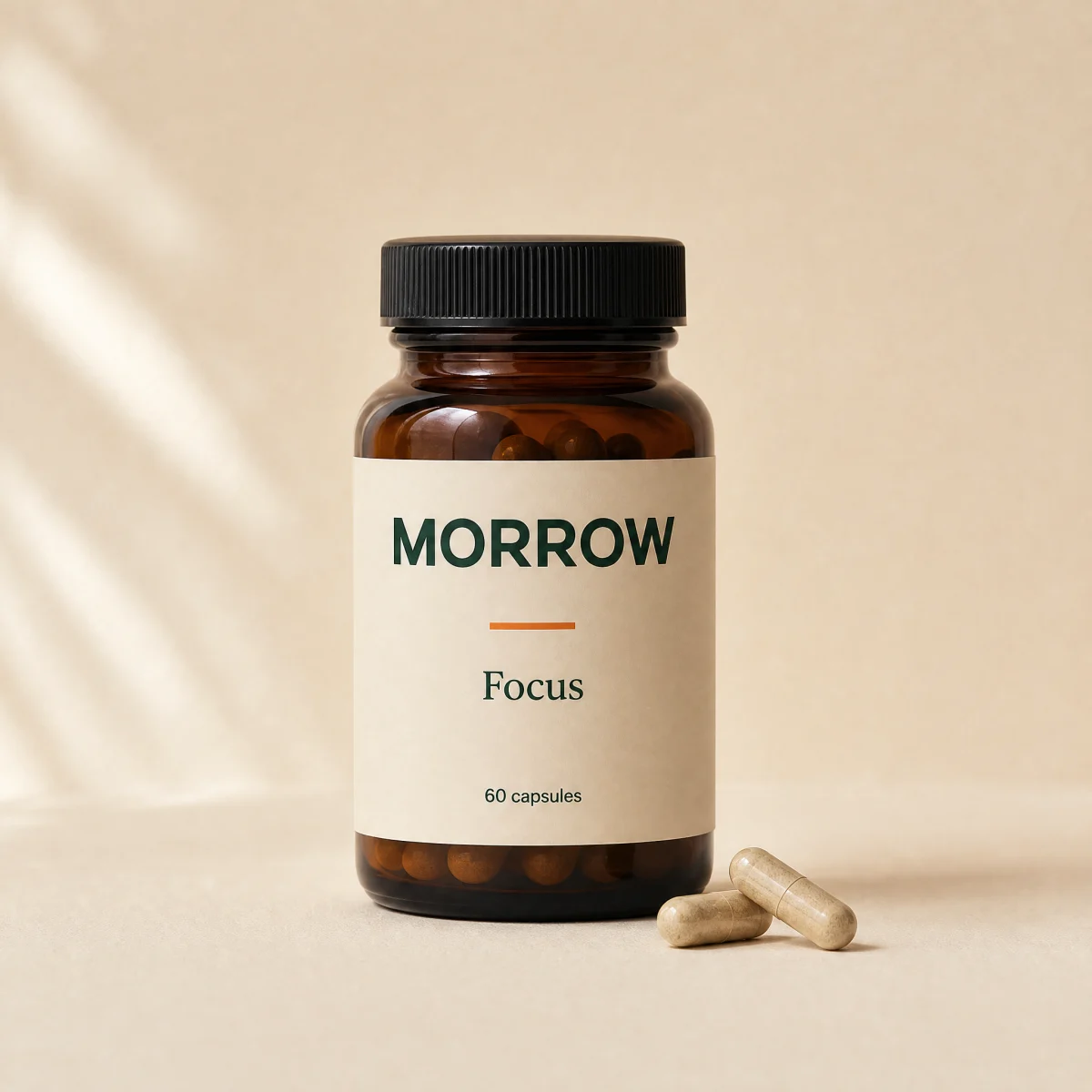
Cross-sell rail
Pairs well with: a compact snapping rail of mini cards with quick add buttons.
componentrailanyatc
$
npx shadcn@latest add @storekit/upsell-cross-sell-railupsell-cross-sell-rail
Live and interactive. Switch the brand in the frame header to see the same source under another token file.
Installation
$
npx shadcn@latest add @storekit/upsell-cross-sell-rail$
pnpm dlx shadcn@latest add @storekit/upsell-cross-sell-rail$
yarn dlx shadcn@latest add @storekit/upsell-cross-sell-rail$
bunx --bun shadcn@latest add @storekit/upsell-cross-sell-railSource
components/storekit/upsell/upsell-cross-sell-rail.tsx
100 lines
"use client"

import { useEffect, useRef, useState } from "react"
import { AnimatePresence, motion, useReducedMotion } from "motion/react"
import { Check, Plus } from "lucide-react"
import { cn, money } from "@/components/storekit/lib/cn"
import { useSkBlock } from "@/components/storekit/lib/sk-analytics"

/* "Pairs well with" rail. Compact cards on a snapping horizontal track, each
   with a quick add icon button that confirms with a check. */

type RailItem = { id: string; title: string; price: number; image: string }

const EASE = [0.23, 1, 0.32, 1] as const
const RING = "outline-none focus-visible:ring-2 focus-visible:ring-sk-accent focus-visible:ring-offset-2 focus-visible:ring-offset-sk-paper"

const DEFAULT_ITEMS: RailItem[] = [
  { id: "electrolytes", title: "Electrolytes", price: 3200, image: "/brands/morrow/electrolytes.webp" },
  { id: "magnesium-night", title: "Magnesium Night", price: 2900, image: "/brands/morrow/magnesium.webp" },
  { id: "focus", title: "Focus", price: 3900, image: "/brands/morrow/focus.webp" },
  { id: "sparkling-recovery", title: "Sparkling Recovery", price: 3600, image: "/brands/morrow/sparkling.webp" },
]

function AddButton({ title, onAdd }: { title: string; onAdd?: () => void }) {
  const reduce = useReducedMotion()
  const [added, setAdded] = useState(false)
  const timer = useRef<number | undefined>(undefined)
  useEffect(() => () => window.clearTimeout(timer.current), [])
  return (
    <button
      type="button"
      aria-label={added ? `${title} added` : `Add ${title} to cart`}
      onClick={() => {
        if (added) return
        setAdded(true)
        onAdd?.()
        timer.current = window.setTimeout(() => setAdded(false), 1200)
      }}
      className={cn(
        "relative grid h-11 w-11 shrink-0 place-items-center overflow-hidden rounded-sk-btn border transition-[background-color,border-color,color,transform] duration-200 active:scale-[0.97]",
        added ? "border-sk-accent bg-sk-accent text-sk-accent-ink" : "border-sk-line text-sk-ink hover:bg-sk-ink/[0.04]",
        RING
      )}
    >
      <AnimatePresence mode="popLayout" initial={false}>
        <motion.span
          key={added ? "y" : "n"}
          initial={{ opacity: 0, scale: reduce ? 1 : 0.6 }}
          animate={{ opacity: 1, scale: 1 }}
          exit={{ opacity: 0, scale: reduce ? 1 : 0.6 }}
          transition={{ duration: reduce ? 0 : 0.2, ease: EASE }}
        >
          {added ? <Check size={16} strokeWidth={2.5} /> : <Plus size={16} />}
        </motion.span>
      </AnimatePresence>
    </button>
  )
}

export function UpsellCrossSellRail({
  items = DEFAULT_ITEMS,
  title = "Pairs well with",
  onAdd,
  className,
}: {
  items?: RailItem[]
  title?: string
  onAdd?: (id: string) => void
  className?: string
}) {
  const sk = useSkBlock("upsell", "upsell-cross-sell-rail")
  return (
    <section {...sk.attrs} ref={sk.ref as React.RefObject<HTMLElement>} className={cn("w-full", className)} aria-label={title}>
      <h3 className="mb-3 font-sk-mono text-[11px] uppercase tracking-[0.14em] text-sk-muted">{title}</h3>
      <ul className="-mx-1 flex snap-x snap-mandatory gap-3 overflow-x-auto scroll-px-1 px-1 pb-2 [scrollbar-width:thin]">
        {items.map((item) => (
          <li key={item.id} className="w-[240px] shrink-0 snap-start">
            <div className="flex h-full items-center gap-3 rounded-sk-card border border-sk-line bg-sk-card p-2.5">
              <span className="relative h-14 w-14 shrink-0 overflow-hidden rounded-sk-btn bg-sk-surface">
                <img src={item.image} alt="" loading="lazy" className="absolute inset-0 h-full w-full object-cover" />
              </span>
              <span className="flex min-w-0 flex-1 flex-col">
                <span className="line-clamp-2 hyphens-auto break-words text-[13px] font-medium leading-[1.3] text-sk-ink">{item.title}</span>
                <span className="text-[13px] font-semibold tabular-nums text-sk-price">{money(item.price)}</span>
              </span>
              <AddButton
                title={item.title}
                onAdd={() => {
                  sk.emit("convert", "add_to_cart", item.price)
                  onAdd?.(item.id)
                }}
              />
            </div>
          </li>
        ))}
      </ul>
    </section>
  )
}
Usage
Import from "@/components/storekit/upsell/upsell-cross-sell-rail" and pass your product data. The demo above exercises the full prop surface with sample values.